

Before you start
If you want to give clients the ability to create their own affiliate links, go to your Affiliates page and confirm two settings.- Log in to your account.
- Click Settings on the main dashboard.
- Click the Affiliates tile under the e-commerce heading.
- Scroll down to the General Settings heading.
You can create product-specific URLs. Say, for example, you write a review about coffee grinders. You could include a specific link to a coffee bean grinder page on your site. That product-specific link can also track all affiliate-available purchases on your site beyond the grinder.
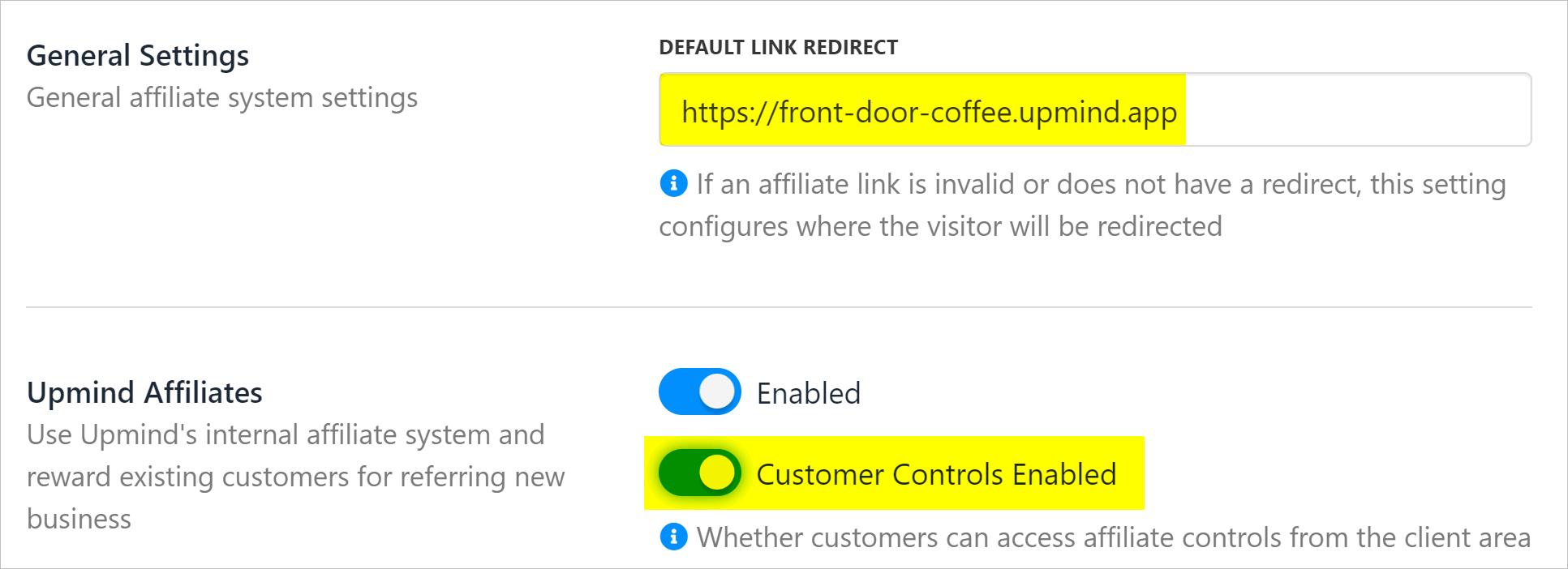
Enable customer controls
Opening the affiliate page
To create an affiliate link, your client should:- Log in to their store account.
- Click the My account menu tab.
- Click Affiliate program on the left menu under the Profile heading.
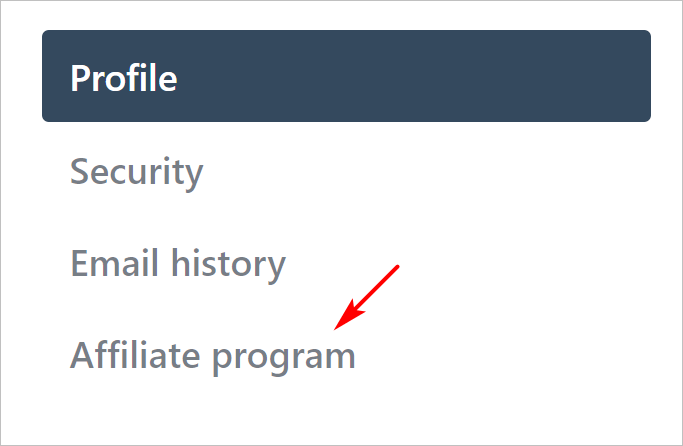
Open affiliate page
Creating a link
To create an affiliate link, your client should:- Go to the Links section on the page.
- Click the Create new link button.
- Paste your Redirect URL.
- Enter a unique name.
- Click Save.
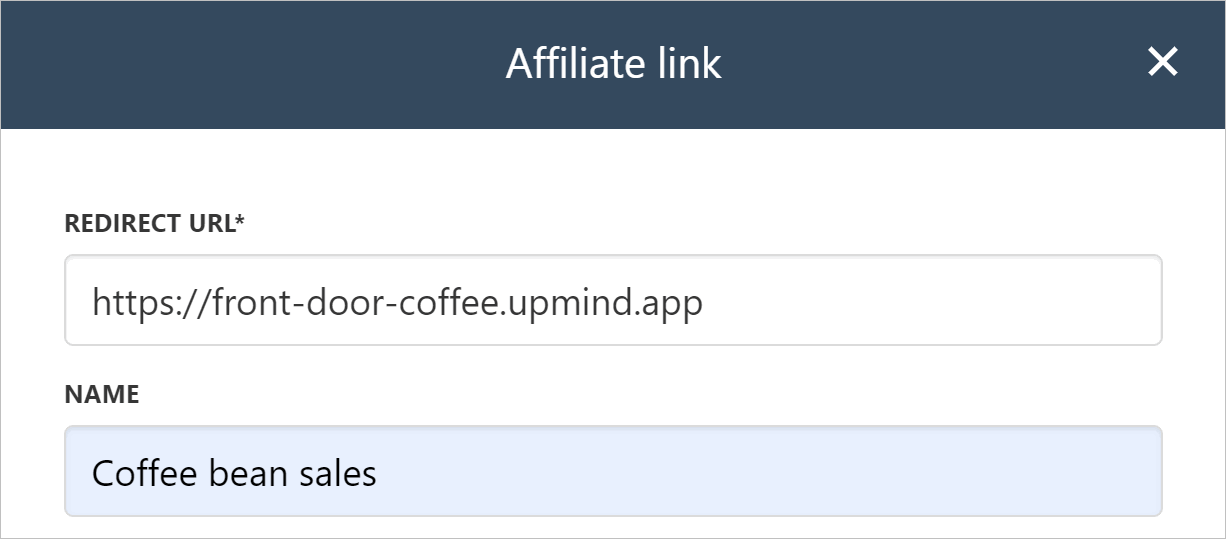
Create an affiliate link
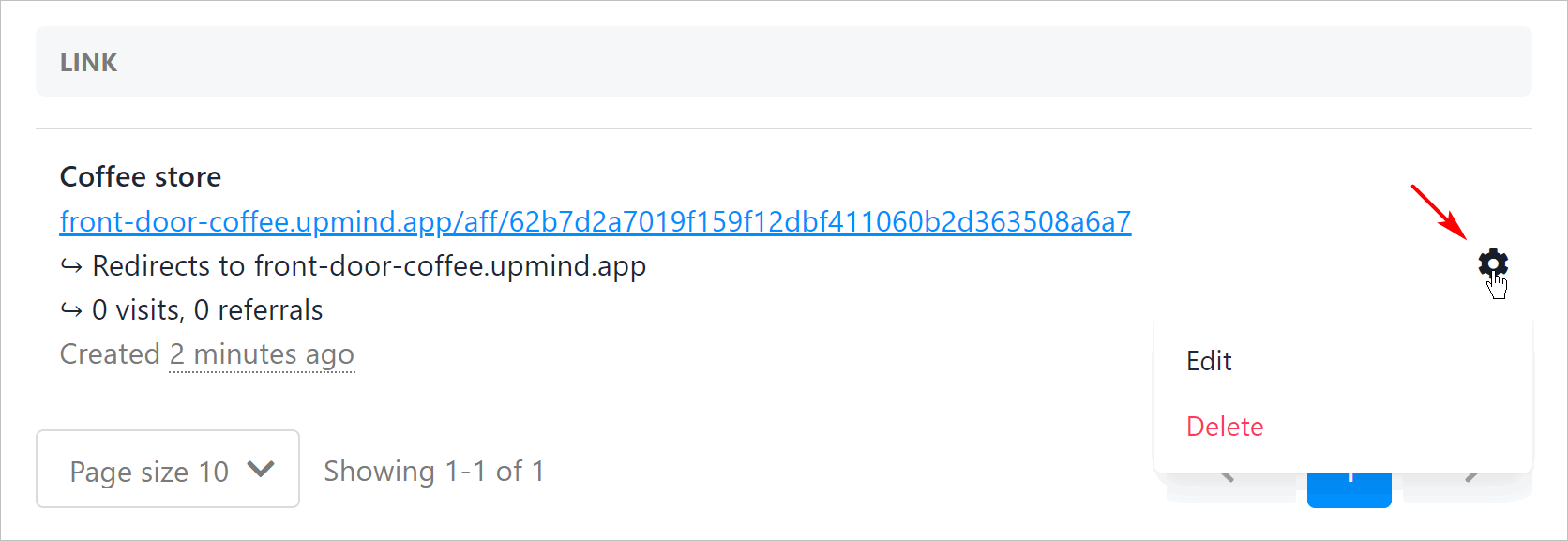
New affiliate link
Tracking program results
Your clients can track their affiliate data. On the Affiliate program page, click the Overview link on the left menu. The page shows an overview of key indicators, like visits and available balance. Scroll down the page to see a list of referrals.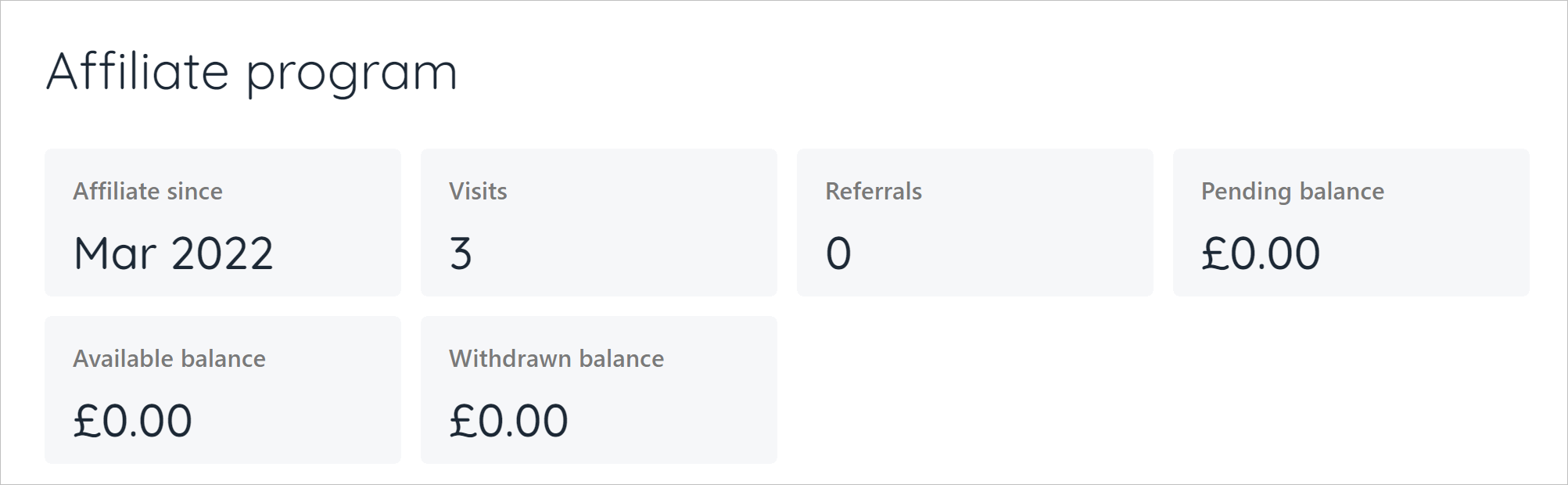
Reword Affiliate Program
You can now change the wording of the affiliate program in the client area. This will apply to the menu item link, page title, and any descriptions on the page.- Go to Settings > Brand Settings under Branding and Customisation.
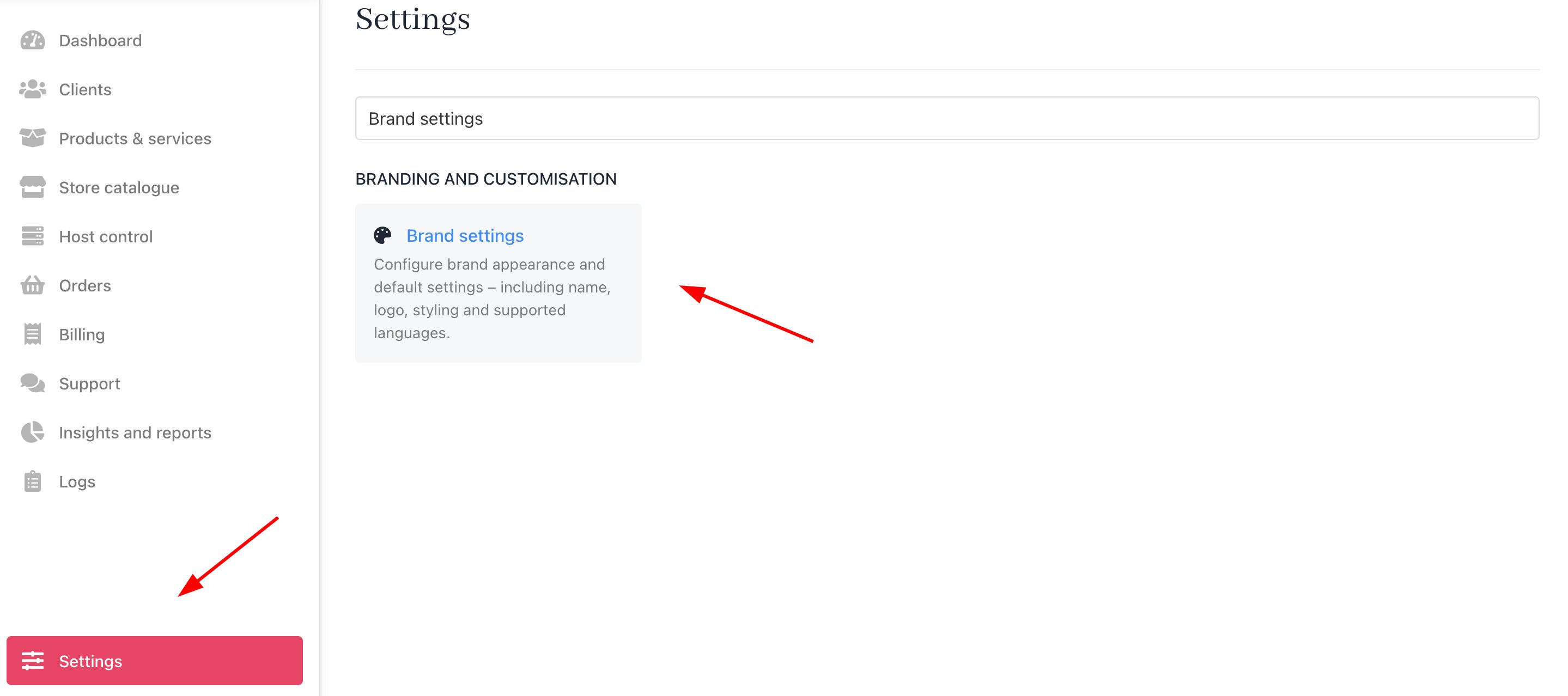
Settings > Branding and Customisation > Brand Settings
- Paste the following overrides into the Brand meta. This can be edited.
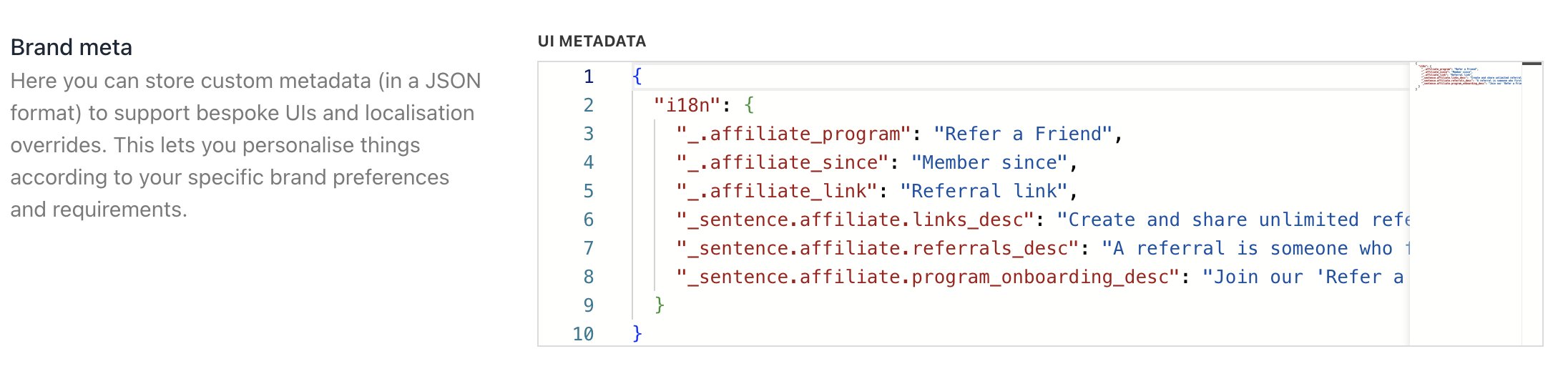
Insert the JSON code in the Brand Meta
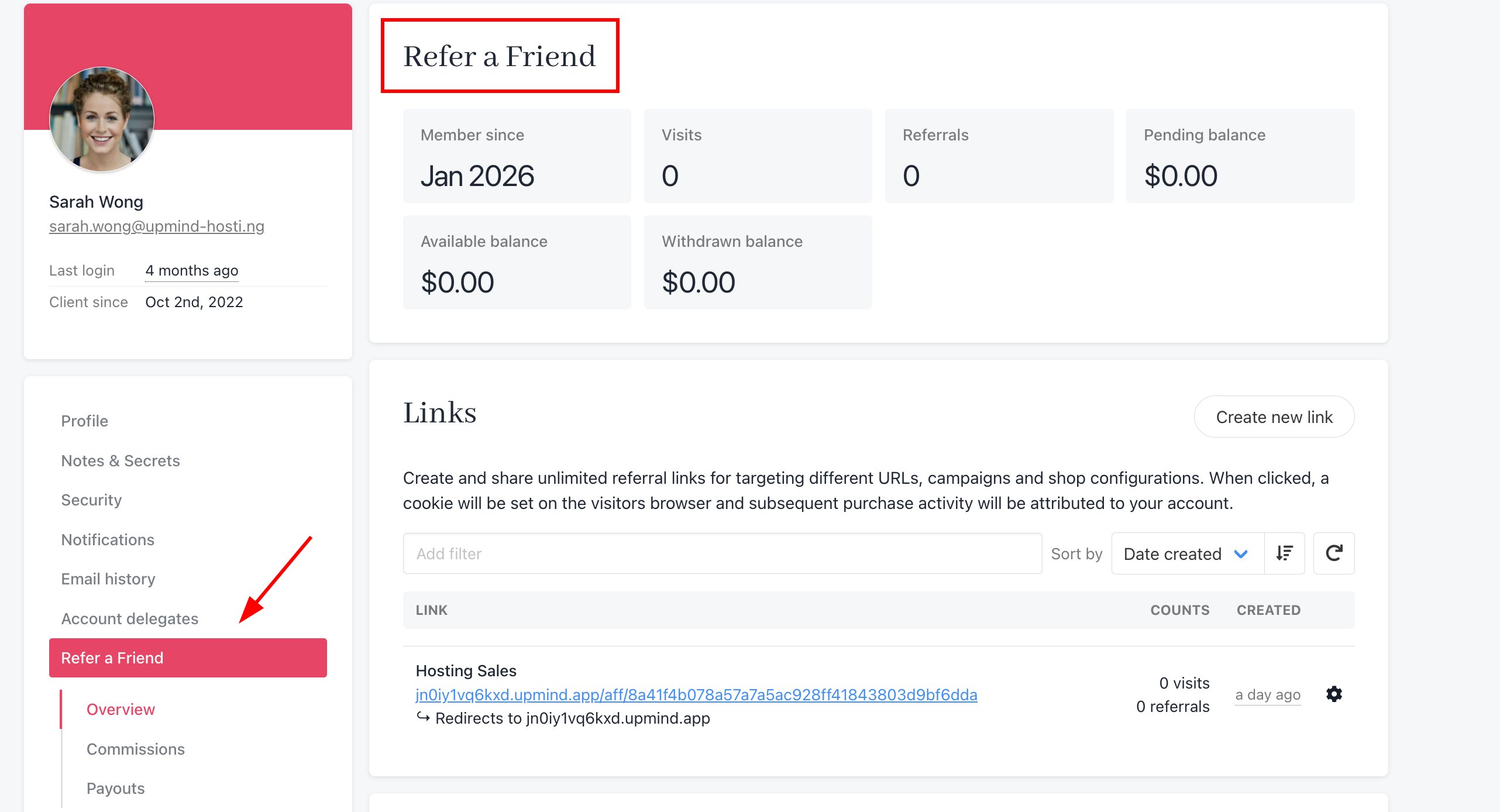
Reworded affiliate program