

- Go to Settings → Affiliate → General Settings.
- Tick the box for Withdrawal Request.
- Select the department that will handle withdrawal tickets.
- Click Save.
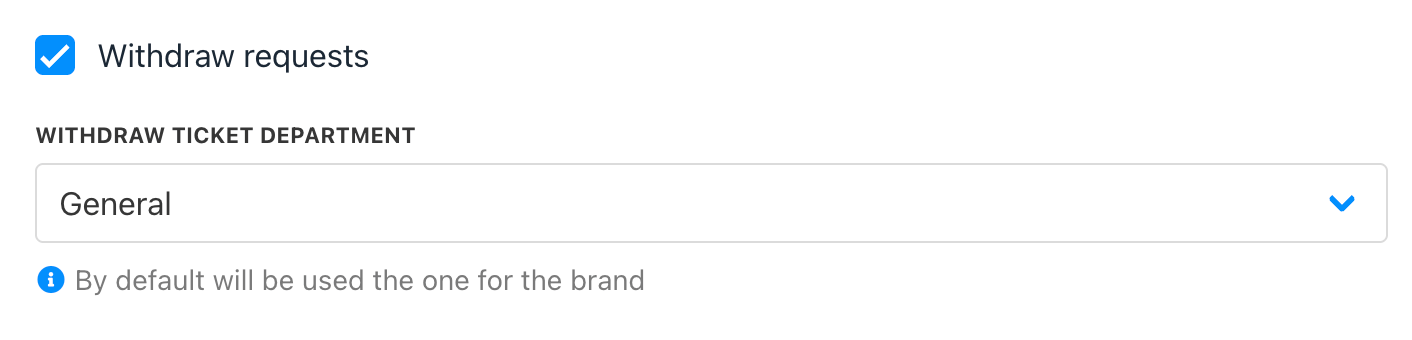
Settings → Affiliate → General Settings
Client Area View
If the client has an available balance, they will see a Request Withdrawal button. Clicking this creates a ticket in the chosen department.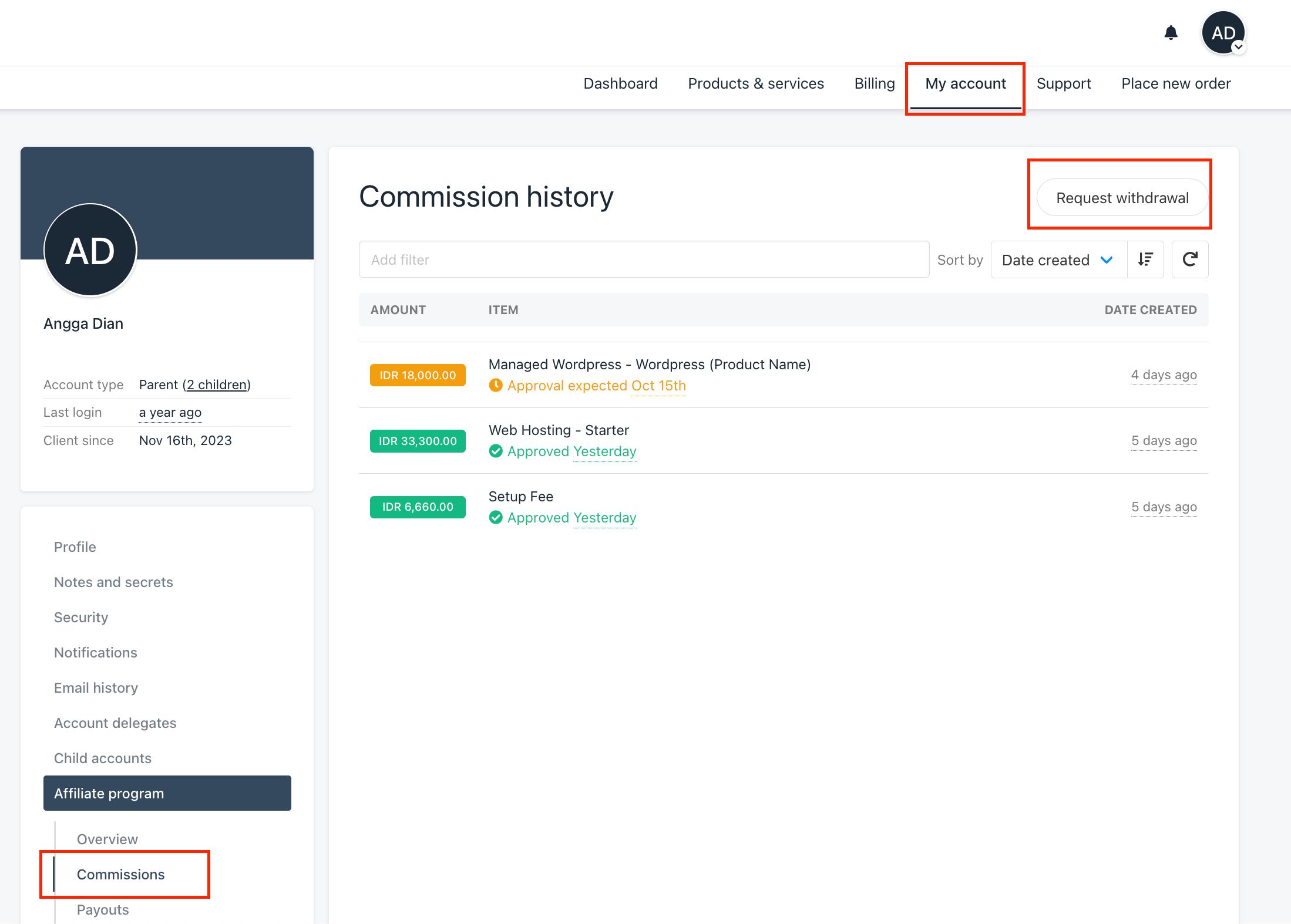
Client area → My Account → Affiliate Program → Commissions
Managing Requests in Admin Area
When a withdrawal request is submitted, a ticket is automatically created for the admin. After reviewing and approving the request, you can process the payout by going to the client’s profile → Account → Affiliate Account → Commissions tab.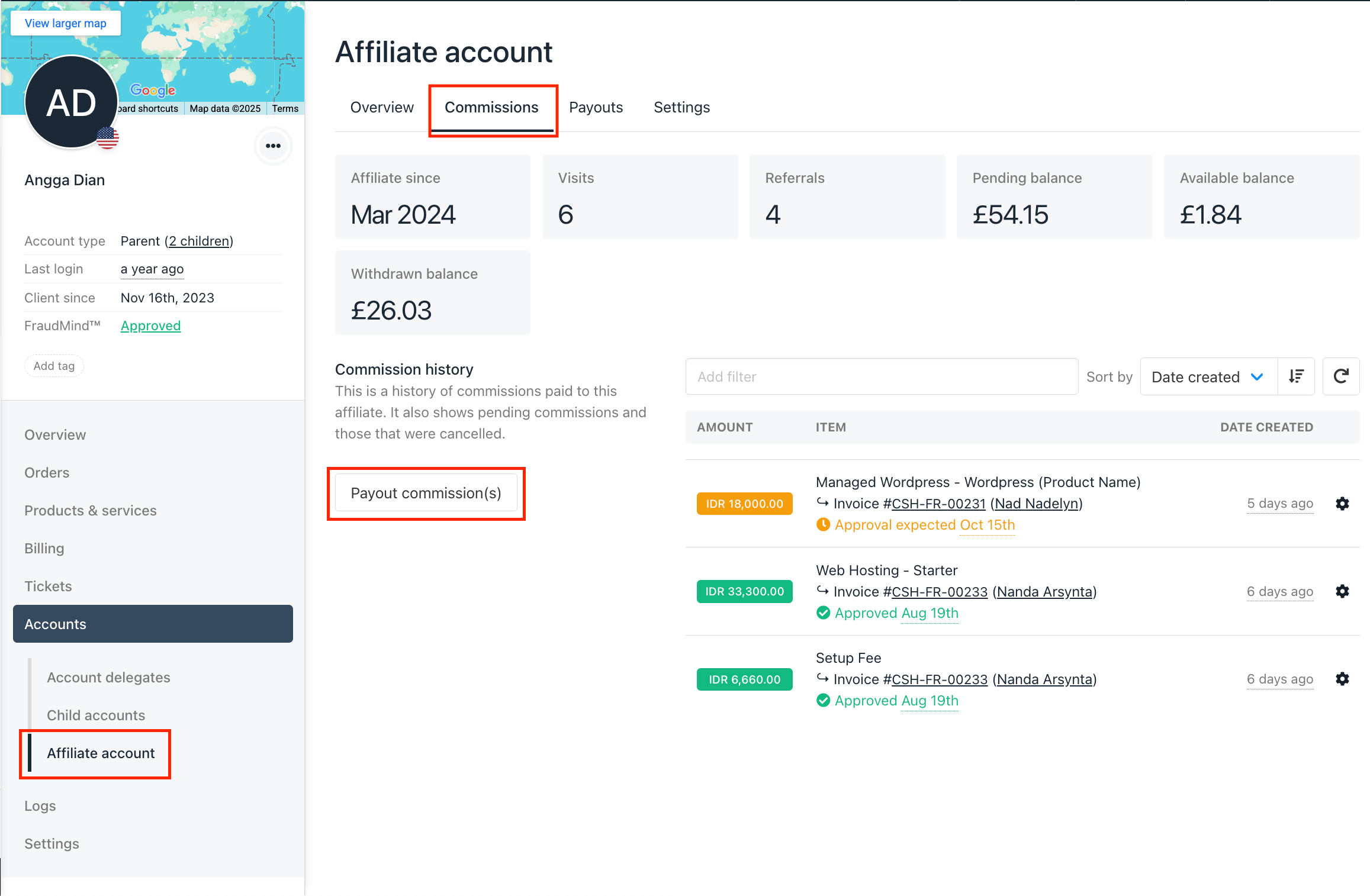
Affiliate Account → Commissions