

How to link Ranking Coach to Upmind
- From the Upmind dashboard, go to Settings > Provision Configurations > Add New Configuration.
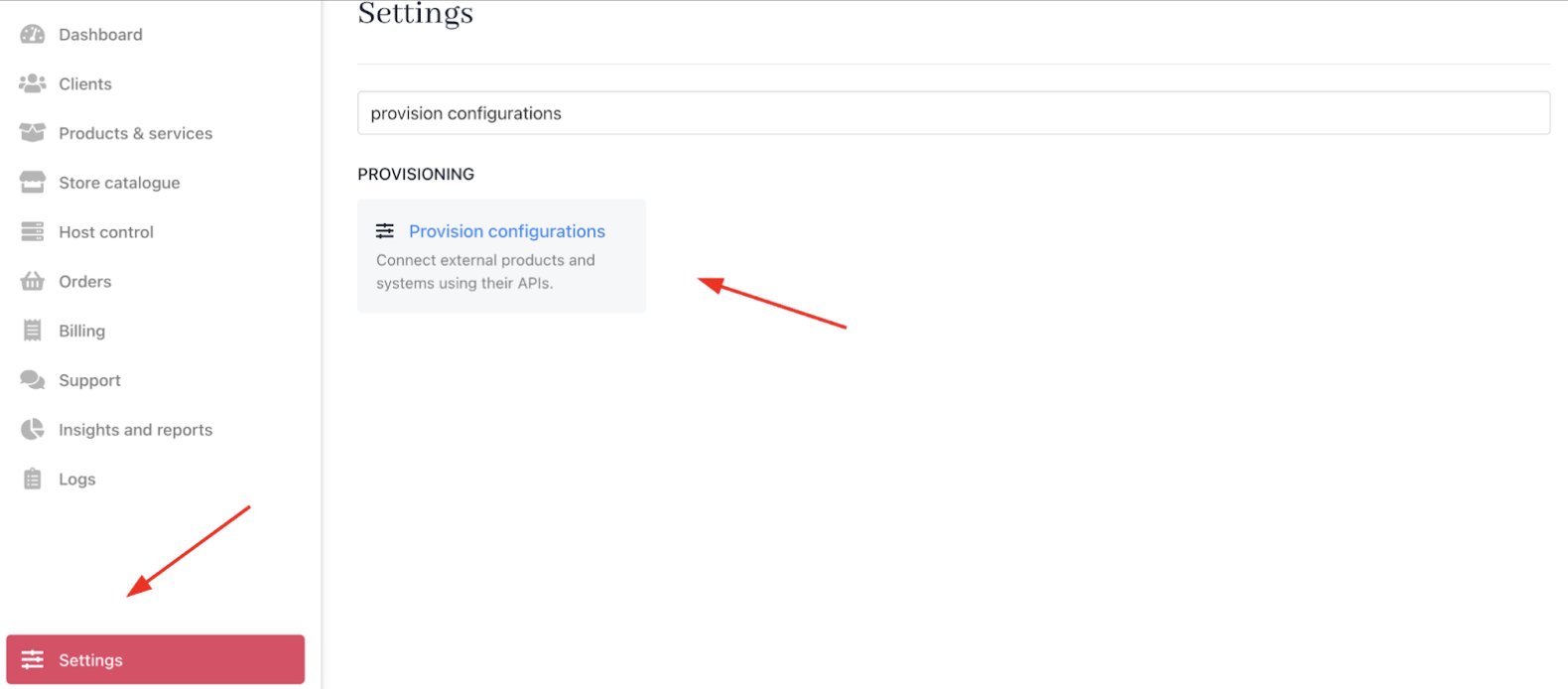
Settings > Provisioning > Provision Configurations
- Choose SEO from the service type dropdown.
- Select Ranking Coach from the available providers list.
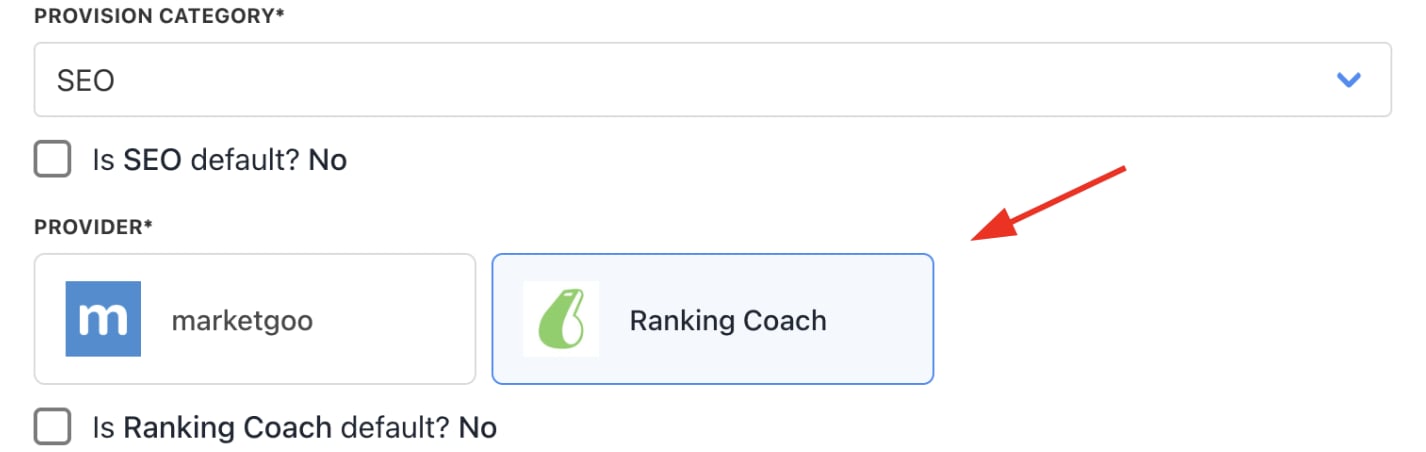
Choose Ranking Coach
- Input your Ranking Coach username and password.
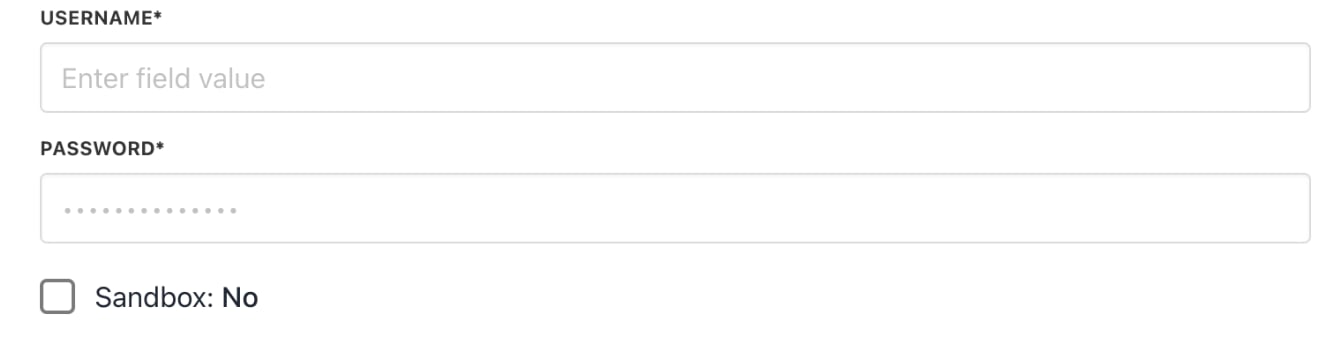
Enter credentials
- Click Create to complete the setup.