> ## Documentation Index
> Fetch the complete documentation index at: https://docs.upmind.com/llms.txt
> Use this file to discover all available pages before exploring further.
# How to Use Contract Product Tags
> Tag and organise contract-based products
Just like client tags, contract product tags help you and filter products easily within Upmind.
## Adding tags from the products & services page
1. Go to `Products & Services` in your admin dashboard.
2. Locate the contract product to tag.
3. Click **Add Tag** next to the product.
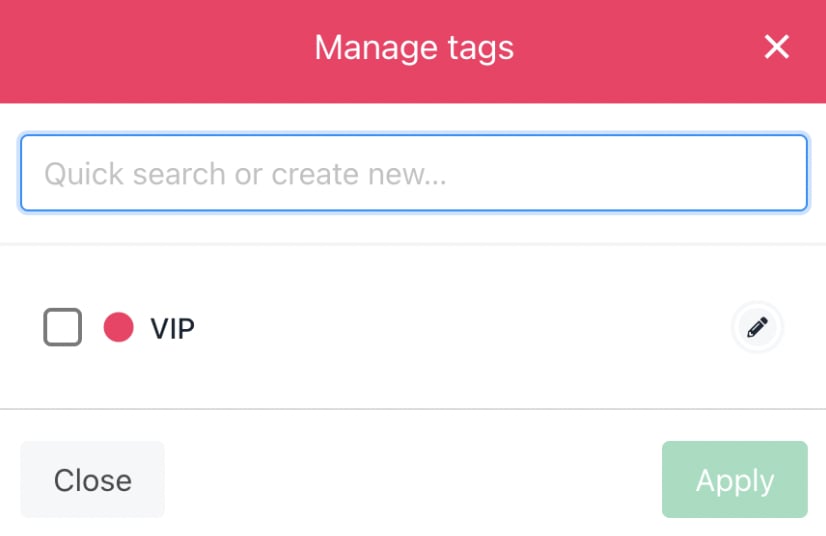
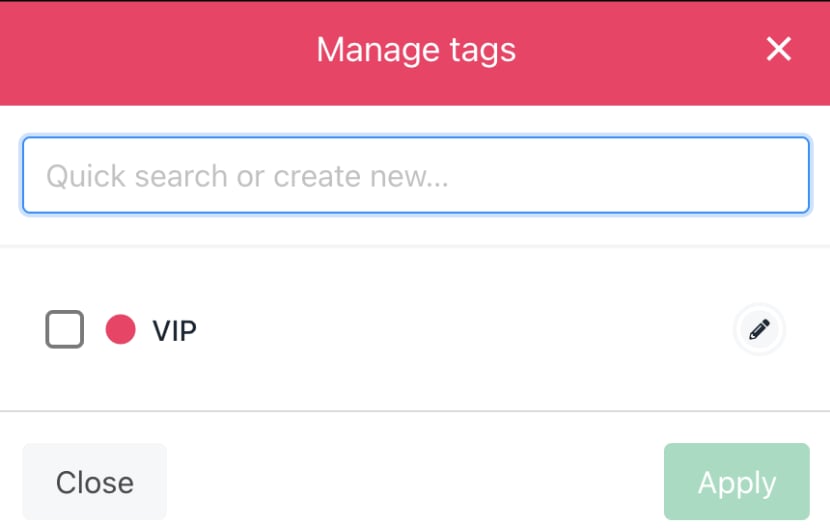
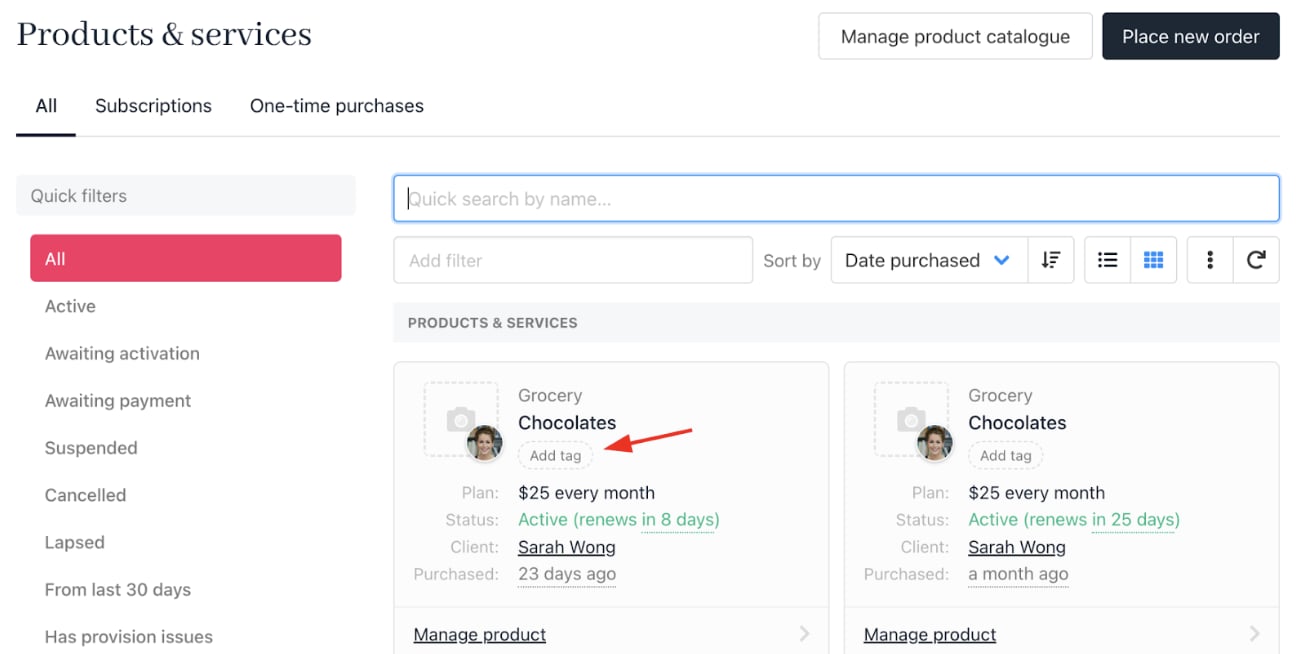 4. Select an existing tag or create a new one by typing the desired tag name.
 ## Adding tags from inside a contract product
1. Go to `Products & Services`.
2. Open the contract product you want to tag.
3. Click **Add tag** inside the product details.
## Adding tags from inside a contract product
1. Go to `Products & Services`.
2. Open the contract product you want to tag.
3. Click **Add tag** inside the product details.
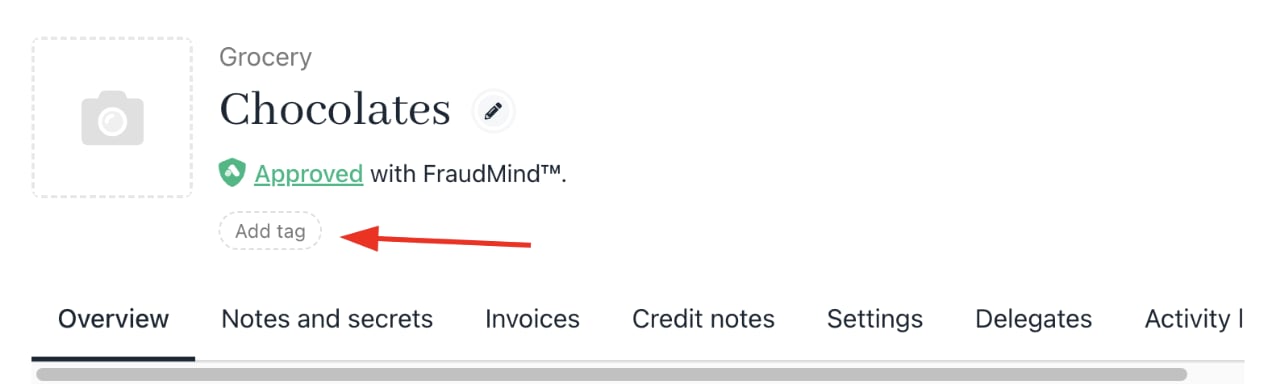 4. Choose or create a new tag as described above.
 ## Product Tags on Invoice PDF Templates
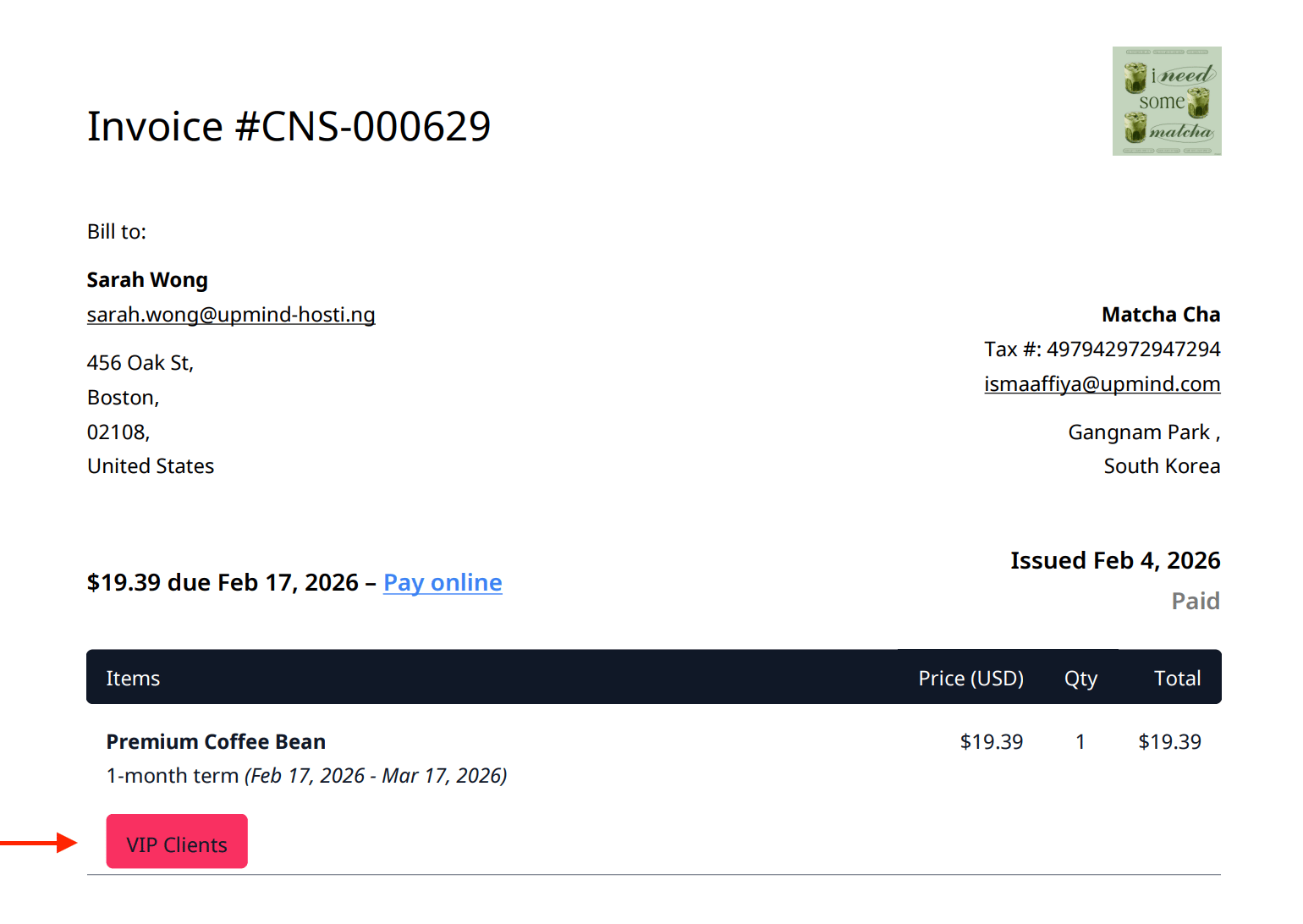
When you create a product tag, you can customise its colour and choose whether to show it to customers and on invoices. If you enable this option, the product tag will appear on the invoice PDF.
## Product Tags on Invoice PDF Templates
When you create a product tag, you can customise its colour and choose whether to show it to customers and on invoices. If you enable this option, the product tag will appear on the invoice PDF.
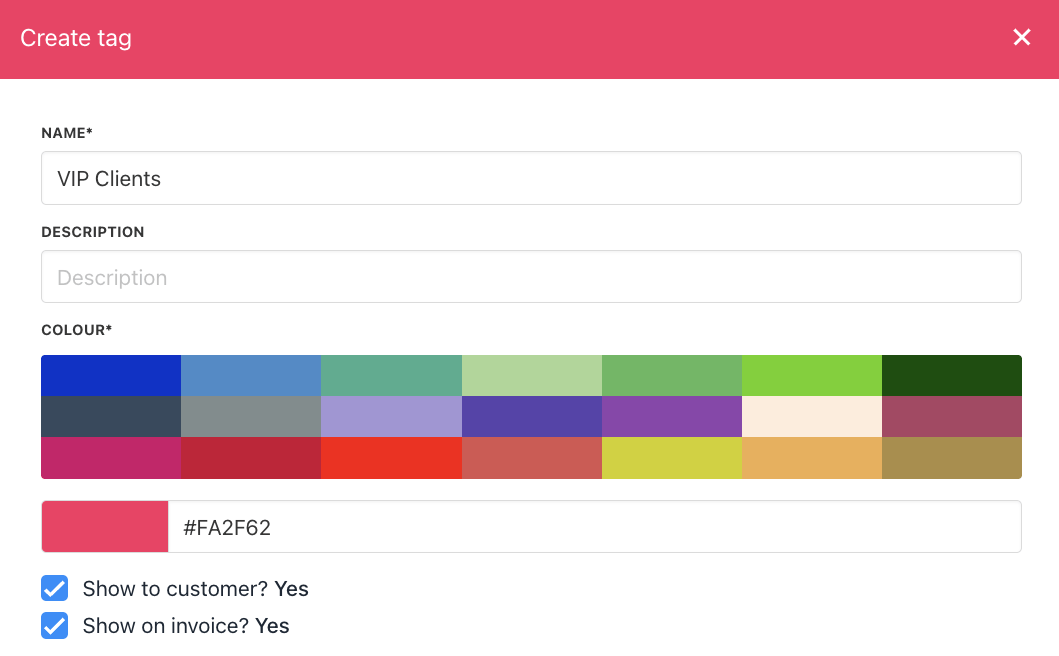 Please make sure to use a bright colour, as the tag colour will be reflected on the invoice PDF.