> ## Documentation Index
> Fetch the complete documentation index at: https://docs.upmind.com/llms.txt
> Use this file to discover all available pages before exploring further.
# How to Change Contract Product's Currency
> Learn How to Change Contract Product's Currency with Upmind. upon request from customer, admin and staffs can change the contract product's currency. Check Now!
Admins and staff can update the billing currency for any contract product in Upmind.
1. In the Upmind dashboard, navigate to `Products & Services`.
2. Find and select the relevant contract product.
3. Open the `Settings` tab within the contract product.
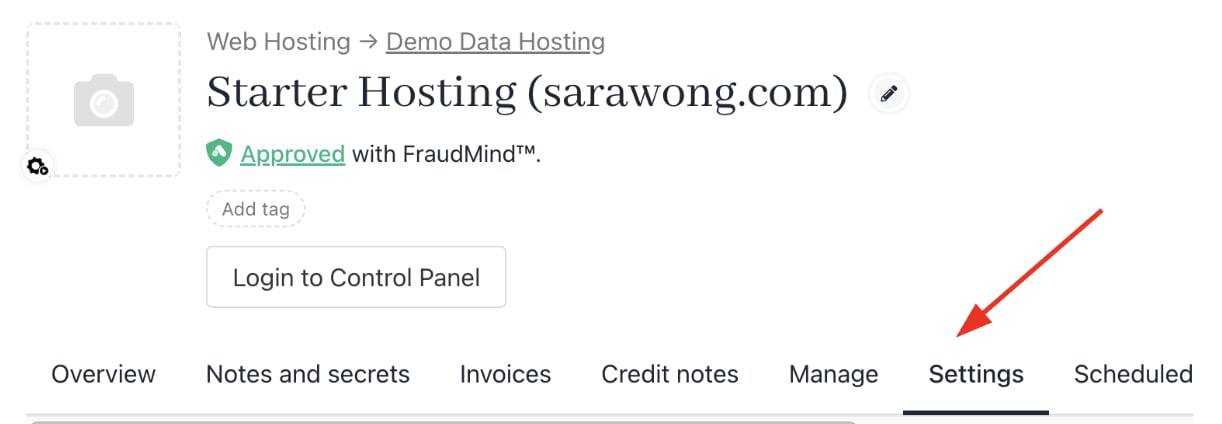 4. Under `Advanced Options`, select **Change Currency**.
 5. Choose the new currency from the dropdown in the modal.
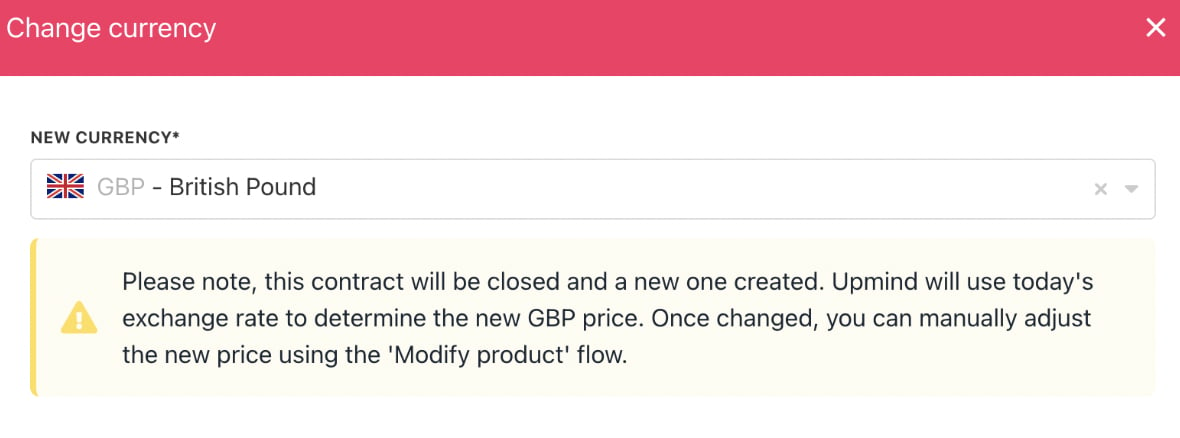 6. Click **Change Currency** to confirm.