> ## Documentation Index
> Fetch the complete documentation index at: https://docs.upmind.com/llms.txt
> Use this file to discover all available pages before exploring further.
# Advanced Subscription Pricing Tools
> Managing complex recurring subscription pricing.
Upmind offers advanced tools to simplify and speed up the process of setting up product pricing, especially for subscriptions with multiple terms or currencies.
## Accessing advanced pricing
1. Go to the `Product Billing` page for any product.
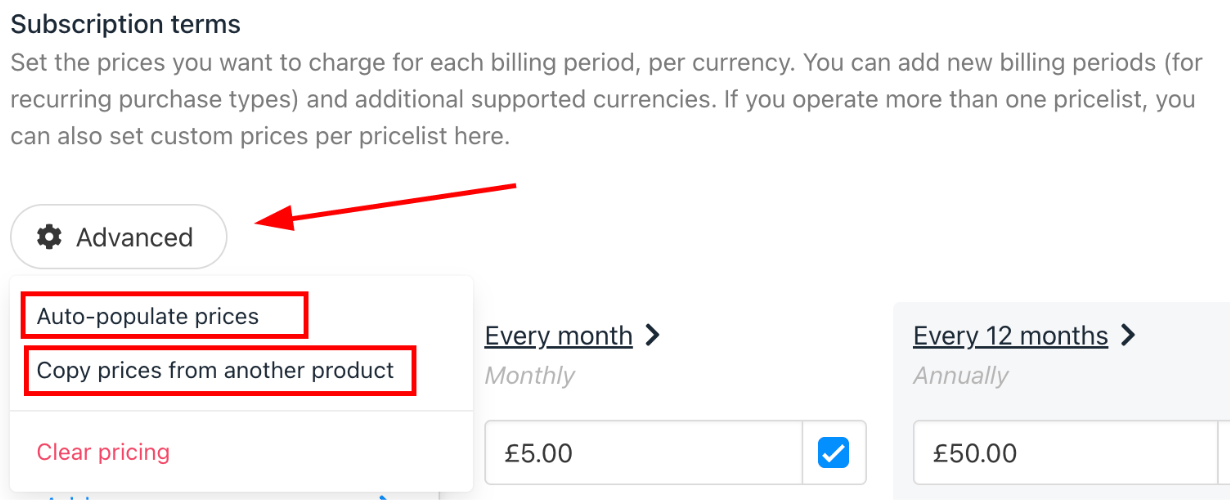
2. Click the **Advanced** button under **Subscription Terms** to enter advanced pricing mode from the dropdown menu.
 ## Auto-populate prices
You can quickly generate pricing for multiple terms and currencies based on a single entry.
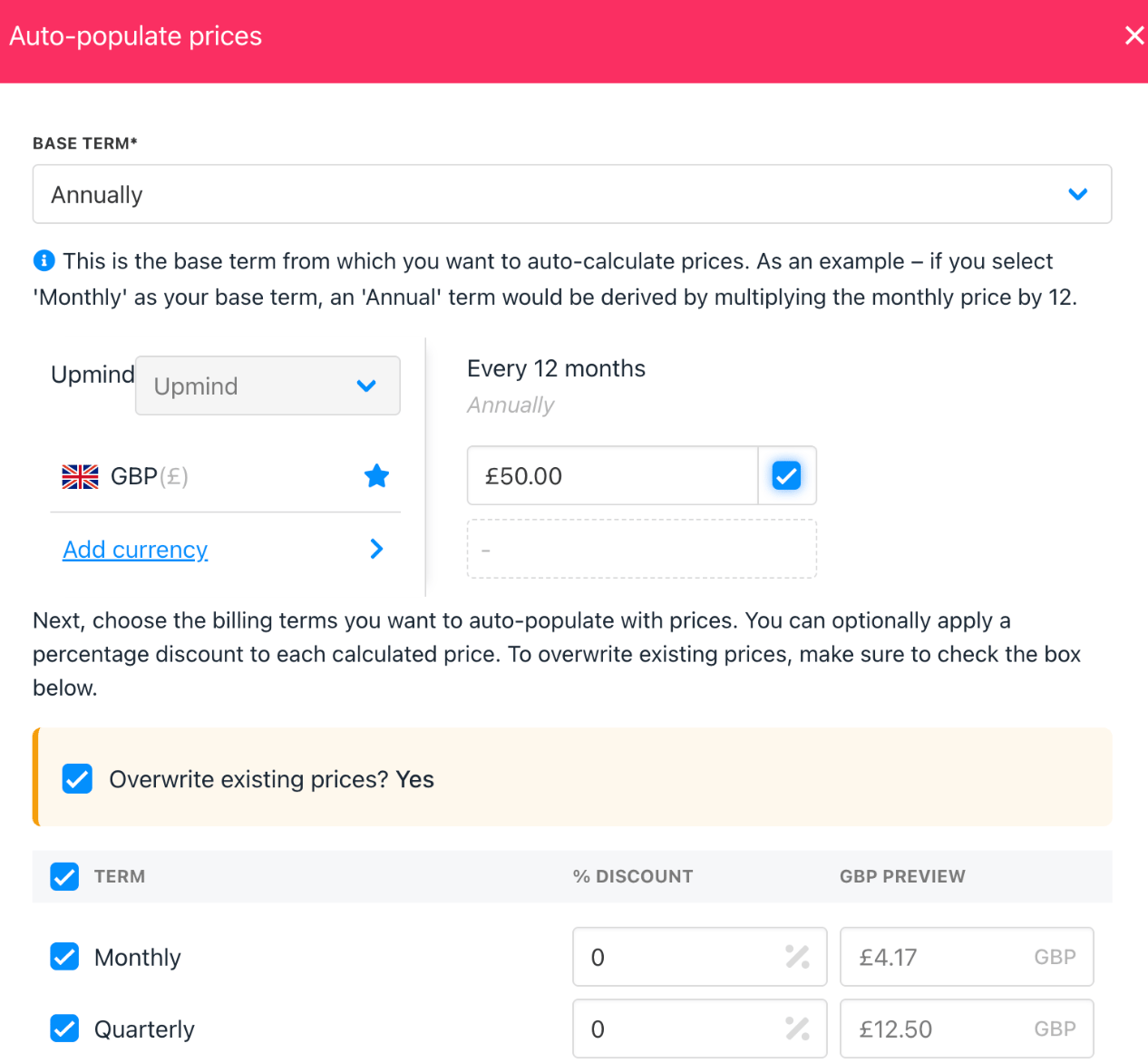
1. Enter the price for one term (e.g., annual).
2. Select the billing cycle and currencies you want to auto-populate.
3. The system will fill in prices for the selected terms/currencies, using your base price as a reference.
4. Optionally, you can choose to overwrite existing prices or only fill empty fields.
**Example**: Set an annual price, then auto-populate pricing for 2–10 year terms in multiple currencies.
## Auto-populate prices
You can quickly generate pricing for multiple terms and currencies based on a single entry.
1. Enter the price for one term (e.g., annual).
2. Select the billing cycle and currencies you want to auto-populate.
3. The system will fill in prices for the selected terms/currencies, using your base price as a reference.
4. Optionally, you can choose to overwrite existing prices or only fill empty fields.
**Example**: Set an annual price, then auto-populate pricing for 2–10 year terms in multiple currencies.
 ## Copy prices from another product
You can easily duplicate pricing from an existing product to a new one.
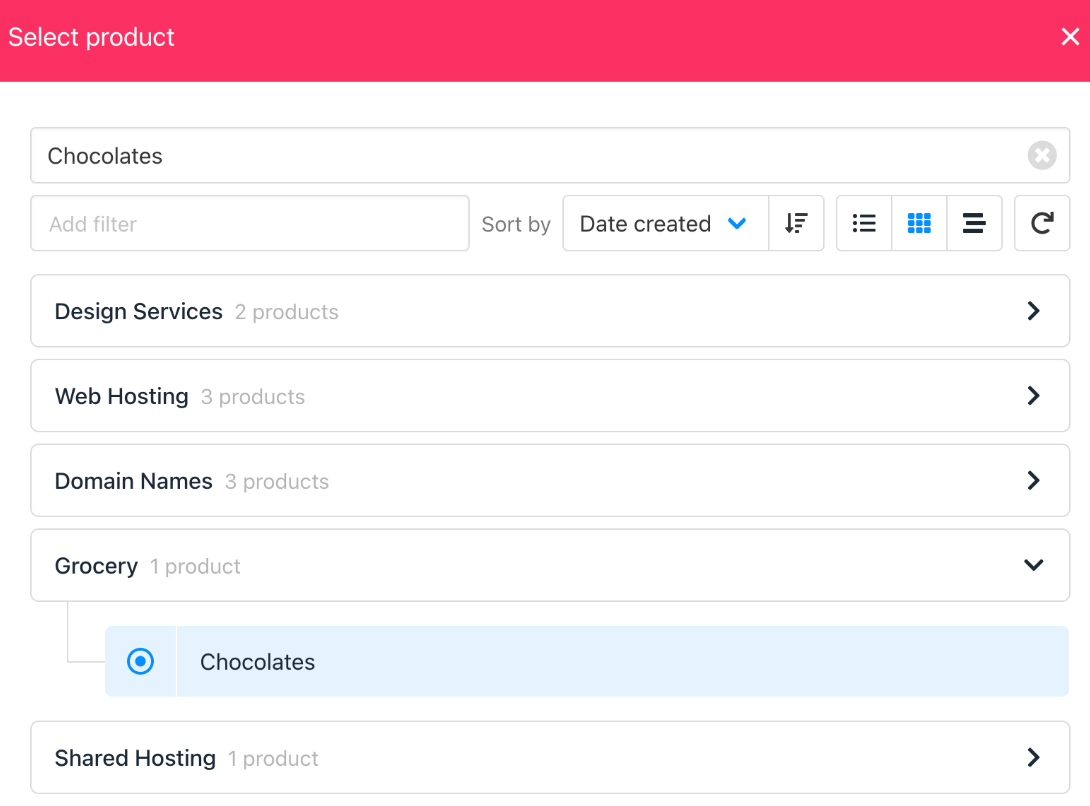
1. Select the source product to copy from.
2. Choose which terms and currencies to copy.
3. Apply the copied prices to your current product.
This is essential if you want to apply domain pricing from one TLD to another, or replicate standard pricing across similar products.
## Copy prices from another product
You can easily duplicate pricing from an existing product to a new one.
1. Select the source product to copy from.
2. Choose which terms and currencies to copy.
3. Apply the copied prices to your current product.
This is essential if you want to apply domain pricing from one TLD to another, or replicate standard pricing across similar products.