> ## Documentation Index
> Fetch the complete documentation index at: https://docs.upmind.com/llms.txt
> Use this file to discover all available pages before exploring further.
# Understanding Cart 2.0
> A breakdown of Cart 2.0's architecture, layers, and storefront changes over Cart 1.0.
* **Time** — 8 minutes
* **Difficulty** — Beginner
**What You'll Learn:** A clear understanding of how Cart 2.0 is structured, what's changed from Cart 1.0, and how each layer of the cart system fits together to support your storefront and checkout experience.
**Prerequisites:**
* An active [Upmind account](https://upmind.com/start).
* Familiarity with your current storefront setup (Cart 1.0 or otherwise).
* Basic understanding of how products and categories are configured in Upmind.
Upmind’s cart is a storefront and checkout system that provides a ready-made shopping experience you can run immediately, plus a set of reusable layers you can adopt as your needs grow. Each layer handles a clear responsibility, so users can pick only what they need.
The layers include:
* Cart & Portal - The ready-to-use customer interfaces where users browse products, manage accounts, and complete checkout.
* Client Vue - A frontend starter framework that provides the structural building blocks needed to assemble cart and checkout experiences.
* Upmind UI - The shared design system of reusable UI components used to ensure visual and interaction consistency.
* Headless Upmind - A frontend-agnostic layer that exposes commerce logic and state so teams can build fully custom checkout experiences.
* XState Machines - The internal workflow engines that manage checkout state, transitions, and edge cases behind the scenes.
* Upmind API - The core backend APIs that power products, pricing, billing, subscriptions, orders, and payments.
The result is a platform that supports multiple ways to sell: fast-launch hosted carts, full-featured client portals, and fully custom frontends, all using the same underlying commerce logic.
This means you can mix and match approaches depending on your business needs, while ensuring consistency in pricing, configuration, and checkout behaviour.
Below, we show the **major differences between Cart 1.0 and Cart 2.0**:
## Registration
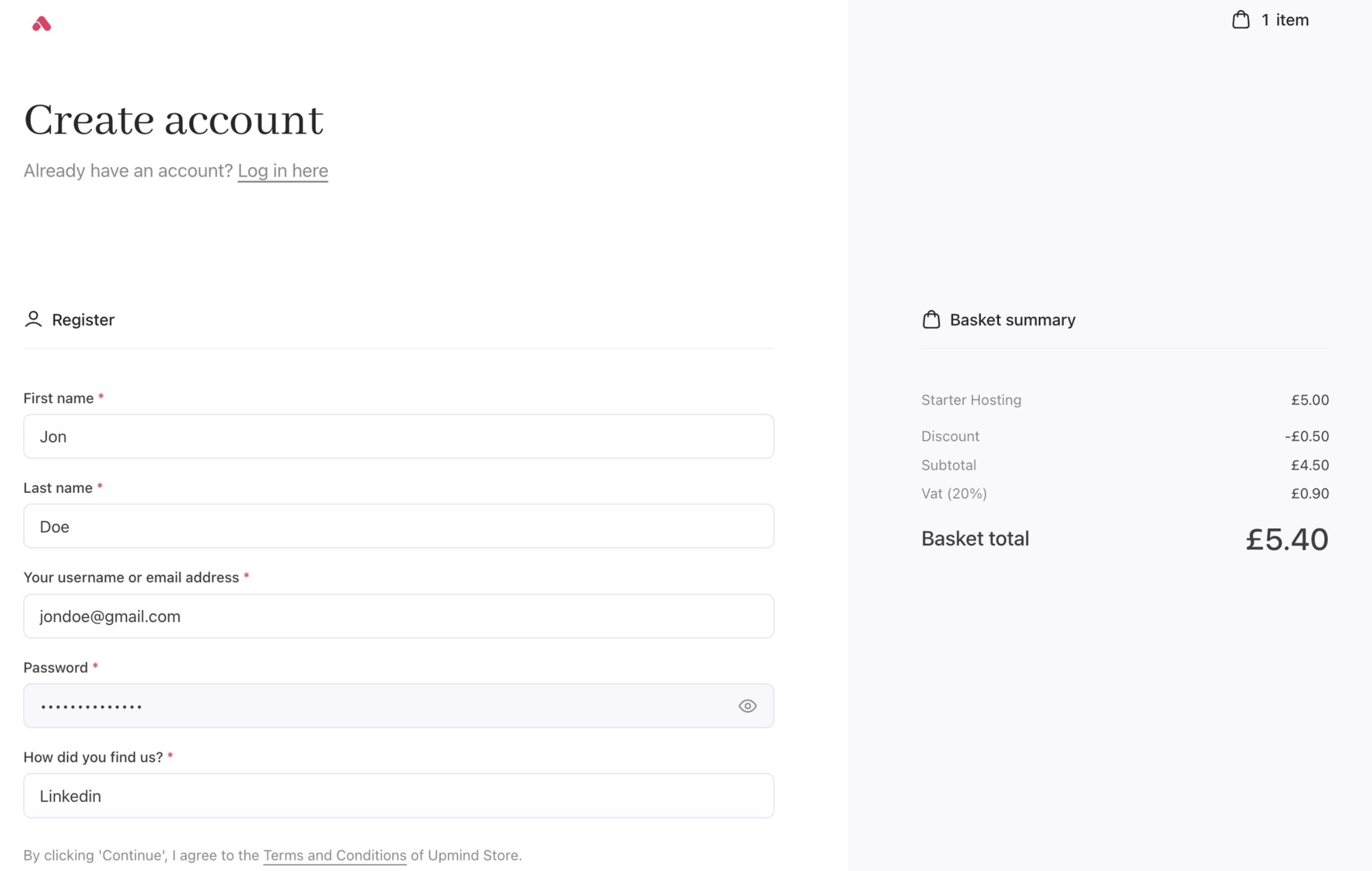
With Cart 2.0, the registration experience has been refined into a cleaner, faster, and more brand-aligned flow.
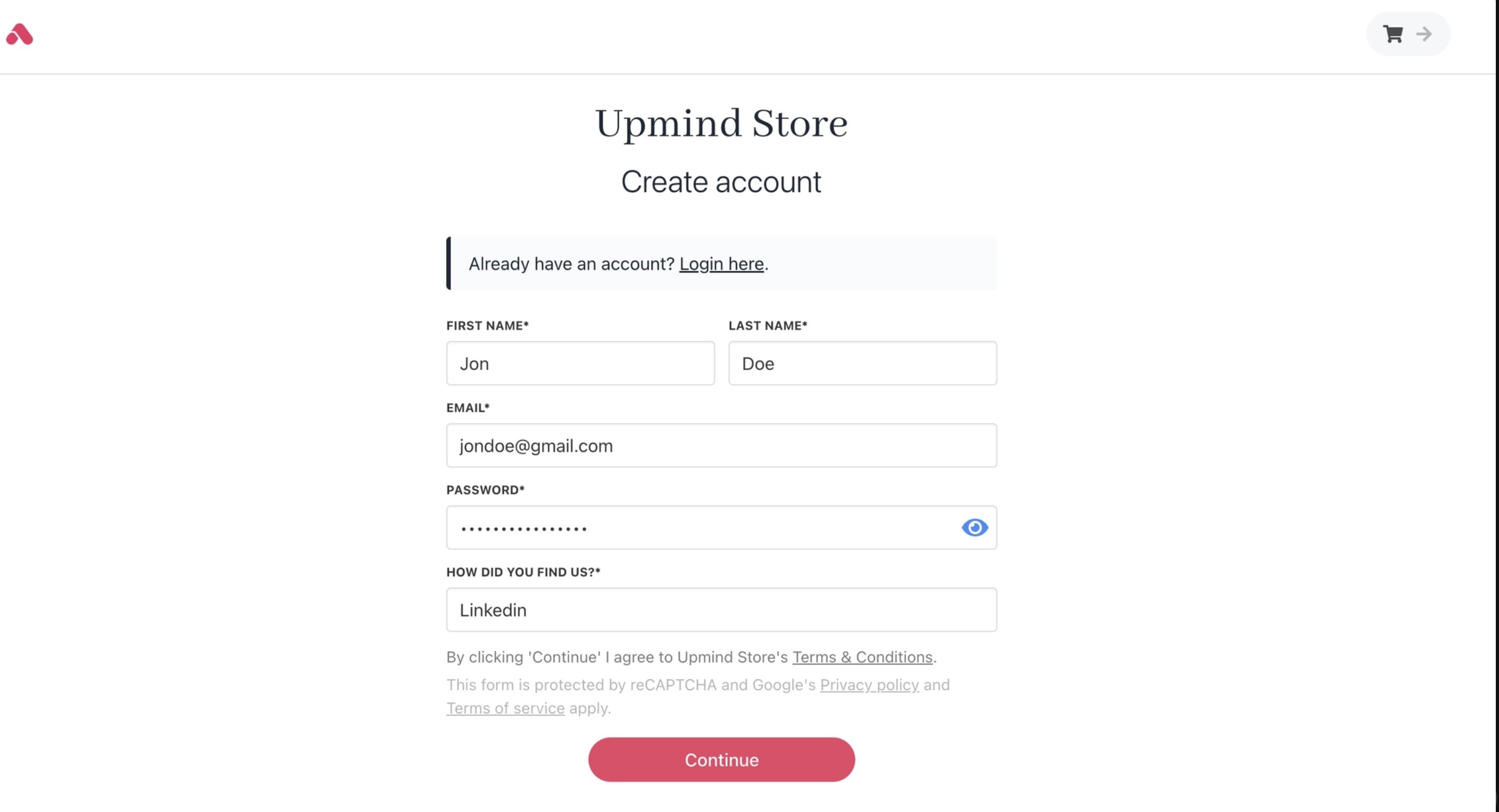 Improved typography, spacing, and visual hierarchy make the page easier to scan and complete, reducing friction and helping customers register with greater confidence as part of a cohesive buying journey.
 ## Login
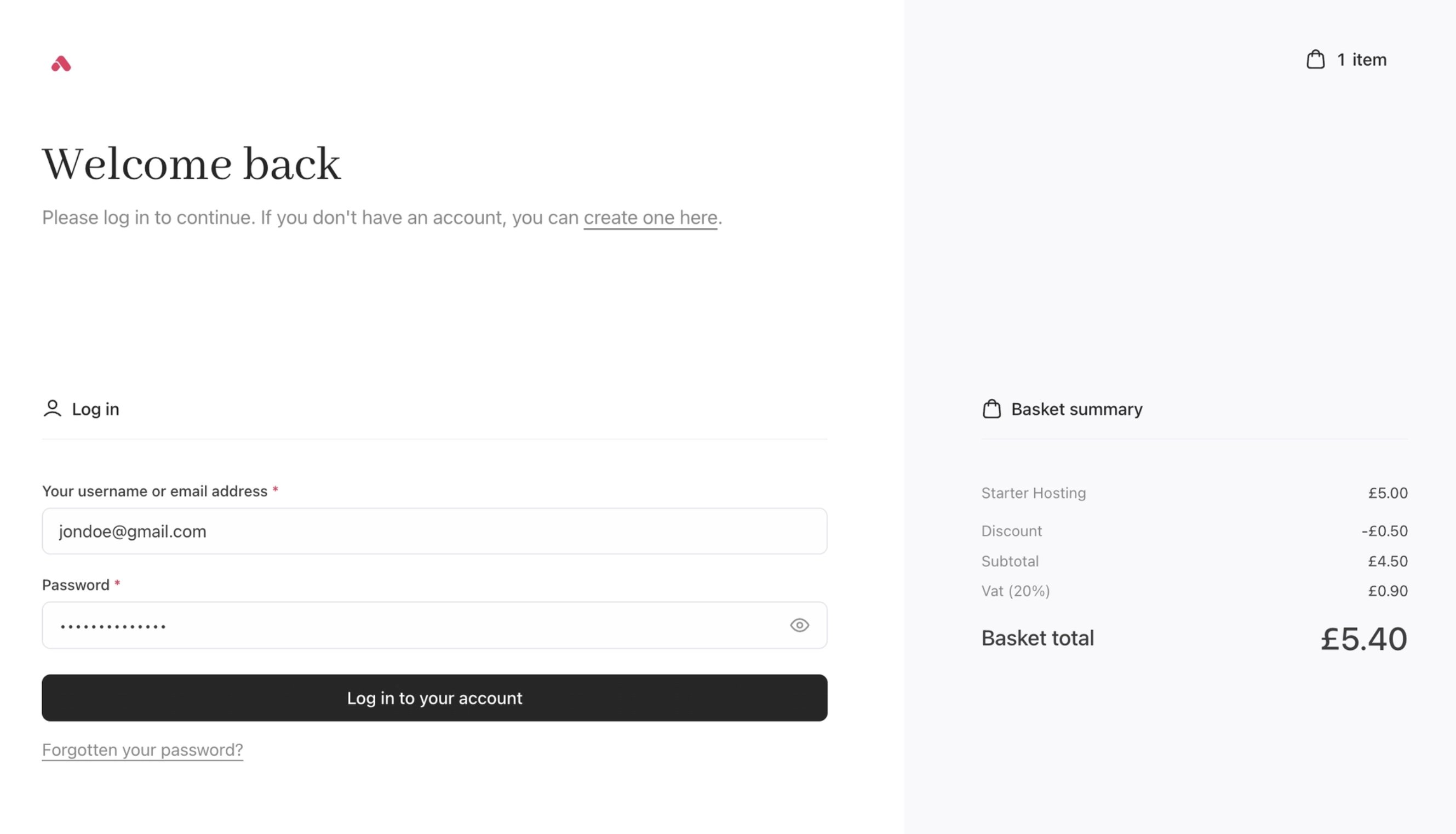
In Cart 2.0, the login experience has been brought fully in line with the rest of the cart and checkout.
## Login
In Cart 2.0, the login experience has been brought fully in line with the rest of the cart and checkout.
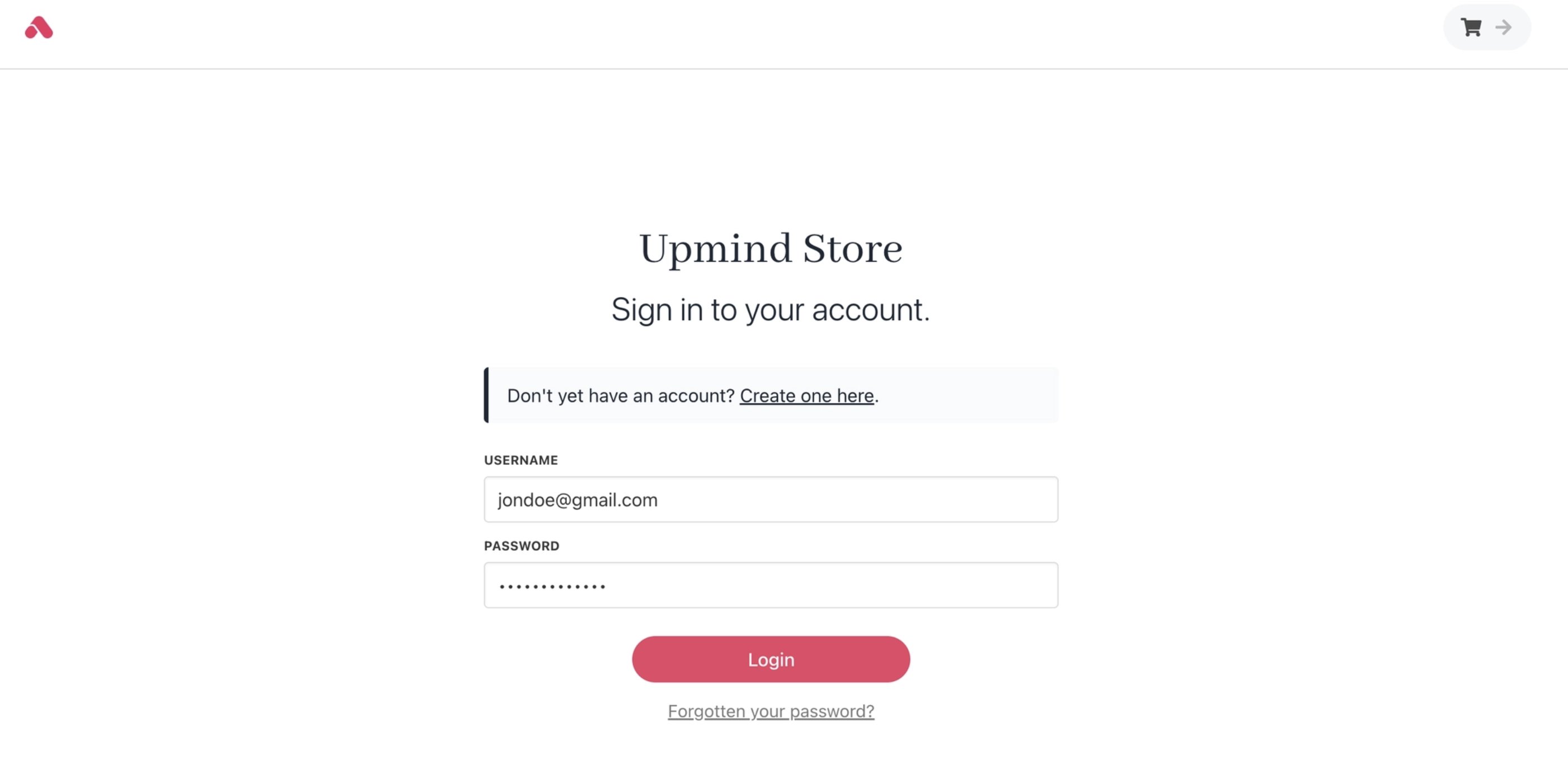 A clearer layout, improved typography, and better responsiveness create a more polished and reassuring experience that feels integrated with your storefront and reinforces trust in your brand.
 ## Product categories
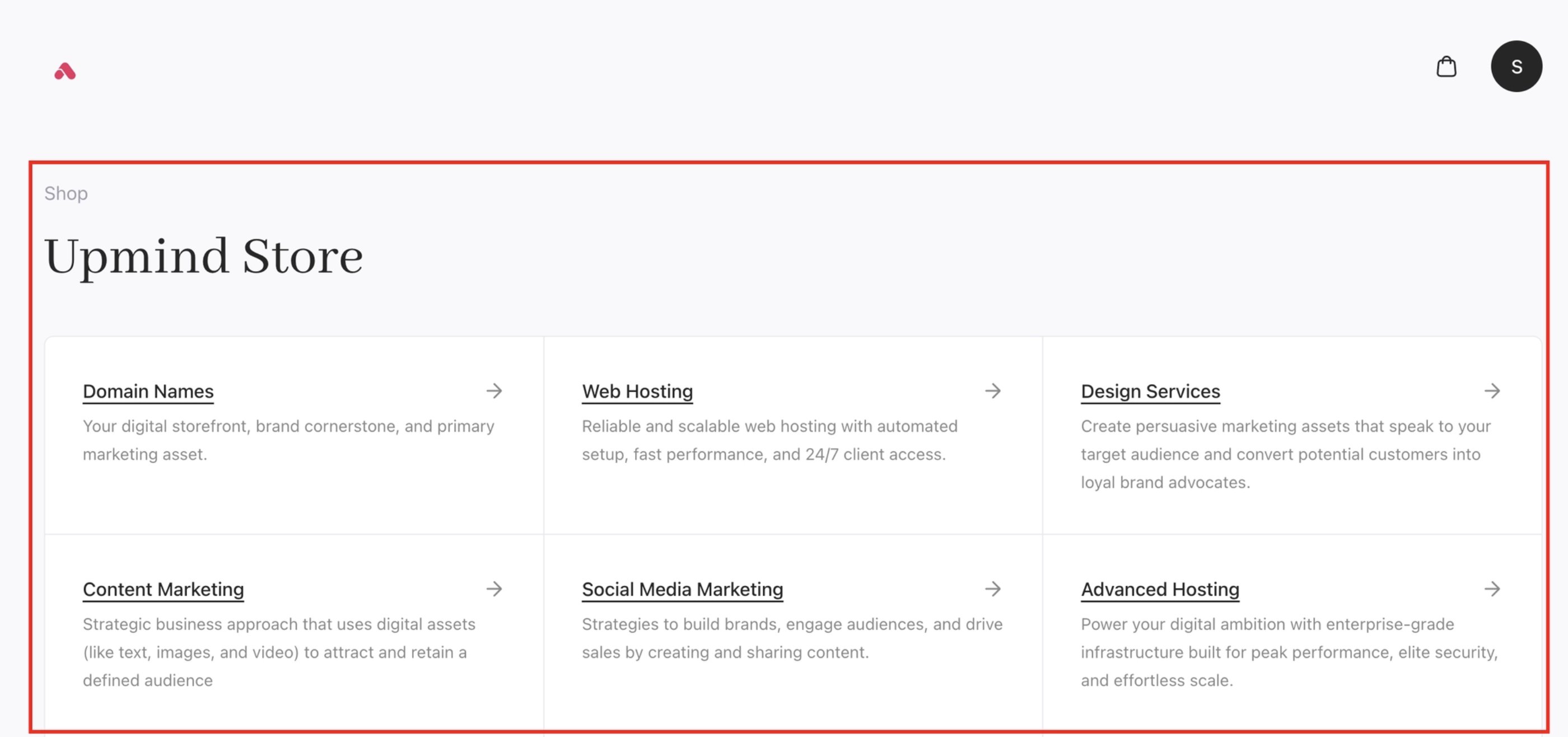
Cart 2.0 enhances product categories with a more visual and informative category layout.
## Product categories
Cart 2.0 enhances product categories with a more visual and informative category layout.
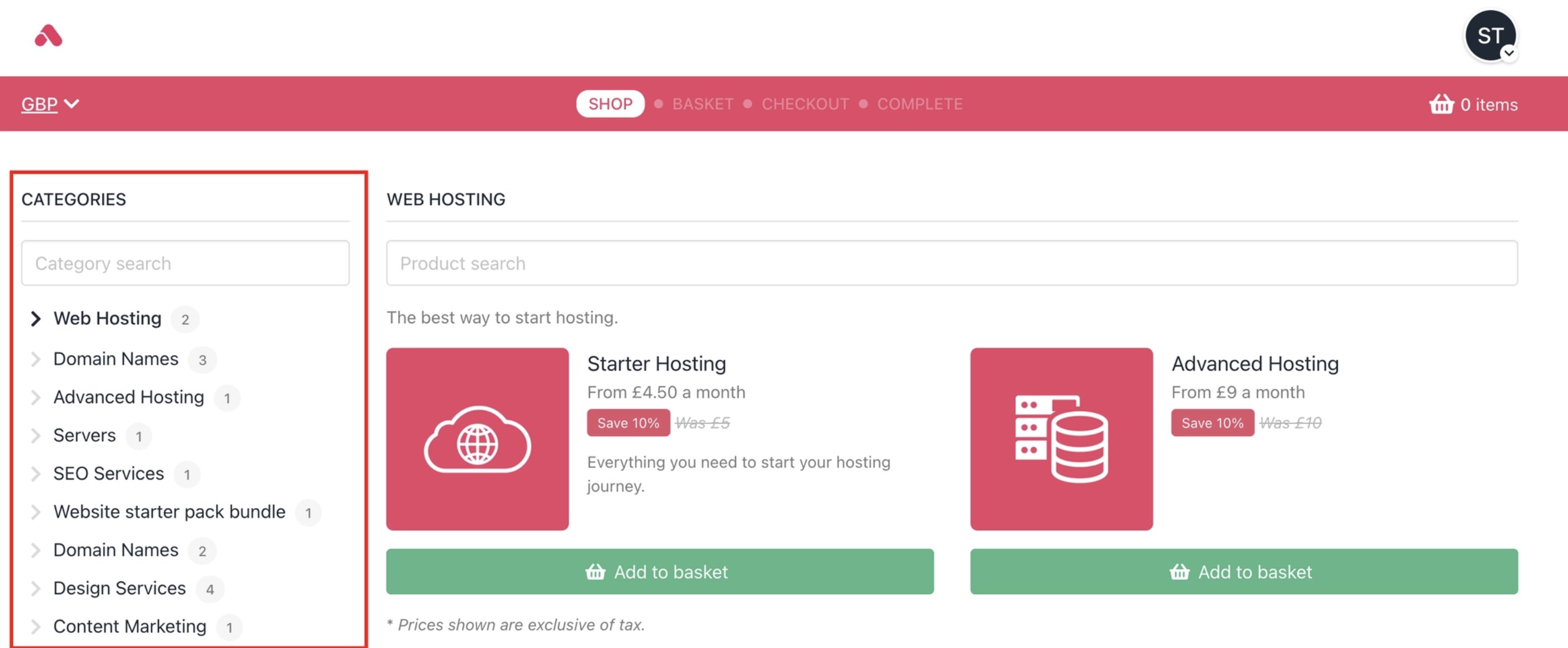 Clearer descriptions, improved spacing, and a more prominent position at the top of the store page help customers understand what’s available more quickly and navigate the catalogue with greater ease.
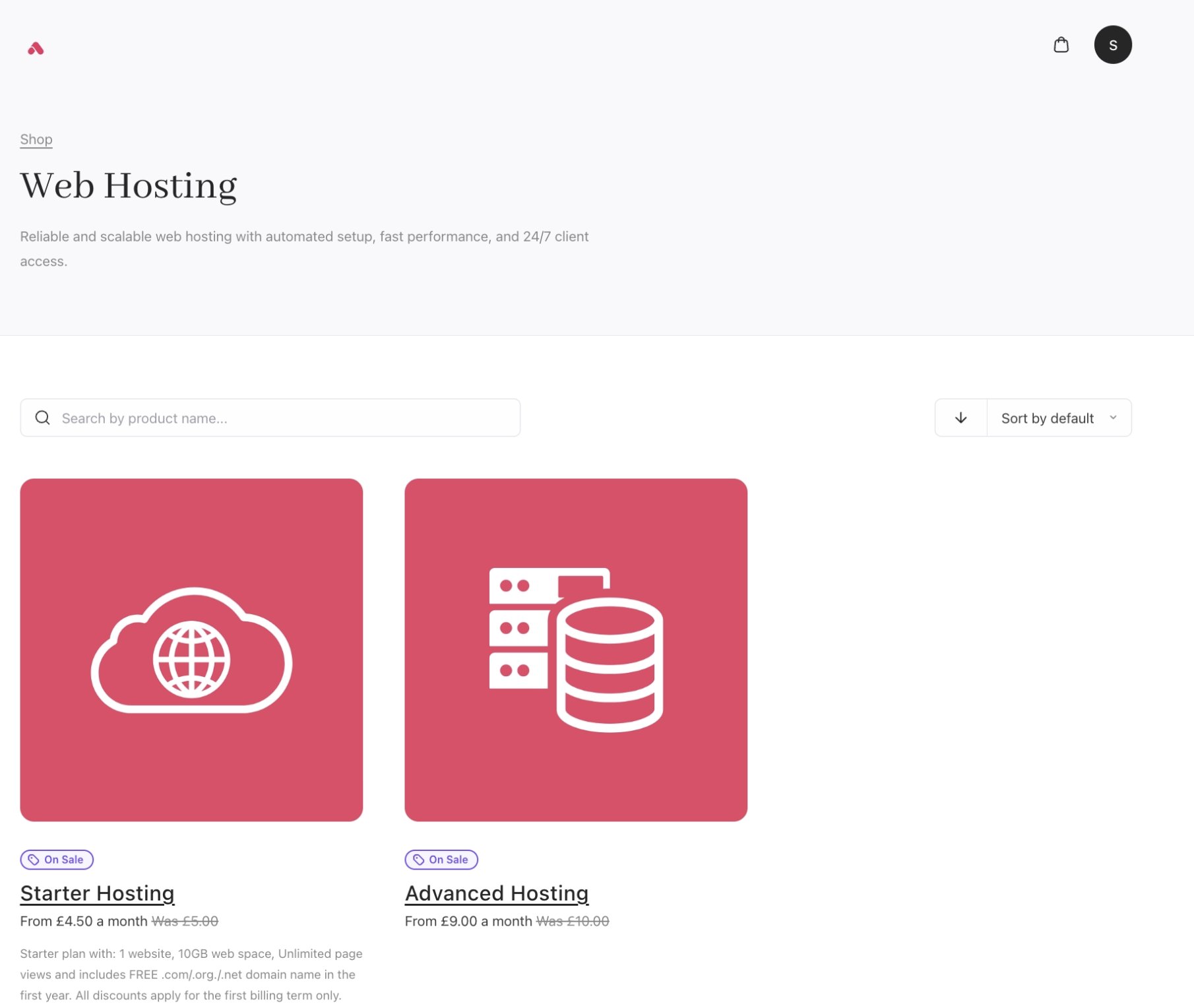
 Users can get into individual category pages to browse and search products more easily.
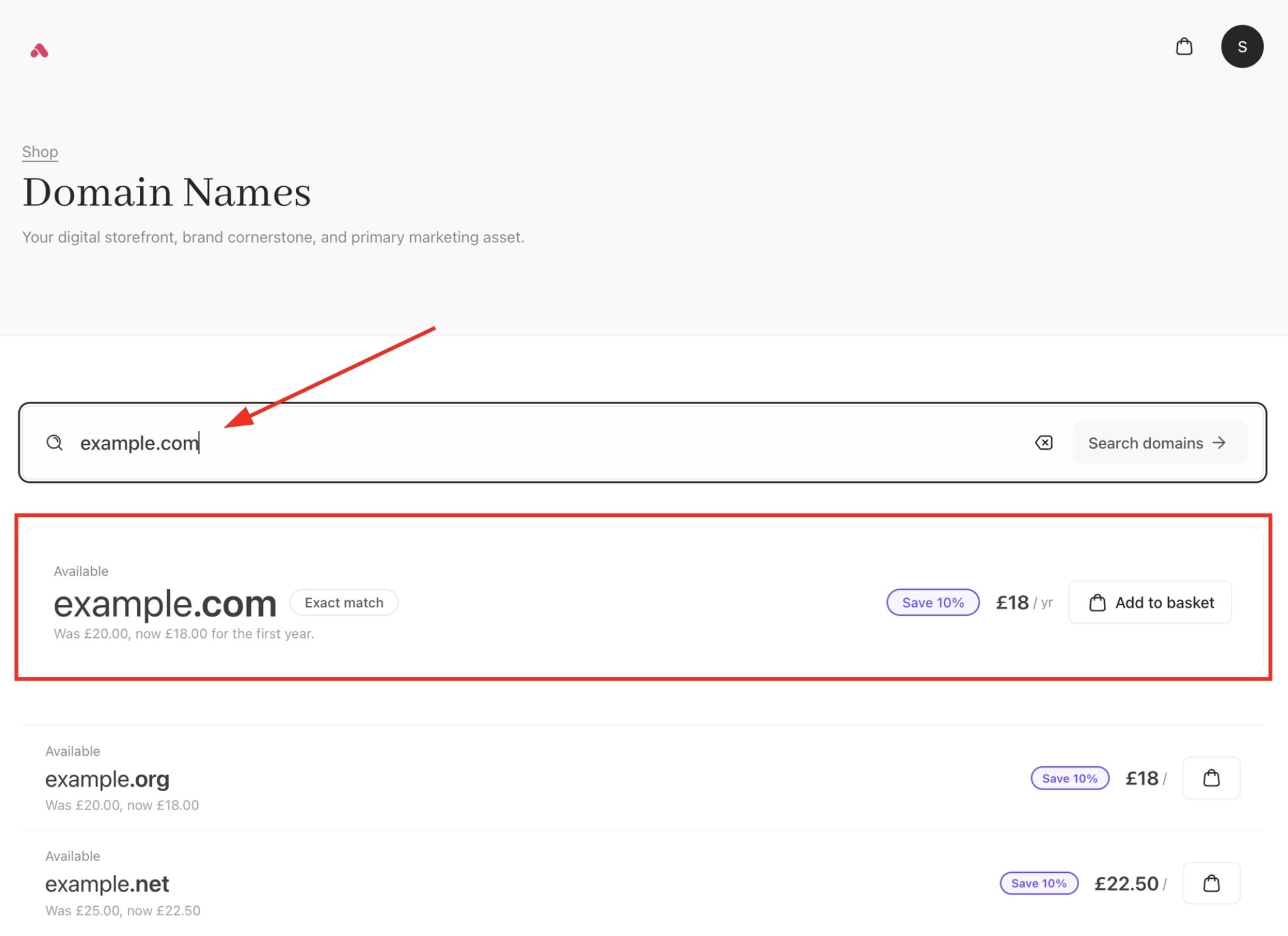
 Domain purchases are now simplified with a dedicated flow, allowing users to search and buy standalone domains directly through `/order/domains`. Exact matches for your search will also be provided.
 ## Product catalogue
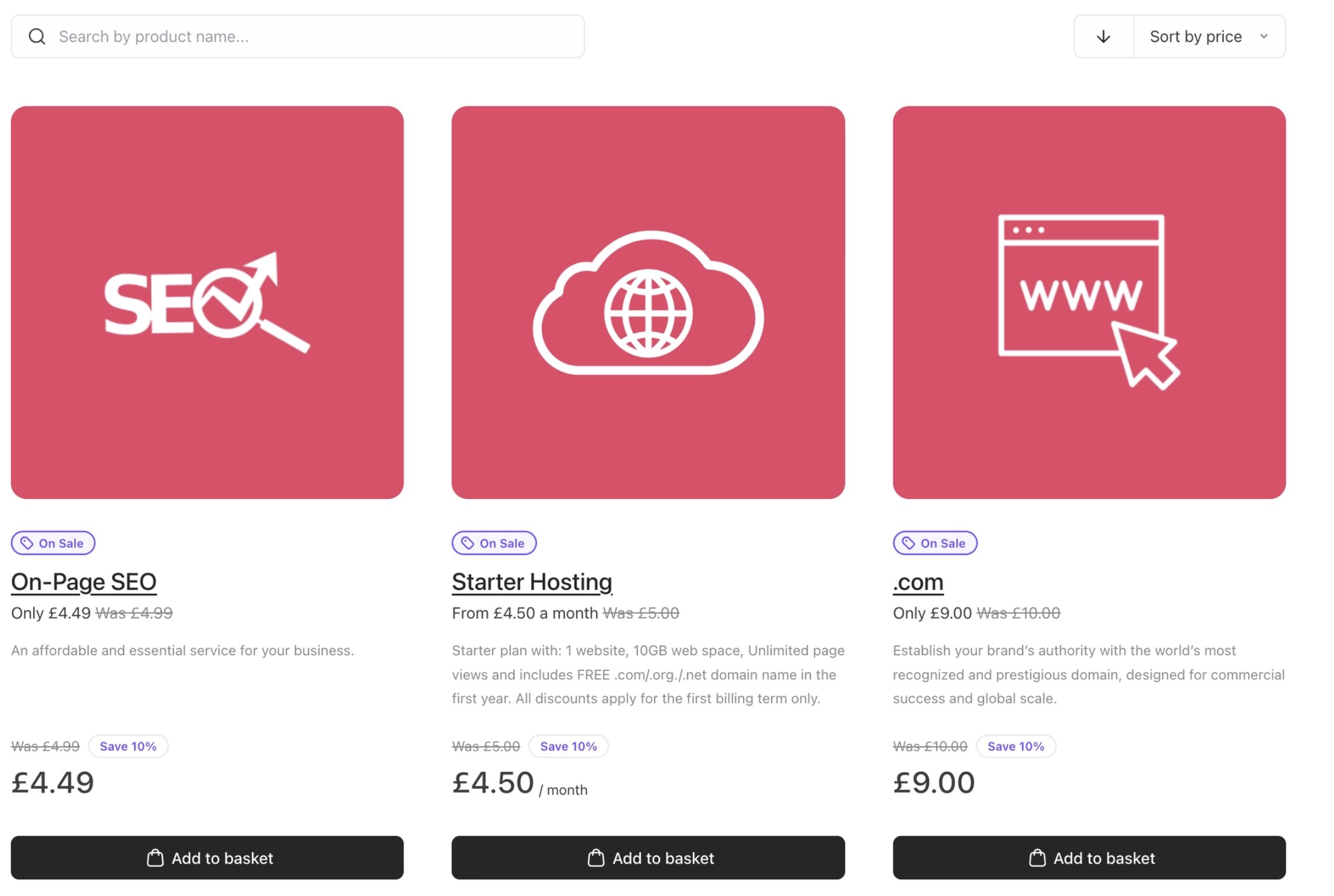
With Cart 2.0, the catalogue experience moves to a lighter, more structured layout. The new catalogue introduces improved spacing, clearer visual hierarchy, and more flexible layouts.
This makes products easier to scan and compare, while giving brands more control over presentation.
## Product catalogue
With Cart 2.0, the catalogue experience moves to a lighter, more structured layout. The new catalogue introduces improved spacing, clearer visual hierarchy, and more flexible layouts.
This makes products easier to scan and compare, while giving brands more control over presentation.
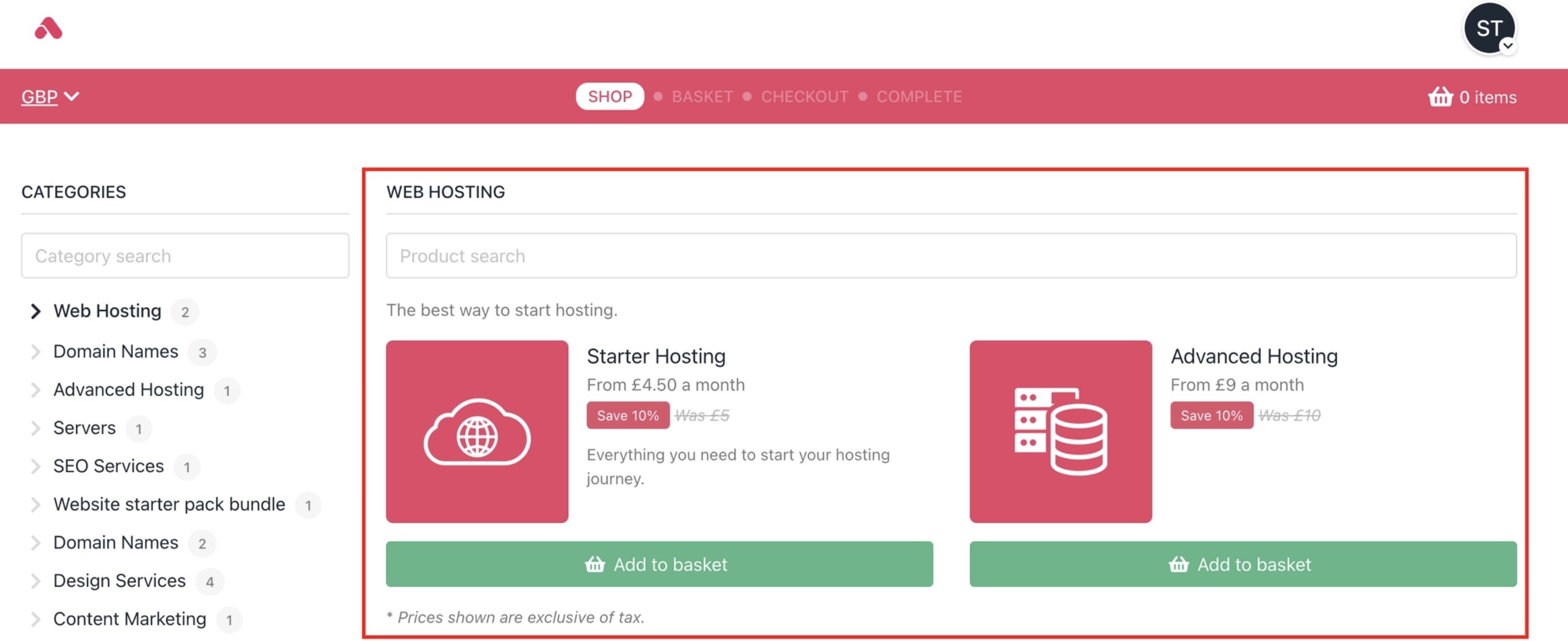 Promotional offers on products are also highlighted properly for customers to see.
 ## Product configuration
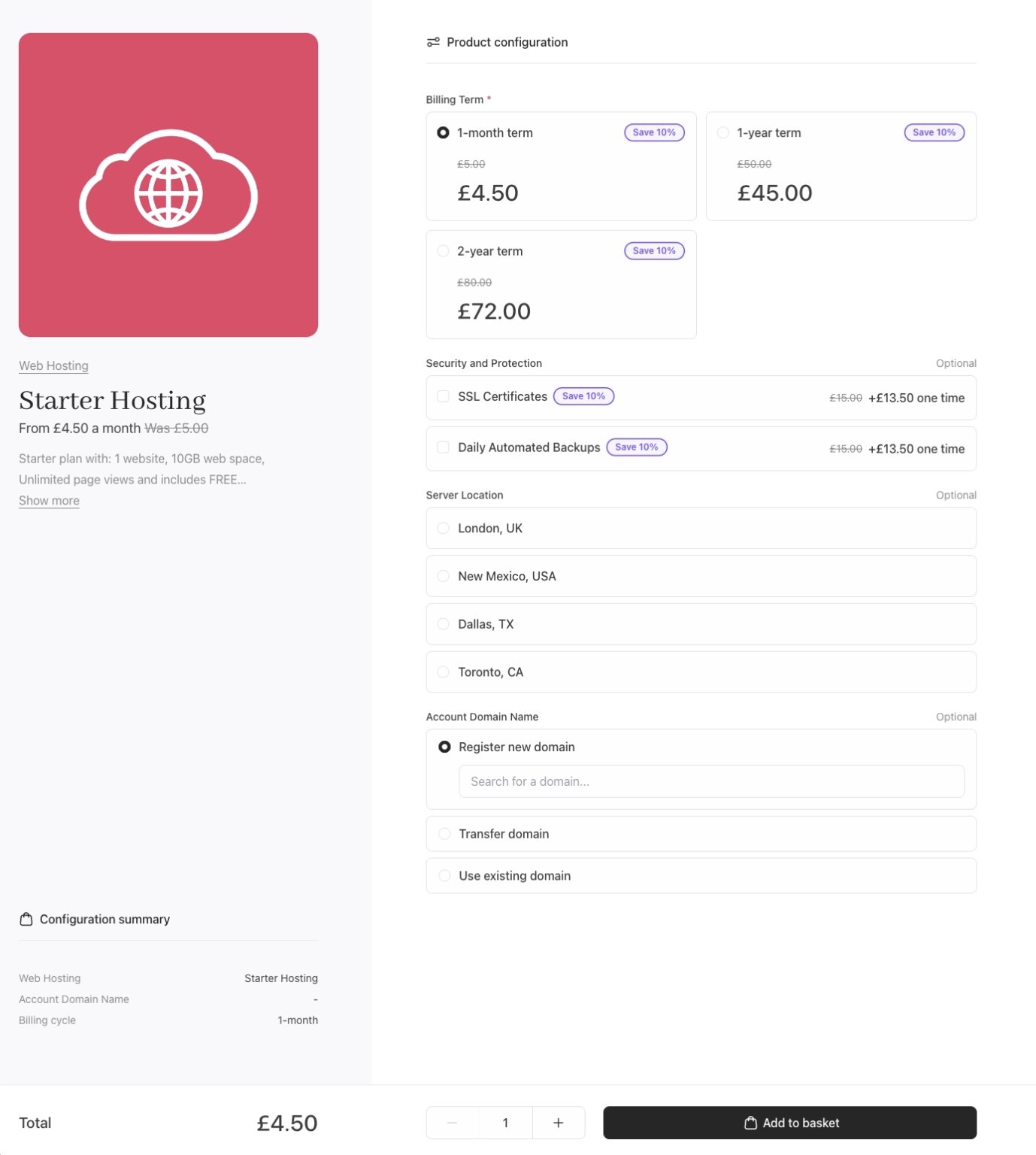
Cart 2.0 builds on the solid foundation of Cart 1.0 by introducing a clearer and more guided configuration flow. Layout improvements and a stronger visual structure make [product options](/using-upmind/product-management/how-to-add-product-options) and pricing changes easier to follow, especially for more complex products.
## Product configuration
Cart 2.0 builds on the solid foundation of Cart 1.0 by introducing a clearer and more guided configuration flow. Layout improvements and a stronger visual structure make [product options](/using-upmind/product-management/how-to-add-product-options) and pricing changes easier to follow, especially for more complex products.
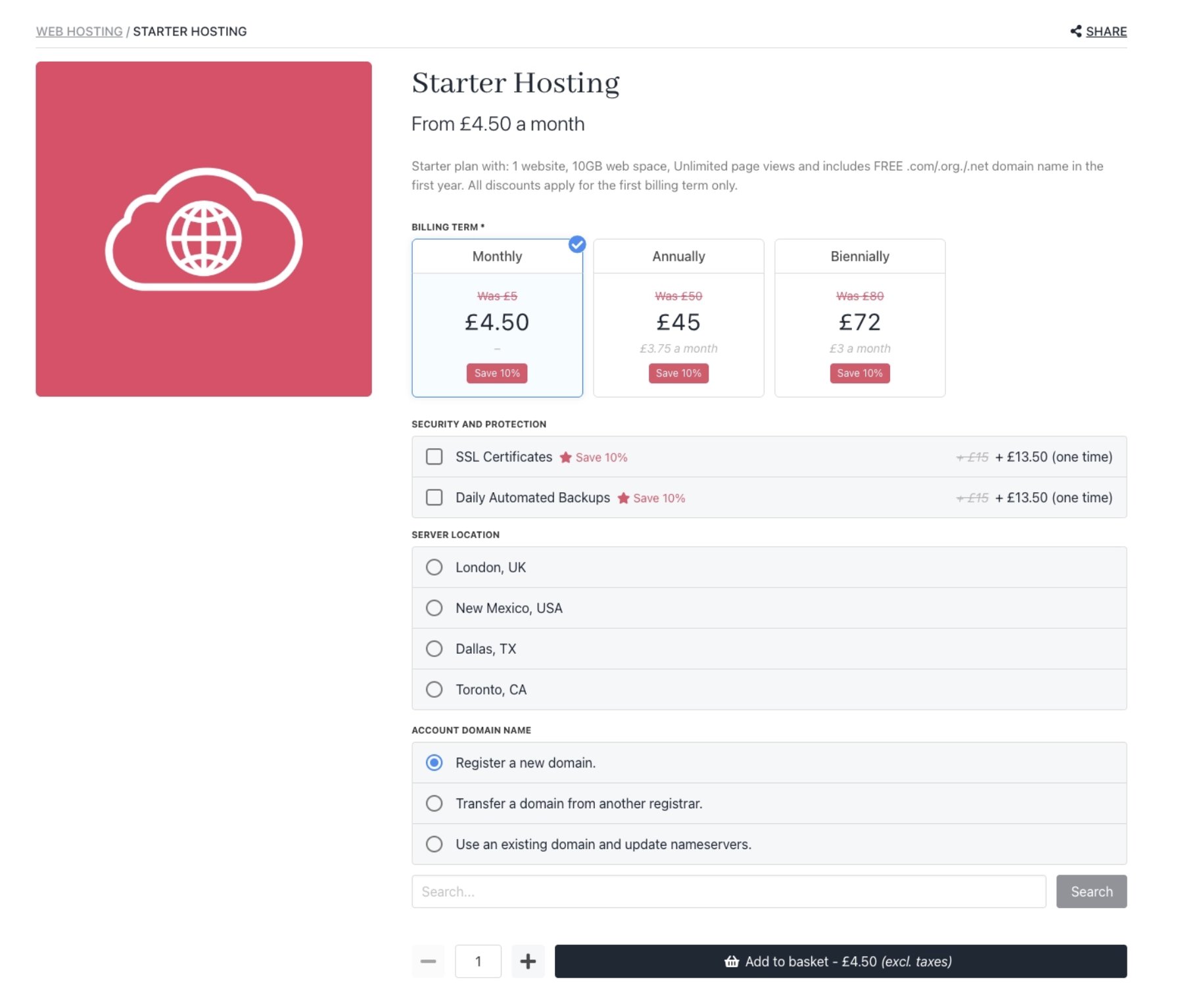 The result is a smoother configuration experience with better clarity at each step.
 ## Recommendations/upsells
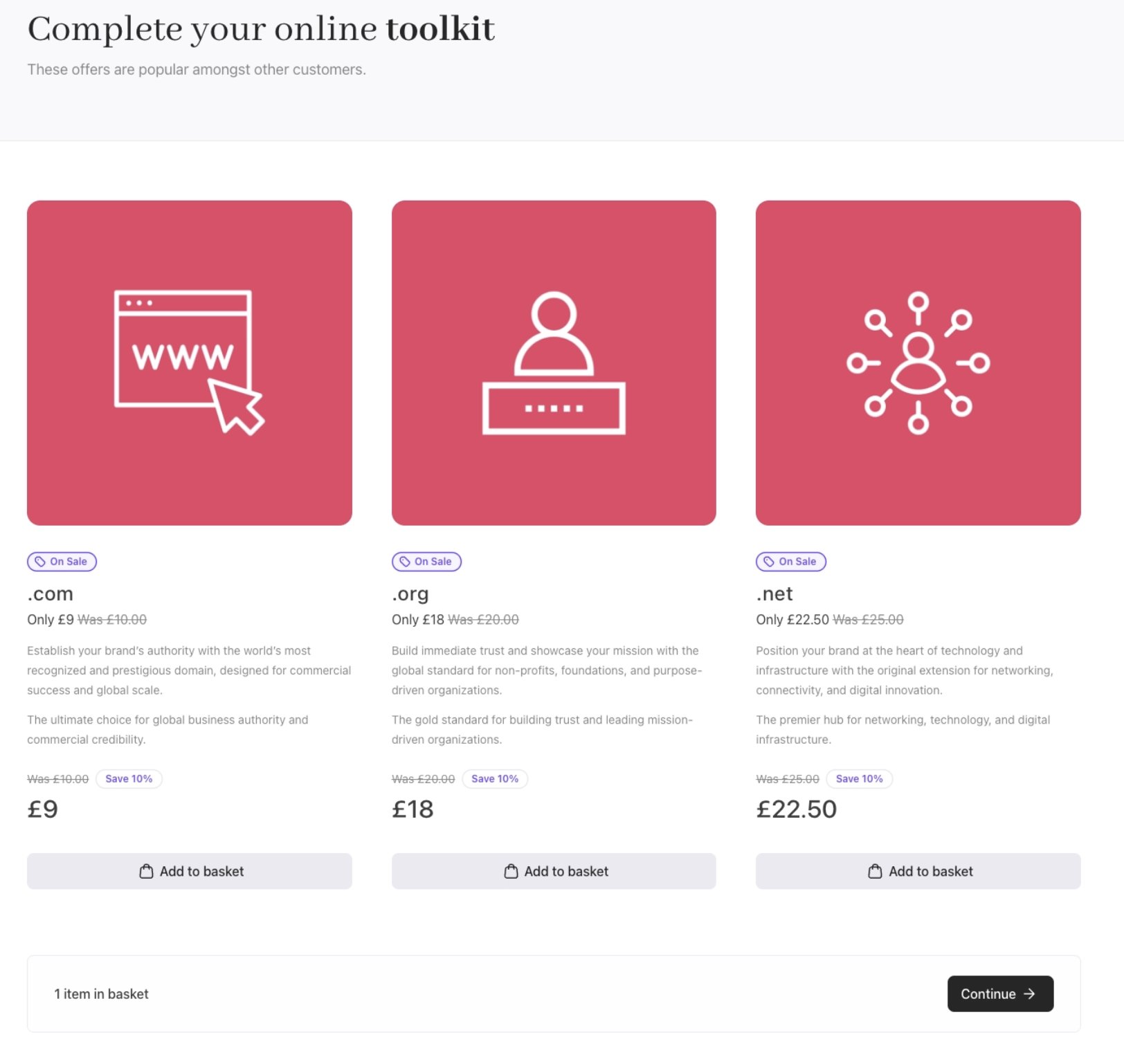
In Cart 2.0, product recommendations are given a more prominent and intentional role in the buyer journey. The updated design adds clearer context, stronger visual cues, and better alignment with the surrounding content.
## Recommendations/upsells
In Cart 2.0, product recommendations are given a more prominent and intentional role in the buyer journey. The updated design adds clearer context, stronger visual cues, and better alignment with the surrounding content.
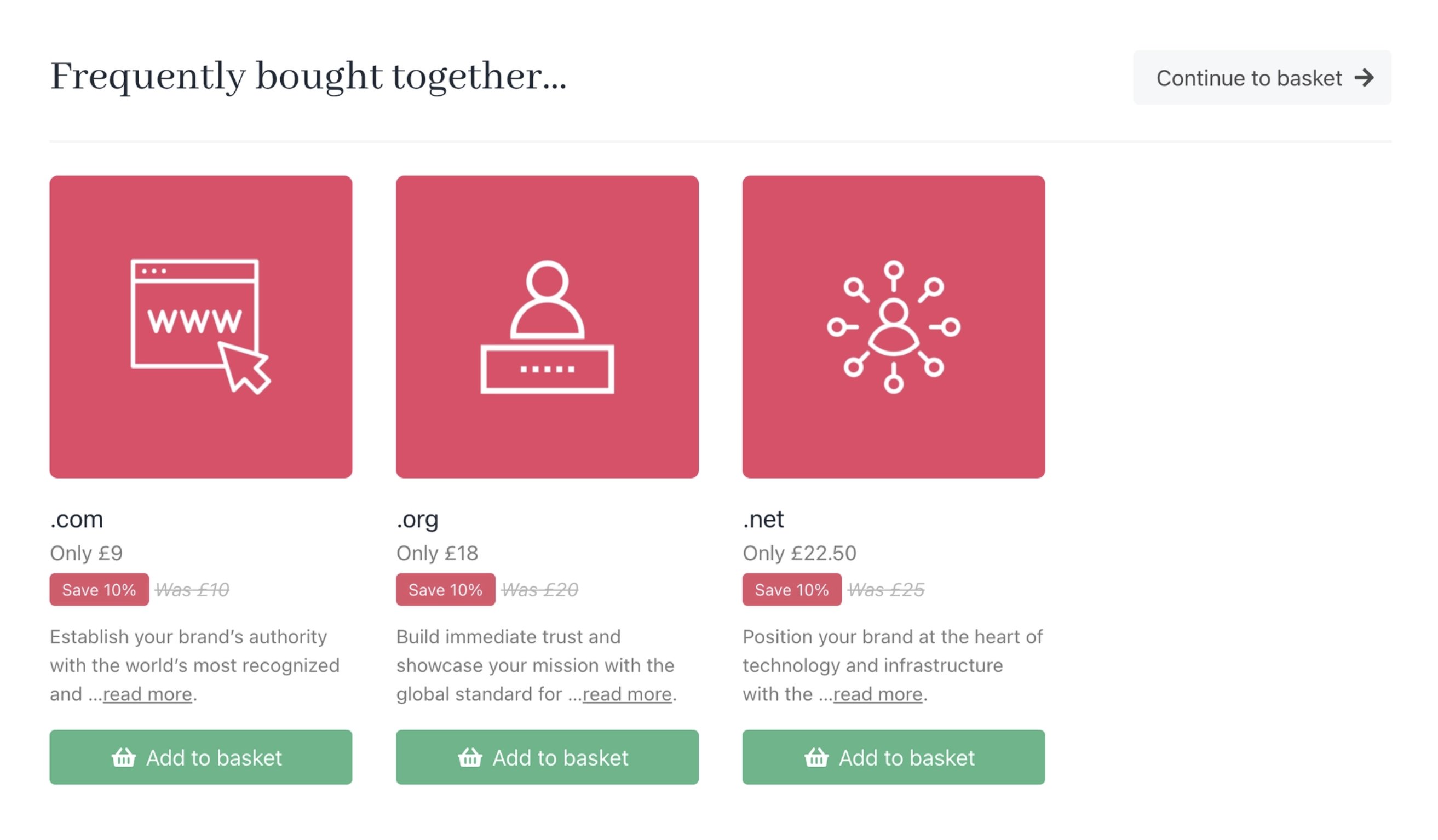 This helps upsells feel more relevant and integrated, rather than simply supplementary.
 ## Basket
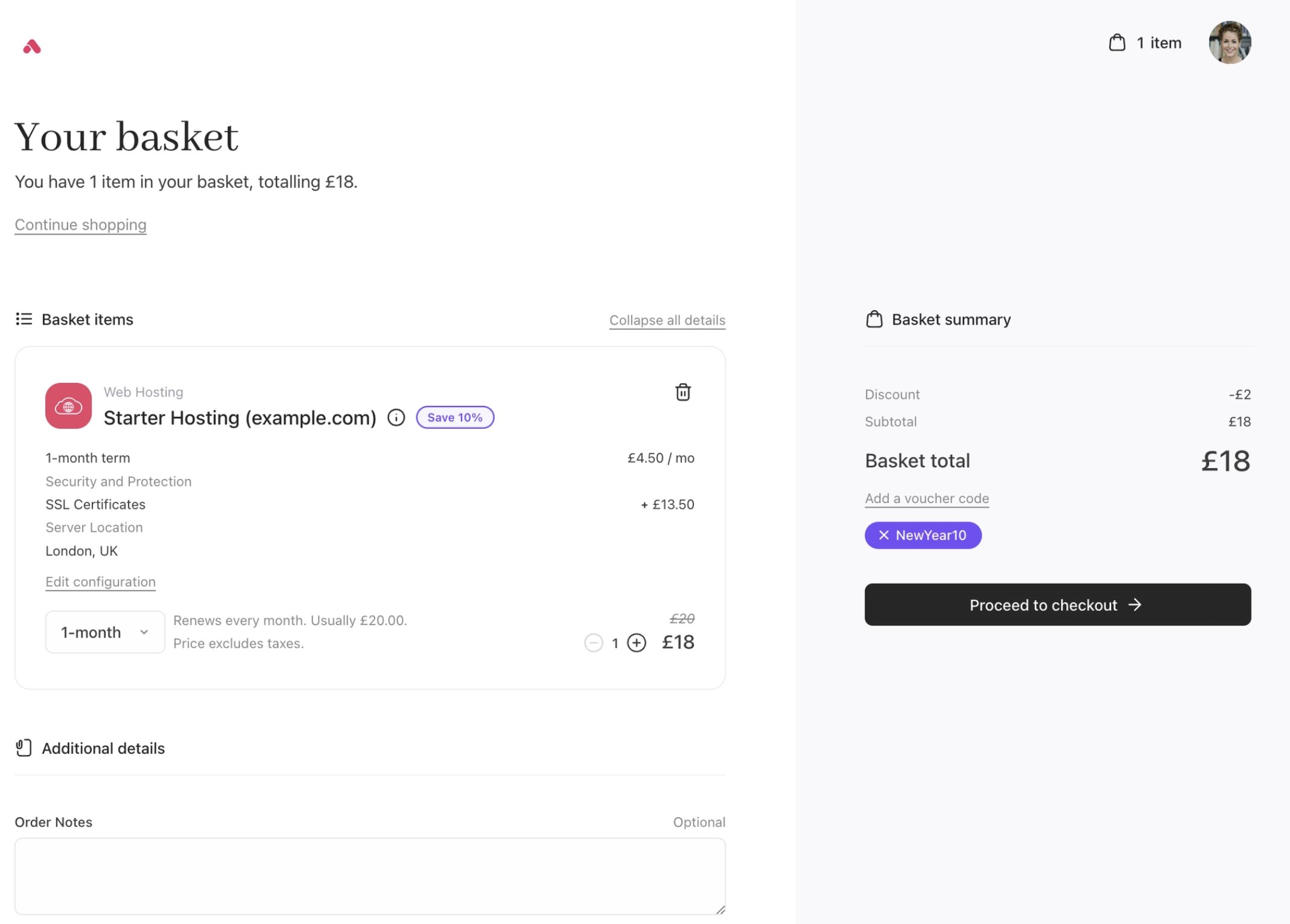
In Cart 2.0, the basket experience has been simplified with a cleaner layout and clearer grouping, so customers can review items, options, and totals more quickly and make changes with confidence before checkout.
## Basket
In Cart 2.0, the basket experience has been simplified with a cleaner layout and clearer grouping, so customers can review items, options, and totals more quickly and make changes with confidence before checkout.
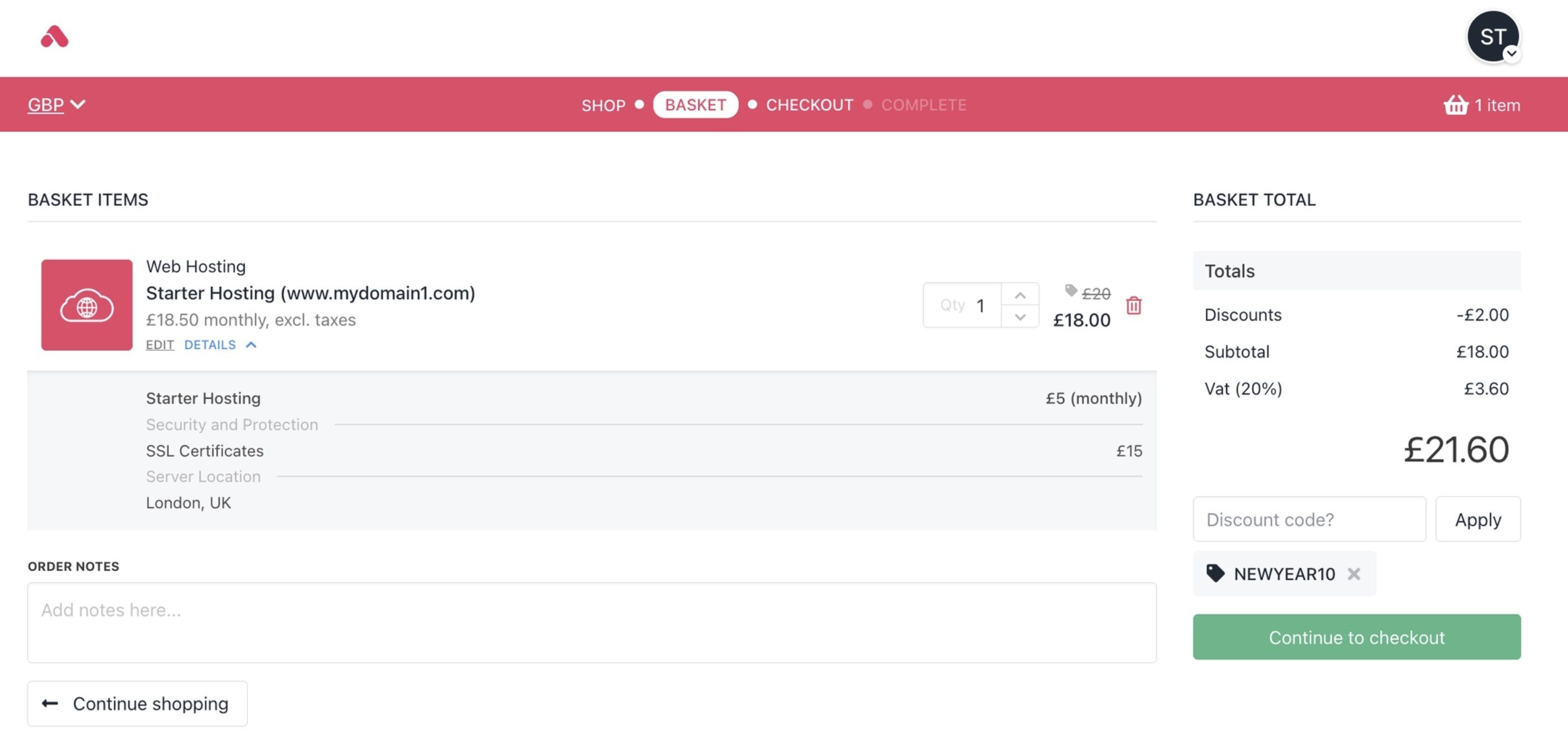 You can also change the [currencies](/using-upmind/invoicing-and-taxes/about-multi-currency) here to update the real-time prices.
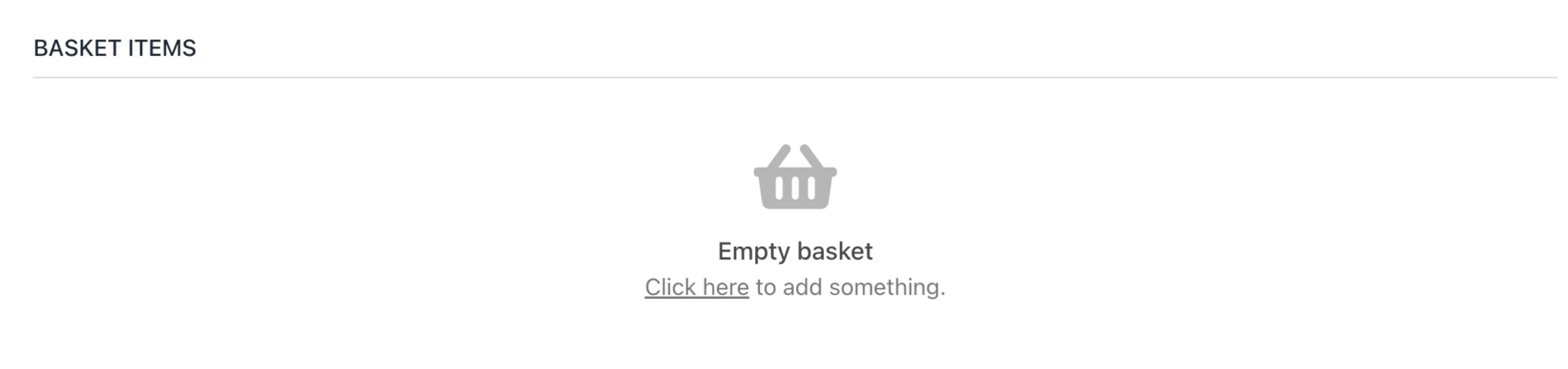
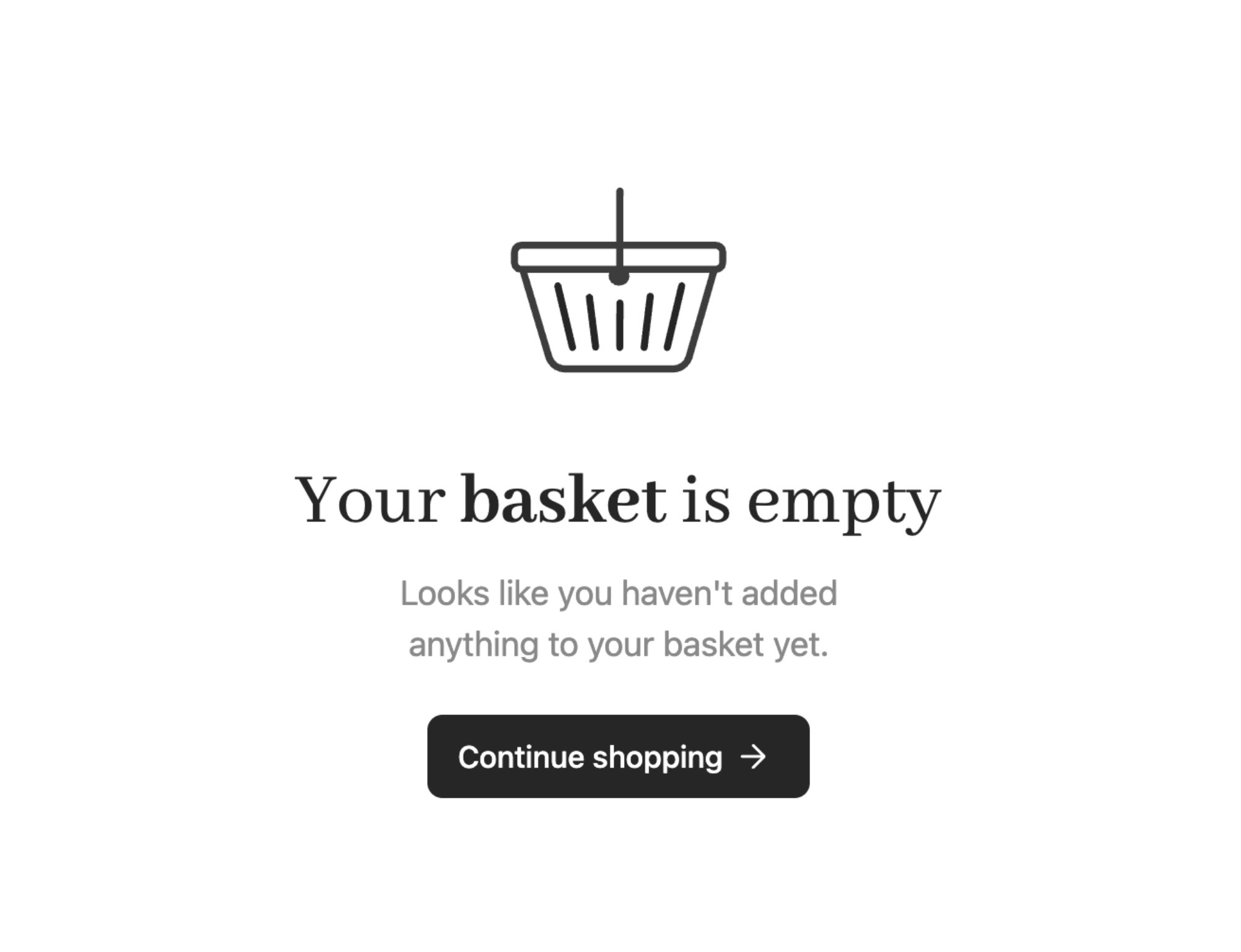
 The new **Empty Basket** screen is also shown when there are no items in the basket.
 ## Checkout
The Cart 2.0 checkout builds on the foundation of the previous checkout with a simplified, modern layout that feels lighter and more fluid.
## Checkout
The Cart 2.0 checkout builds on the foundation of the previous checkout with a simplified, modern layout that feels lighter and more fluid.
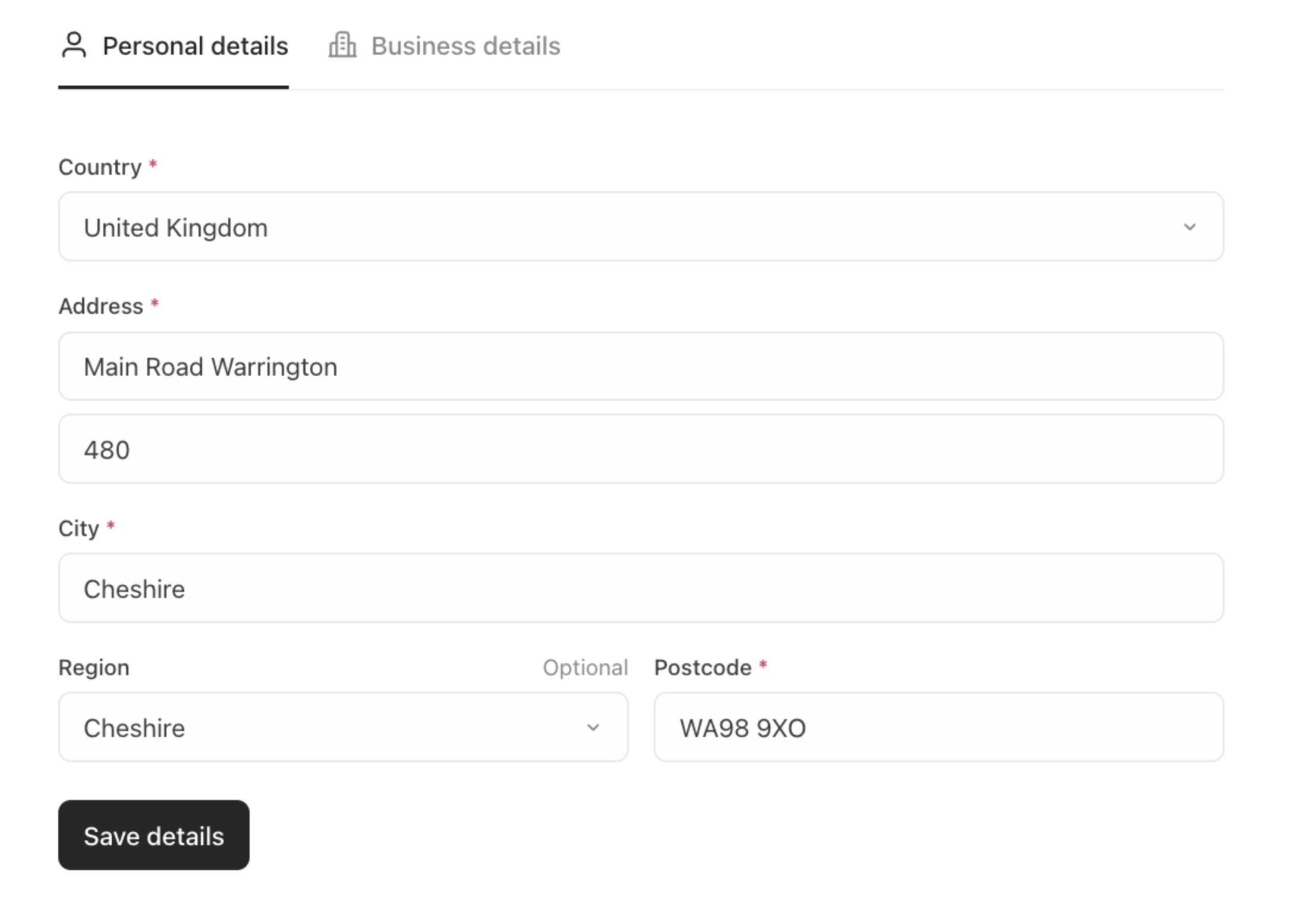
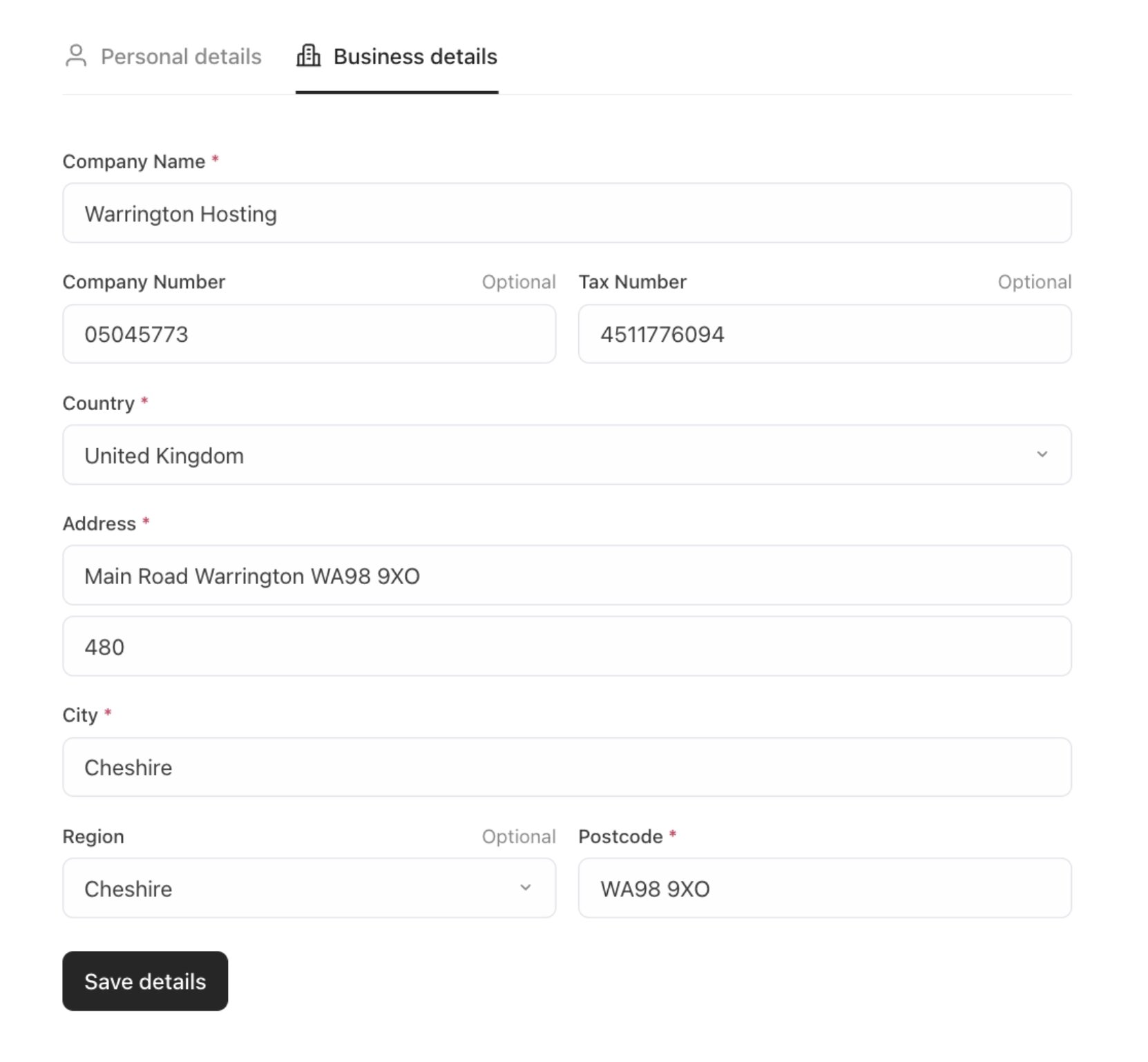
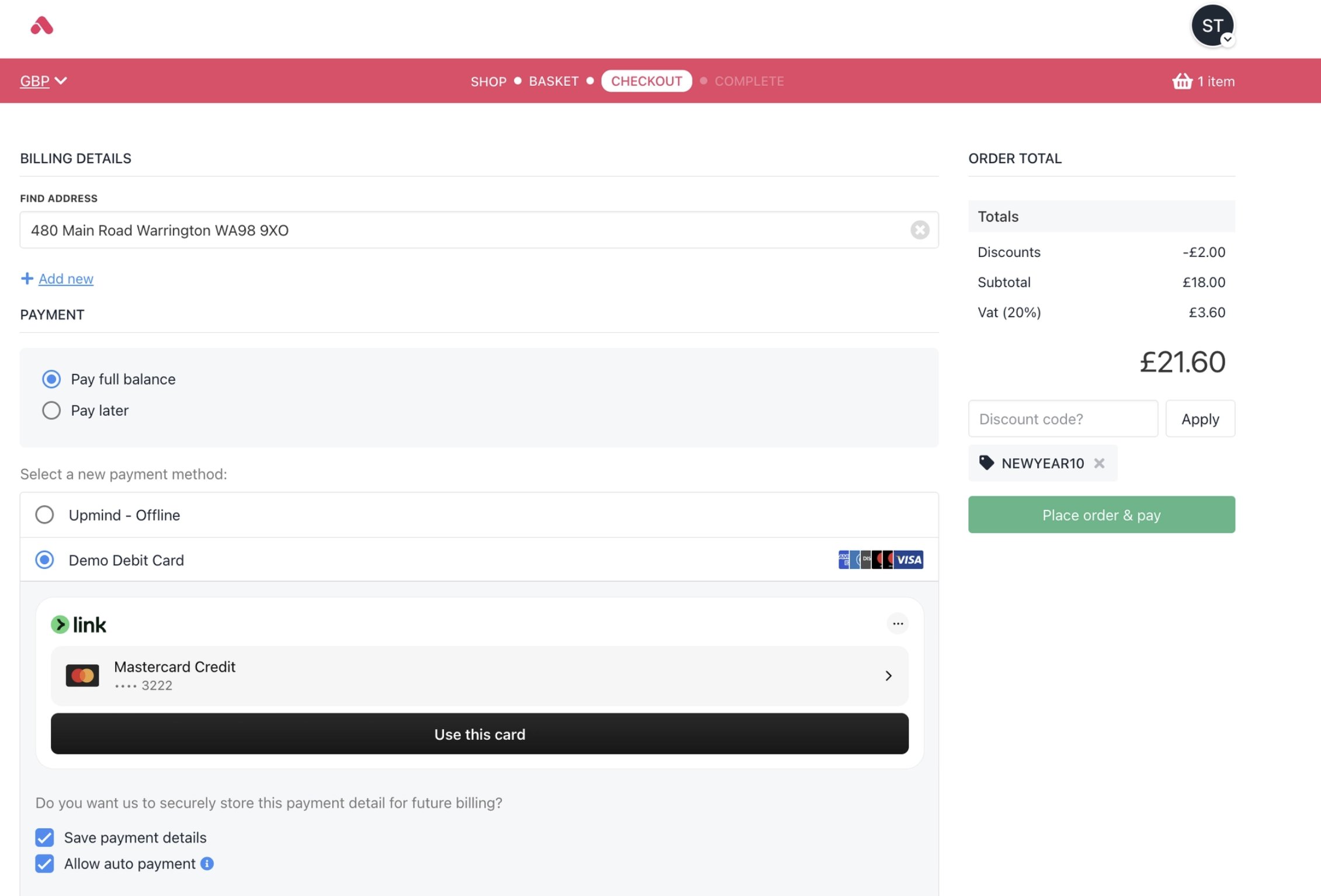 A clear order summary sits alongside well-structured personal and business detail sections, while improved typography and spacing create a faster, more reassuring checkout experience that stays fully aligned with your brand and helps reduce drop-off.
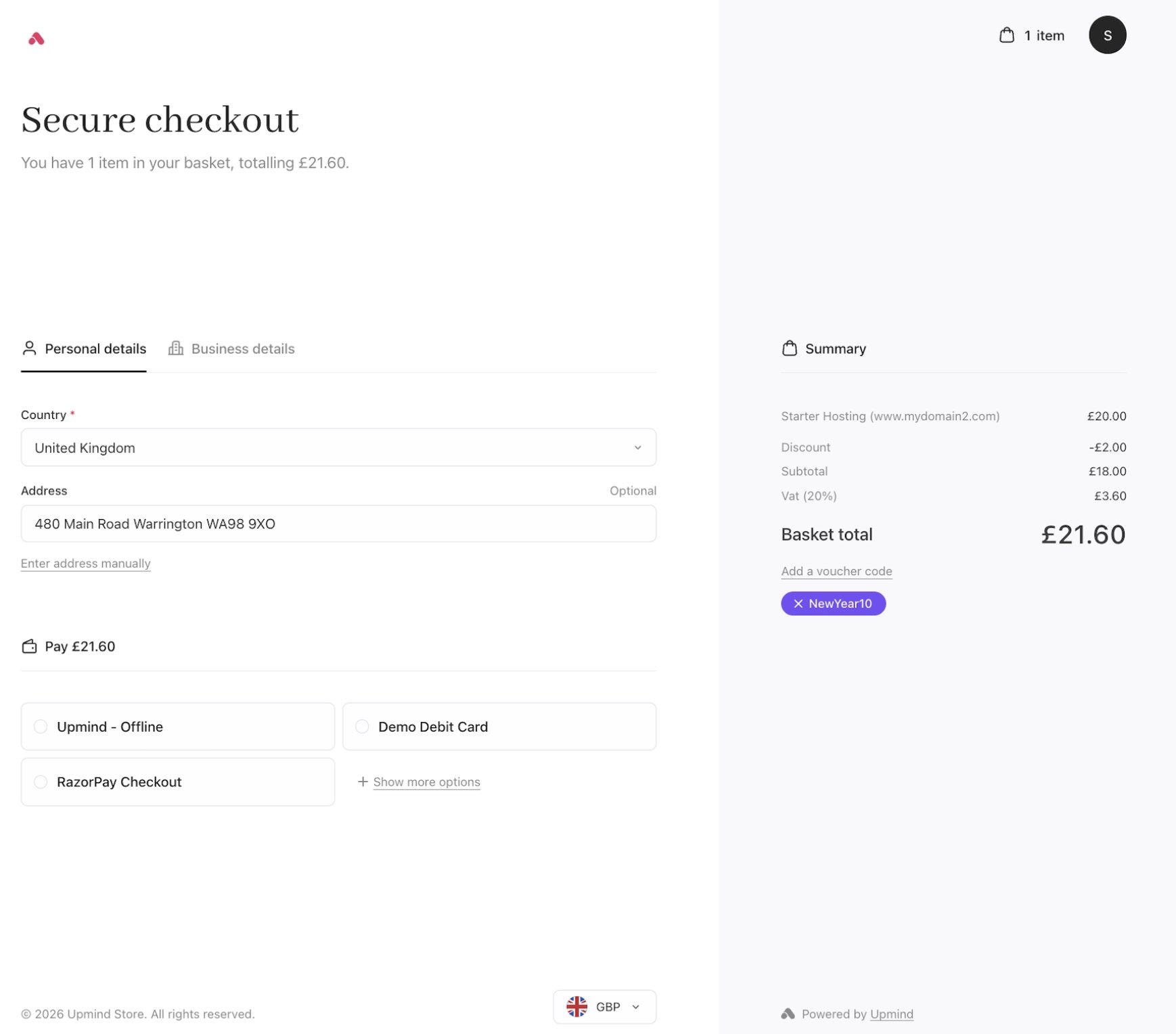 All the familiar checkout features from Cart 1.0 remain available in Cart 2.0, including address autocomplete for faster data entry. When autocomplete is not used, customers can always enter their address details manually.
 ## Confirmation
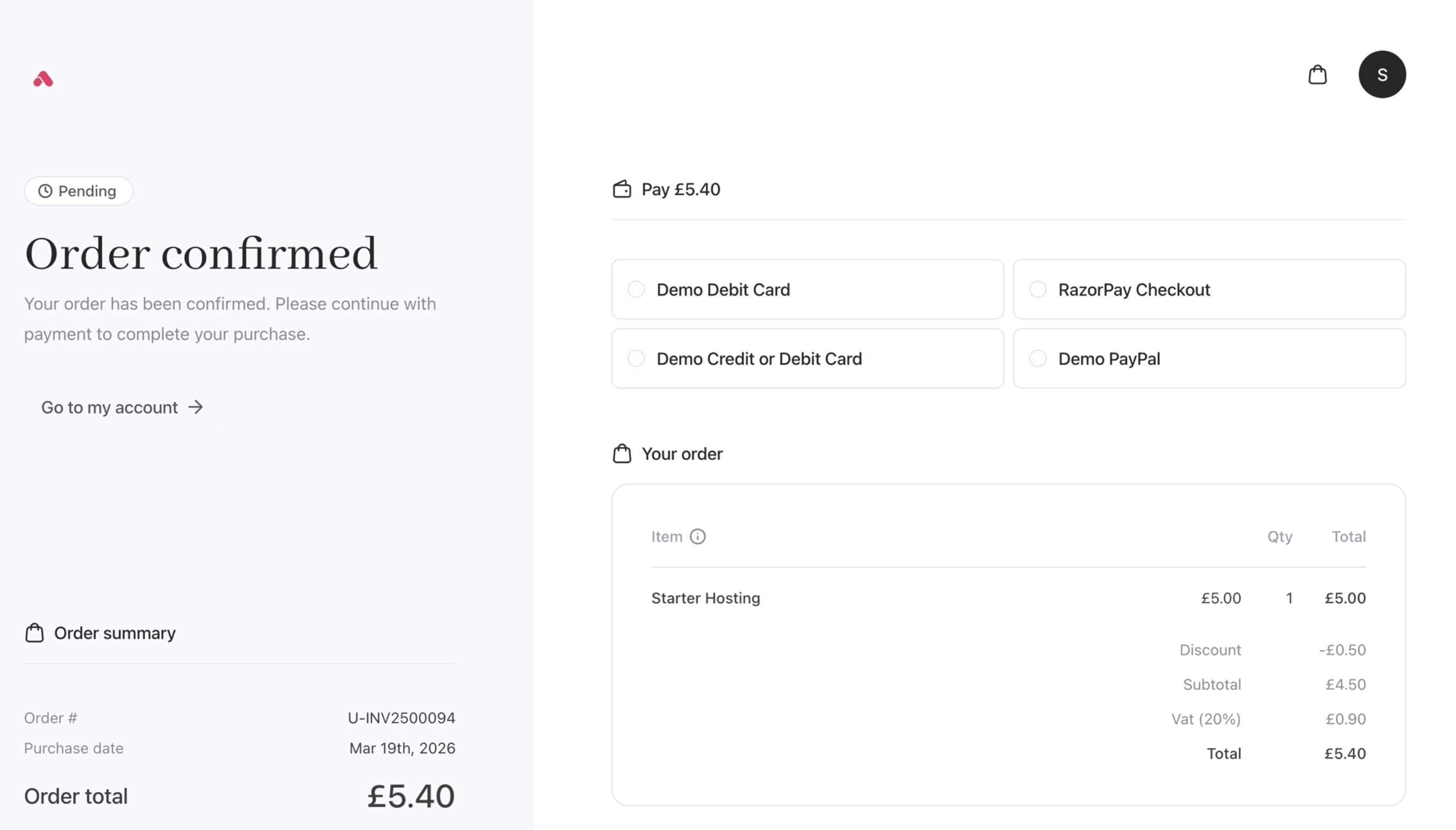
The order confirmation page shows your order details, payment choices, and basket items clearly. Clean spacing and simple icons make it easy to read and confirm your purchase.
## Confirmation
The order confirmation page shows your order details, payment choices, and basket items clearly. Clean spacing and simple icons make it easy to read and confirm your purchase.
 ## Templates
Cart 2.0 provides custom layouts for store pages through templates that define structural arrangements of content, sidebars, headers, and footers. You can set different templates for different pages to create a fully customised storefront appearance:
* Product catalogue
* Product configuration
* Recommendations
* Basket
* Auth (Registration, login, password recovery)
* Billing details
* Checkout
* Confirmation
## New and improved loading screens
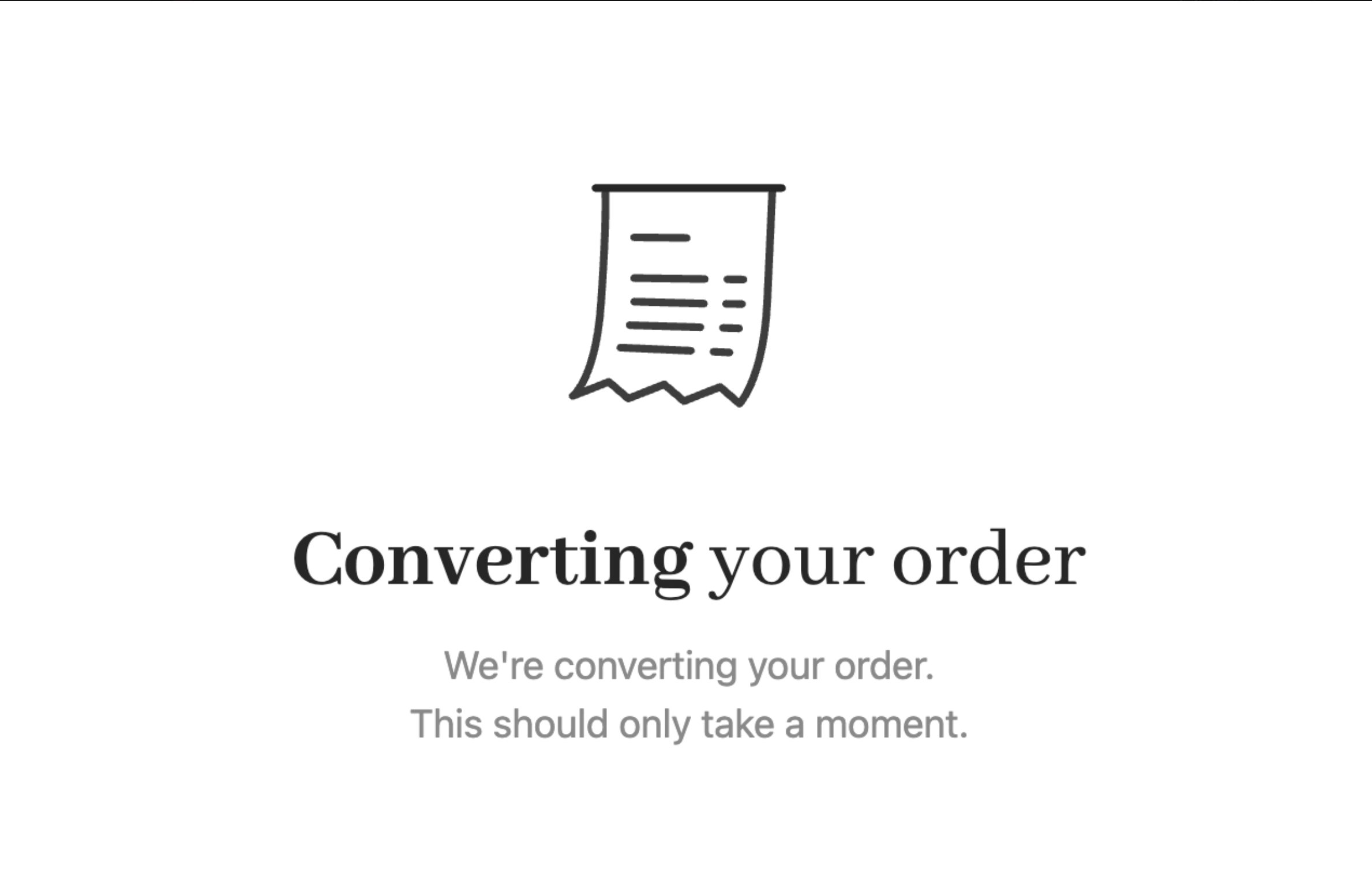
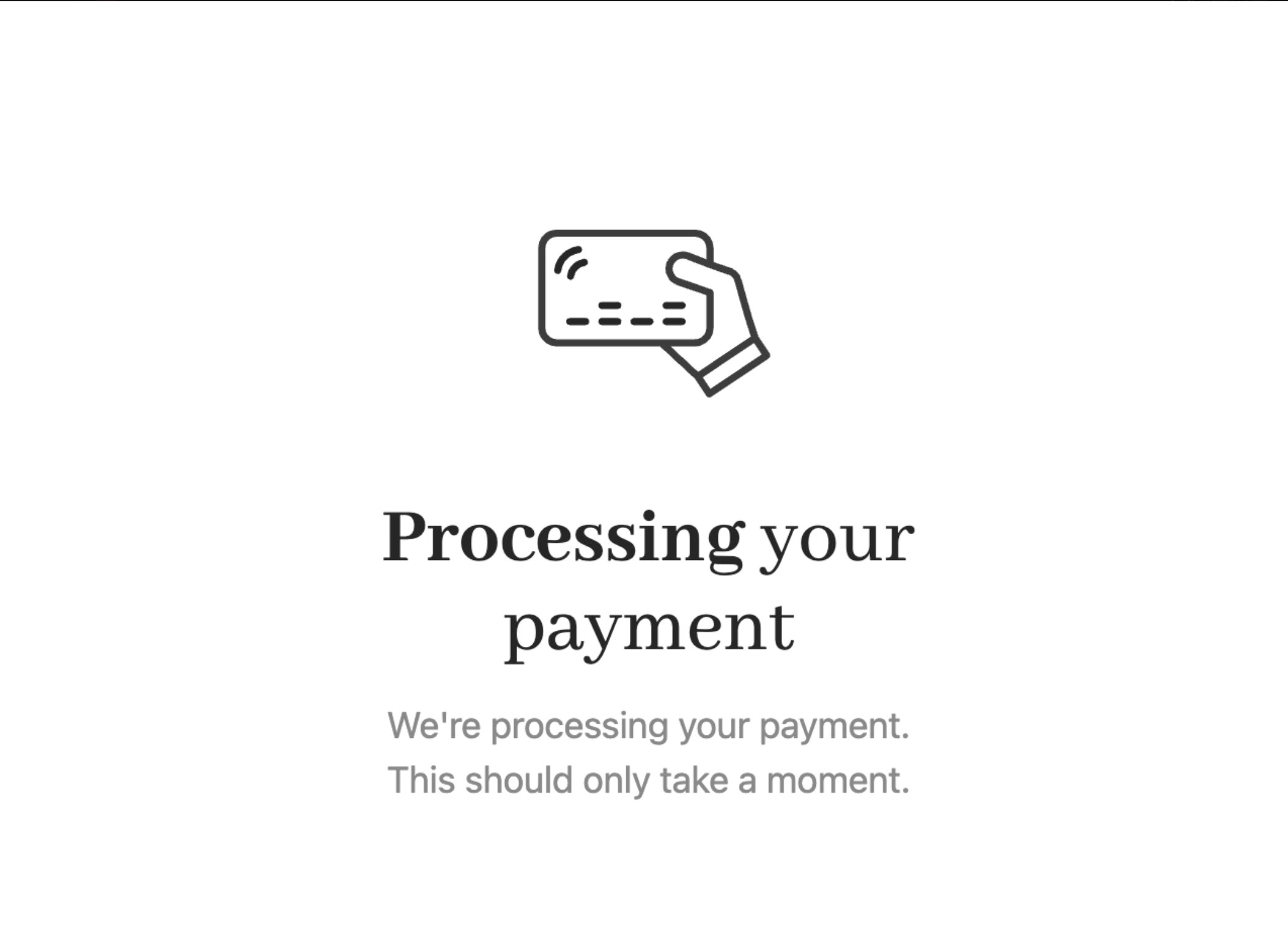
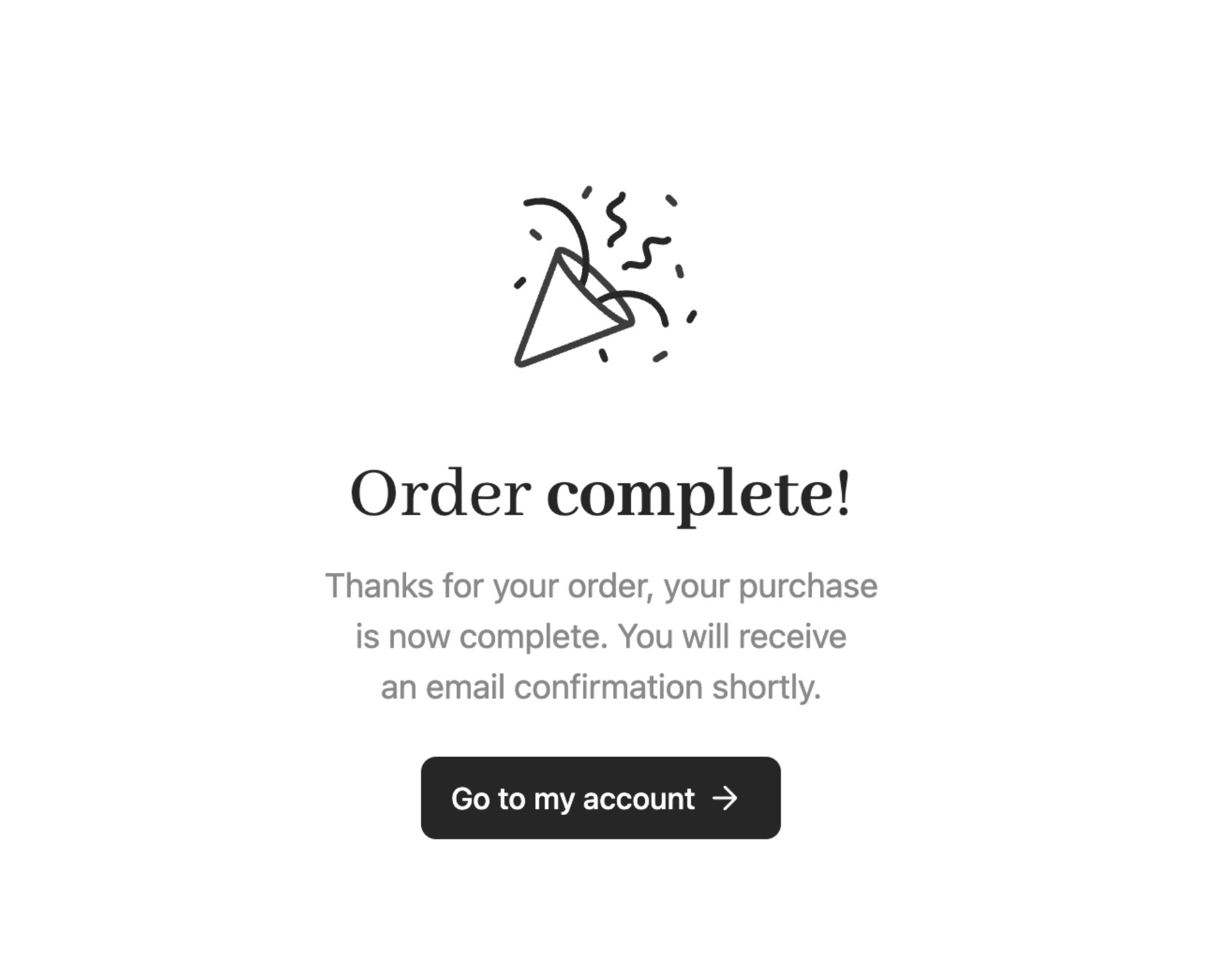
The **Order Complete** screen is now split into three different screens:
* Order conversion
* Payment processing
* Order confirmation
## Templates
Cart 2.0 provides custom layouts for store pages through templates that define structural arrangements of content, sidebars, headers, and footers. You can set different templates for different pages to create a fully customised storefront appearance:
* Product catalogue
* Product configuration
* Recommendations
* Basket
* Auth (Registration, login, password recovery)
* Billing details
* Checkout
* Confirmation
## New and improved loading screens
The **Order Complete** screen is now split into three different screens:
* Order conversion
* Payment processing
* Order confirmation
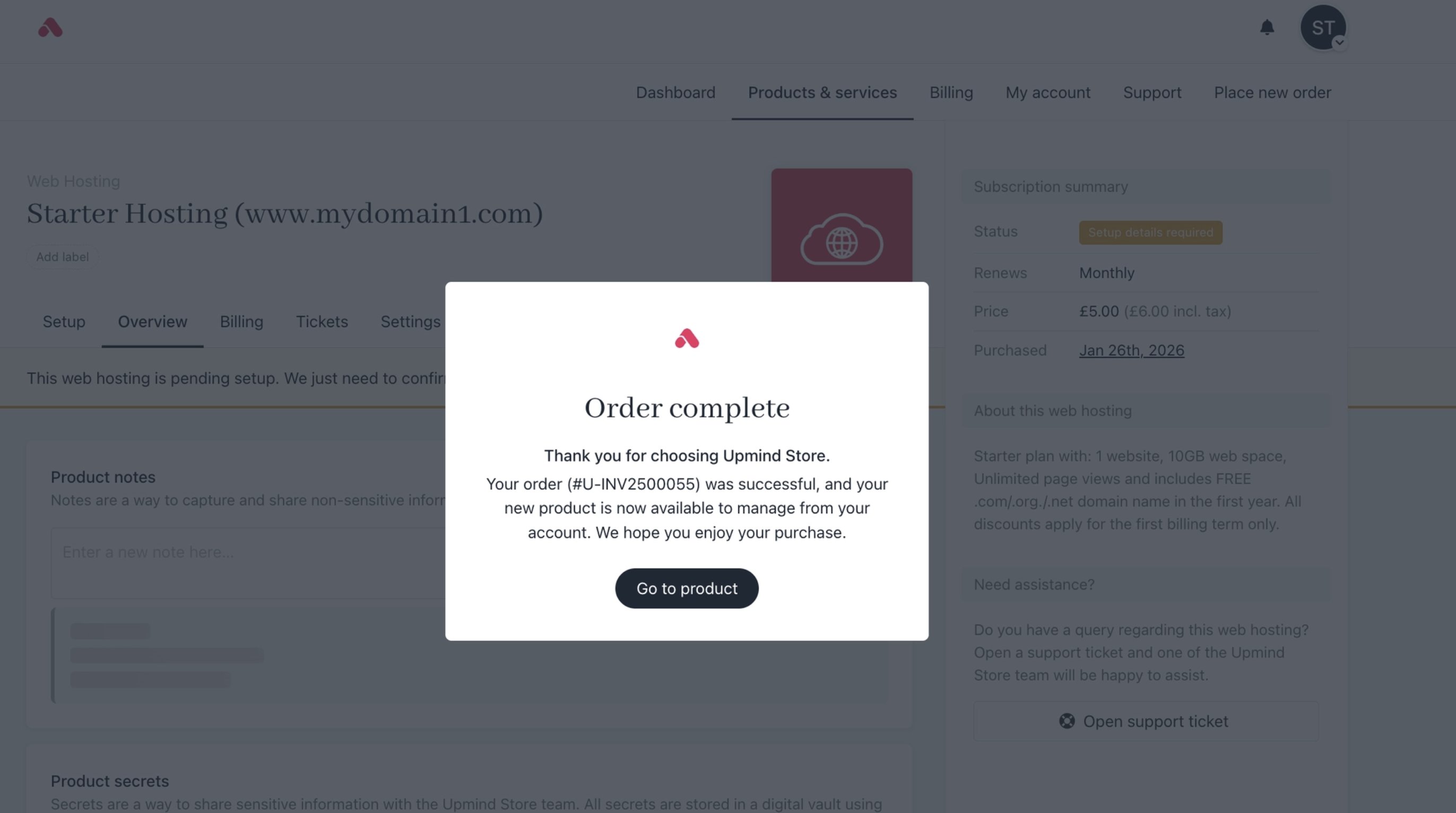
 The screen below appears when an item is added to the basket or when moving to checkout, indicating the basket is updating.