> ## Documentation Index
> Fetch the complete documentation index at: https://docs.upmind.com/llms.txt
> Use this file to discover all available pages before exploring further.
# How to Enable Guest Checkout
> Know more about guest checkout, to require an account login before completing a purchase.
Store Admins can control customer access to the checkout area. If you enable **Guest checkout**, any website visitor can make a one-time purchase without creating an account or logging in. Guest checkout is not available for subscriptions.
## Managing guest checkout
1. Log in to the Admin dashboard.
2. Go to **Settings** > **Order Options**.
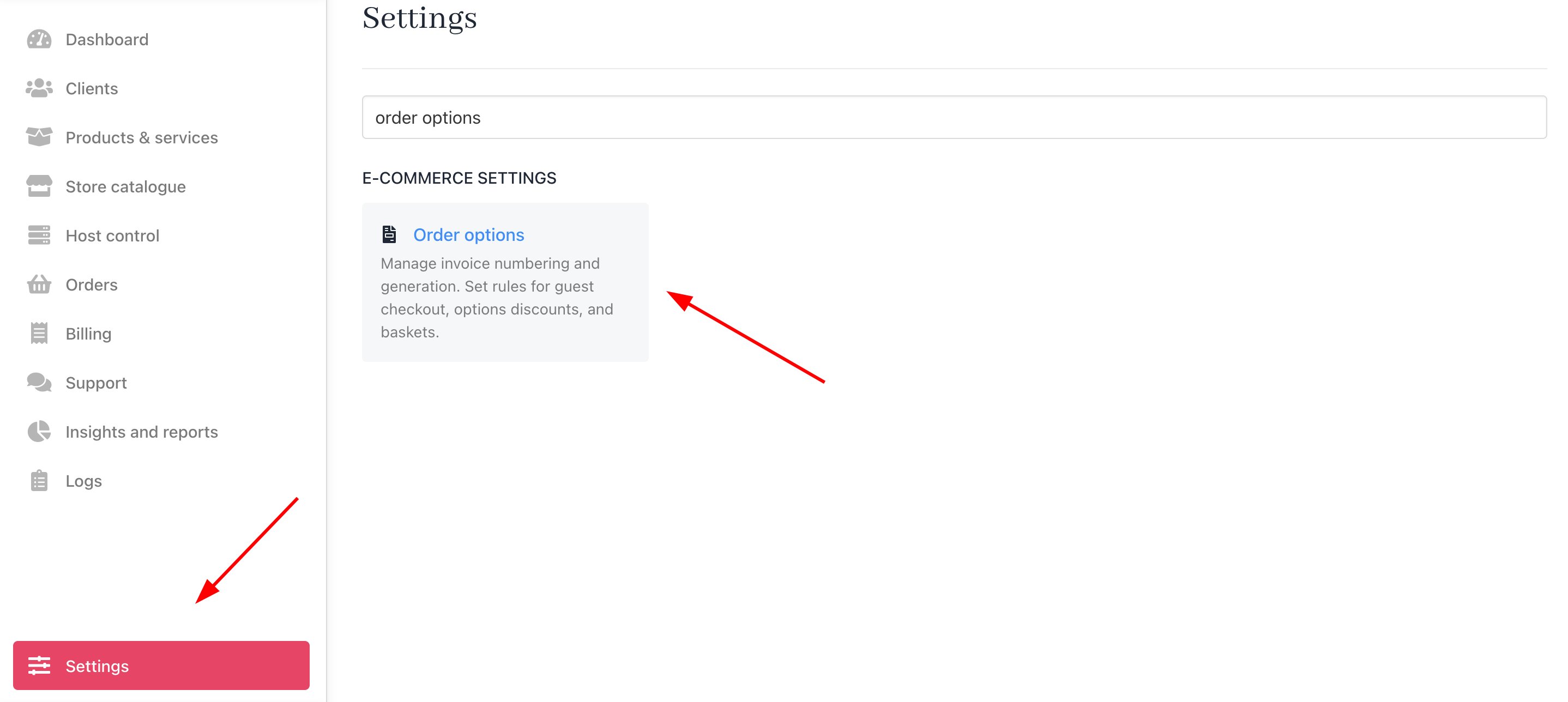 3. Scroll down to the **Guest Checkout** heading.
4. Click the toggle to the **ON** position to enable this feature.
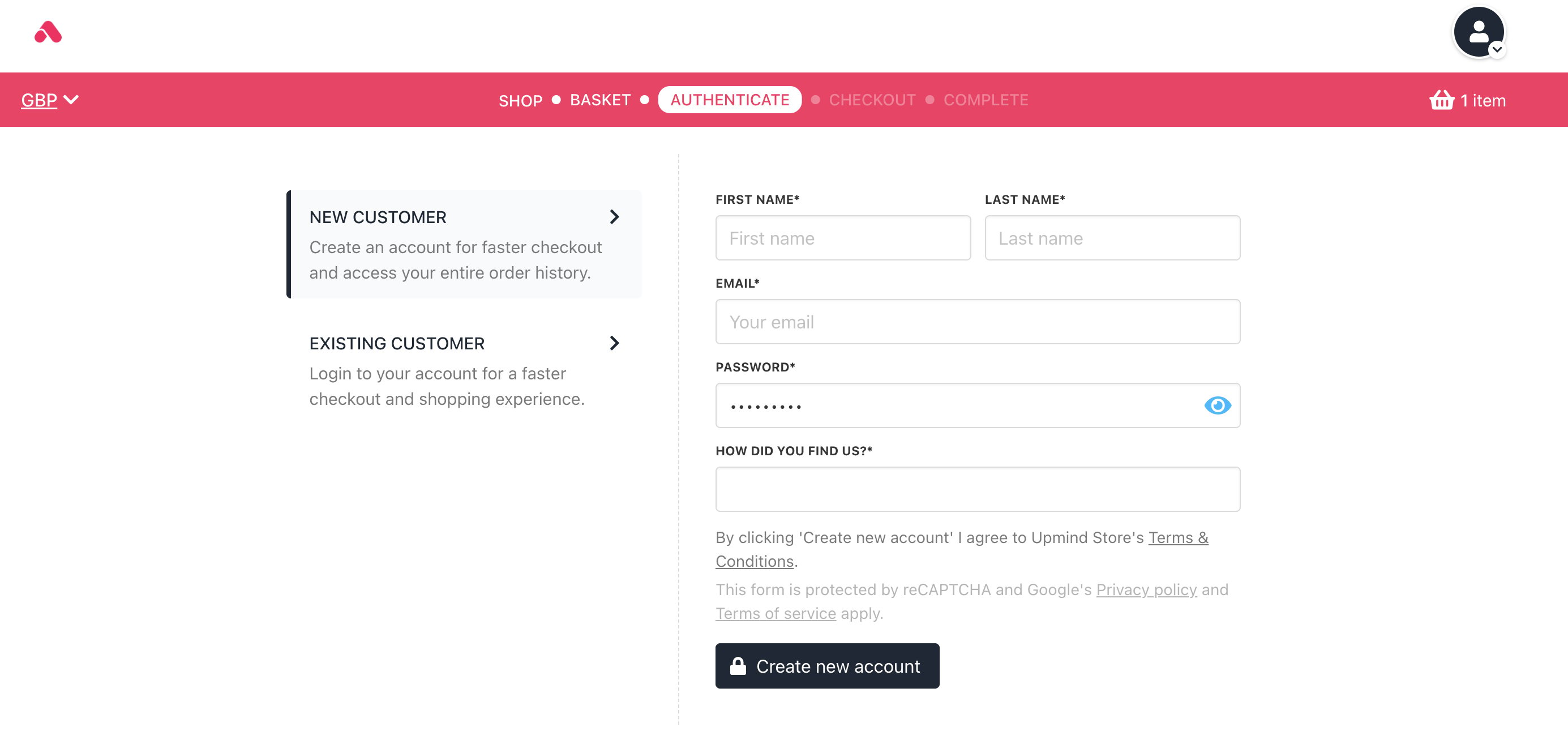
When enabled, a customer can complete a transaction without registering or logging in. When disabled, a customer must log in or create a new account to complete a purchase.
3. Scroll down to the **Guest Checkout** heading.
4. Click the toggle to the **ON** position to enable this feature.
When enabled, a customer can complete a transaction without registering or logging in. When disabled, a customer must log in or create a new account to complete a purchase.
 ## Guest checkout flow
1. The client selects the product they want to purchase and proceeds to the checkout page.
2. Depending on the type of product being purchased, there are two different flows:
* One-time Products: Guests can proceed to checkout without creating an account. They’ll see the option "In a hurry? Checkout as a guest" on the checkout page.
## Guest checkout flow
1. The client selects the product they want to purchase and proceeds to the checkout page.
2. Depending on the type of product being purchased, there are two different flows:
* One-time Products: Guests can proceed to checkout without creating an account. They’ll see the option "In a hurry? Checkout as a guest" on the checkout page.
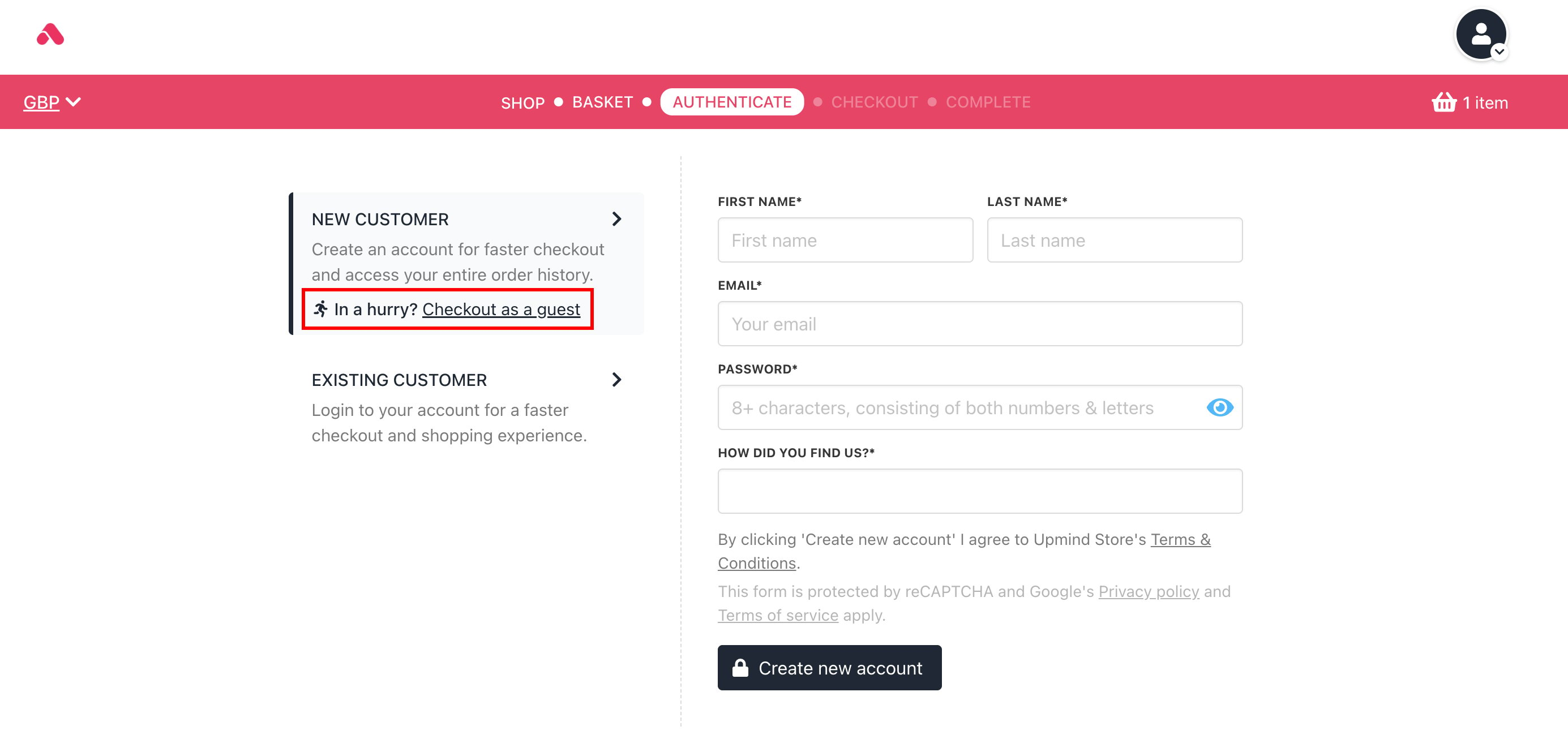 * Subscription Products: Clients need to either log in or create an account to proceed with checkout due to the recurring nature of the payments.