> ## Documentation Index
> Fetch the complete documentation index at: https://docs.upmind.com/llms.txt
> Use this file to discover all available pages before exploring further.
# How to Configure Your Brand Settings
> Start today with your brand and excel. Upmind makes your business easier and faster.
Brand settings define how your customers see your business and affect invoices, emails, and the client interface. These settings apply individually to each brand if multiple brands exist.
## Accessing brand settings
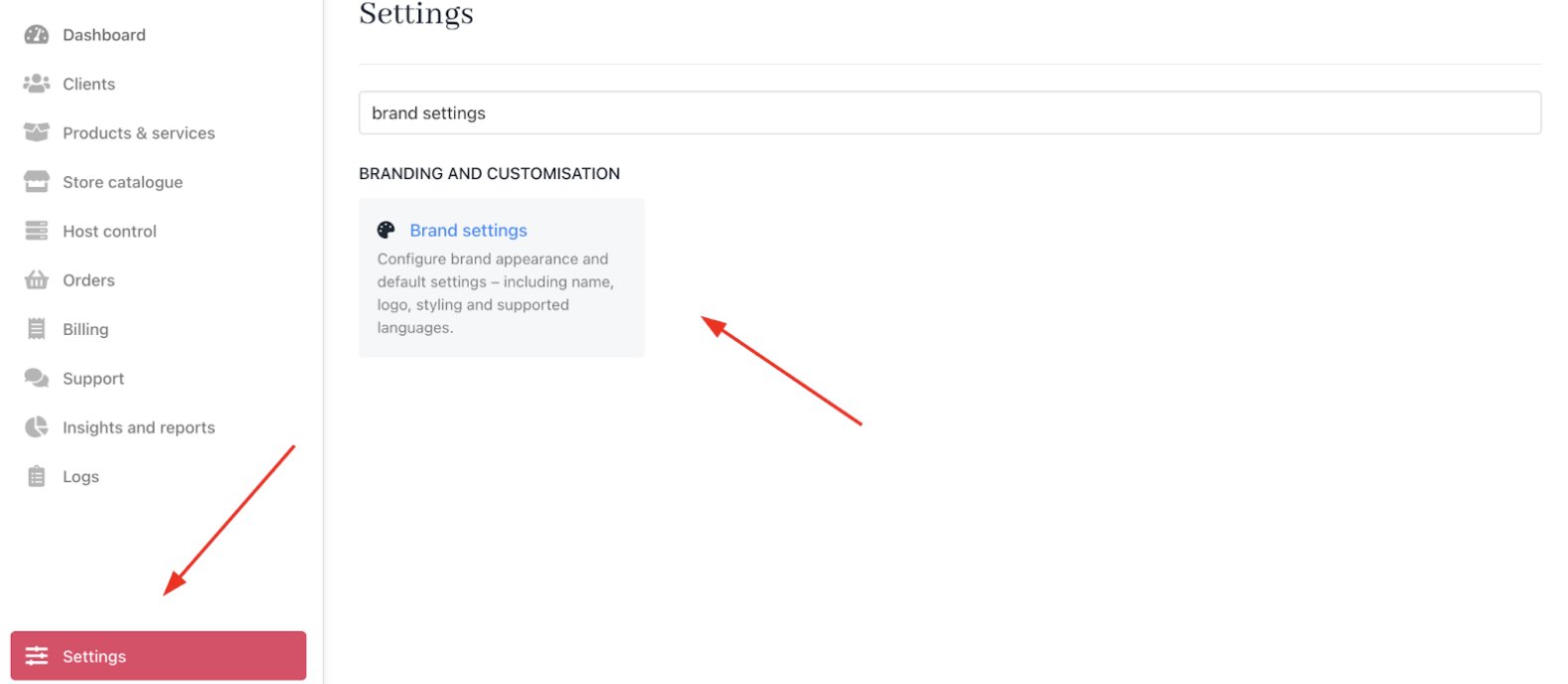
From the Upmind dashboard, go to **Settings** > **Brand Settings** under **Branding and Customisation**.
 ## Customise brand settings
### Brand details
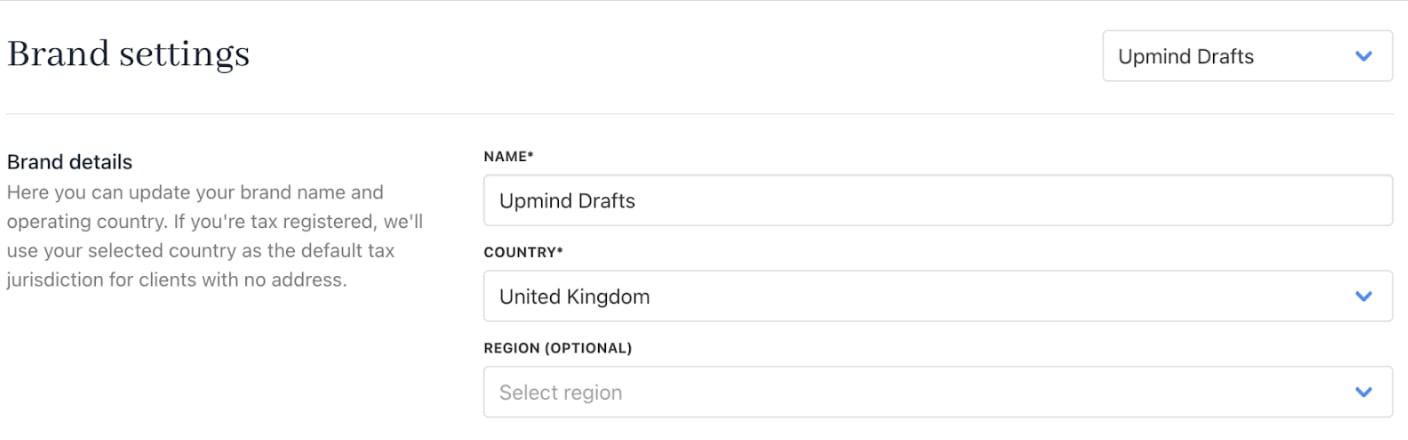
* **Name**: The brand name shown to clients and invoices, which is editable anytime.
* **Country**: Set the brand’s base country for tax and compliance calculations, with an optional regional setting.
## Customise brand settings
### Brand details
* **Name**: The brand name shown to clients and invoices, which is editable anytime.
* **Country**: Set the brand’s base country for tax and compliance calculations, with an optional regional setting.
 ### Brand languages
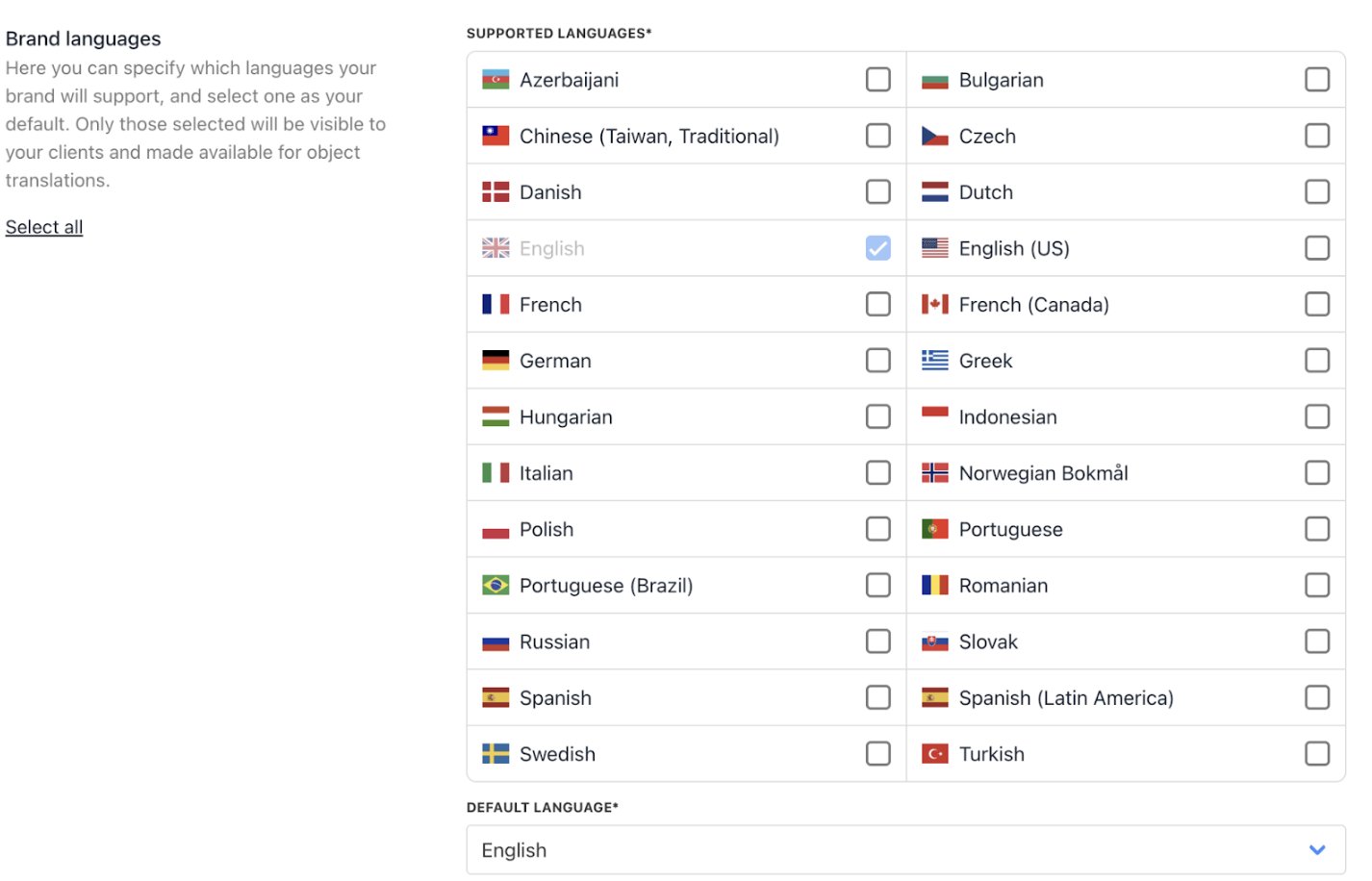
* **Supported Languages**: Add optional languages your clients can use on their account pages. English is the default.
* **Default Language**: Choose the main interface language for your clients. To change the interface language, choose one or more languages in the Supported Languages. The selected options appear in the Default language dropdown.
Product descriptions and emails are automatically translated to the default language if translations aren’t provided.
### Brand languages
* **Supported Languages**: Add optional languages your clients can use on their account pages. English is the default.
* **Default Language**: Choose the main interface language for your clients. To change the interface language, choose one or more languages in the Supported Languages. The selected options appear in the Default language dropdown.
Product descriptions and emails are automatically translated to the default language if translations aren’t provided.
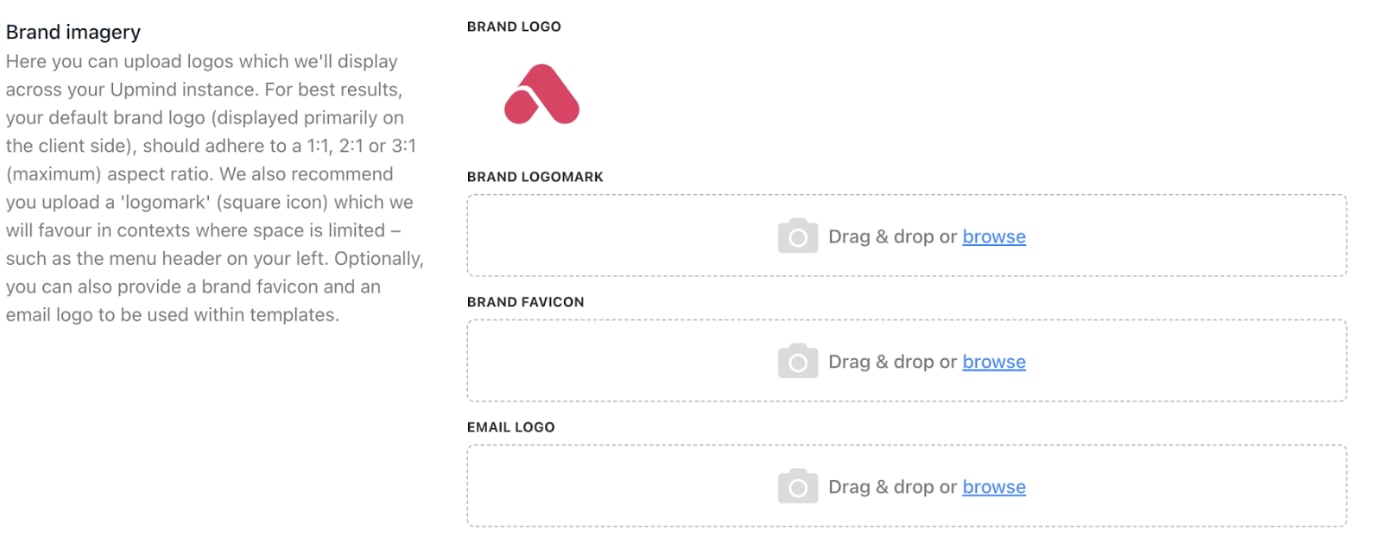
 ### Brand imagery
* **Brand logo**: The primary emblem representing your brand’s identity.
* **Brand logomark**: The standalone symbol or mark used when space is limited.
* **Brand favicon**: The tiny icon shown in browser tabs for quick brand recognition.
* **Email logo**: The logo used in email communications to reinforce branding.
### Brand imagery
* **Brand logo**: The primary emblem representing your brand’s identity.
* **Brand logomark**: The standalone symbol or mark used when space is limited.
* **Brand favicon**: The tiny icon shown in browser tabs for quick brand recognition.
* **Email logo**: The logo used in email communications to reinforce branding.
 ### Brand appearance
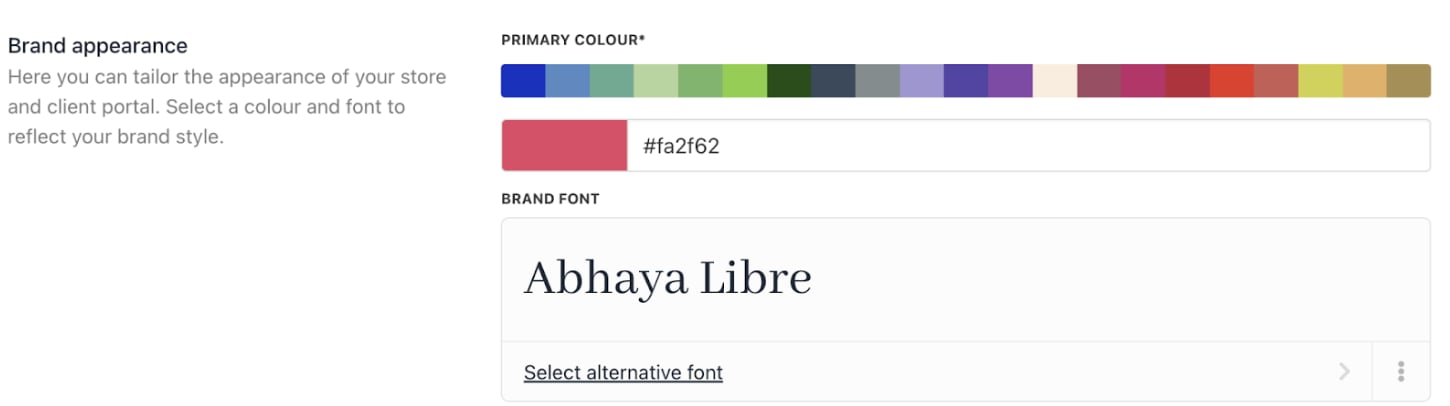
* **Primary colour**: The main brand hue used across all materials to reinforce identity and consistency.
* **Brand font**: The chosen typeface that defines the brand’s look and readability.
### Brand appearance
* **Primary colour**: The main brand hue used across all materials to reinforce identity and consistency.
* **Brand font**: The chosen typeface that defines the brand’s look and readability.
 ### Brand meta
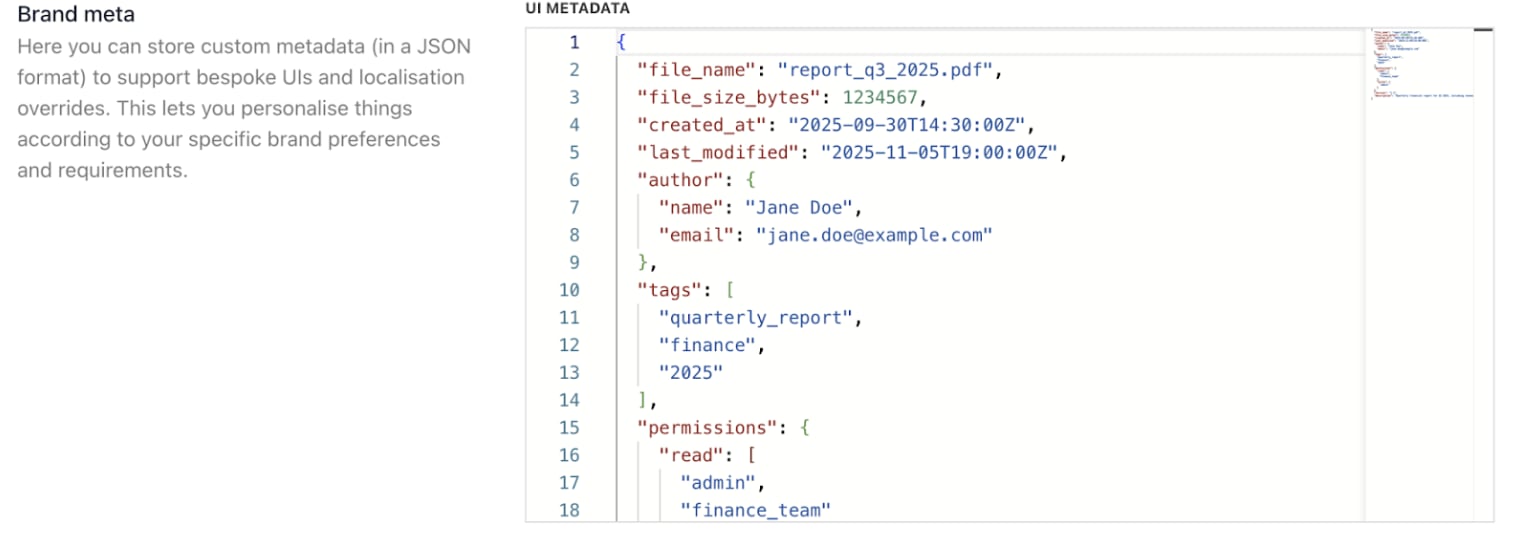
**UI metadata**: Defines how the interface is labelled, organised, and structured to look and behave consistently across devices. This includes text labels, menu names, button captions, and data schemas in a machine-readable format (in JSON format) so the UI can render consistently.
It stores extra, brand-specific details you can customise for your UI, allowing you to override or extend segments without changing core code.
It also provides per-language or per-region variations for strings such as emails, product descriptions, and help text. This ensures messaging aligns with local culture and terminology while keeping branding consistent.
### Brand meta
**UI metadata**: Defines how the interface is labelled, organised, and structured to look and behave consistently across devices. This includes text labels, menu names, button captions, and data schemas in a machine-readable format (in JSON format) so the UI can render consistently.
It stores extra, brand-specific details you can customise for your UI, allowing you to override or extend segments without changing core code.
It also provides per-language or per-region variations for strings such as emails, product descriptions, and help text. This ensures messaging aligns with local culture and terminology while keeping branding consistent.
 ### Brand tokens
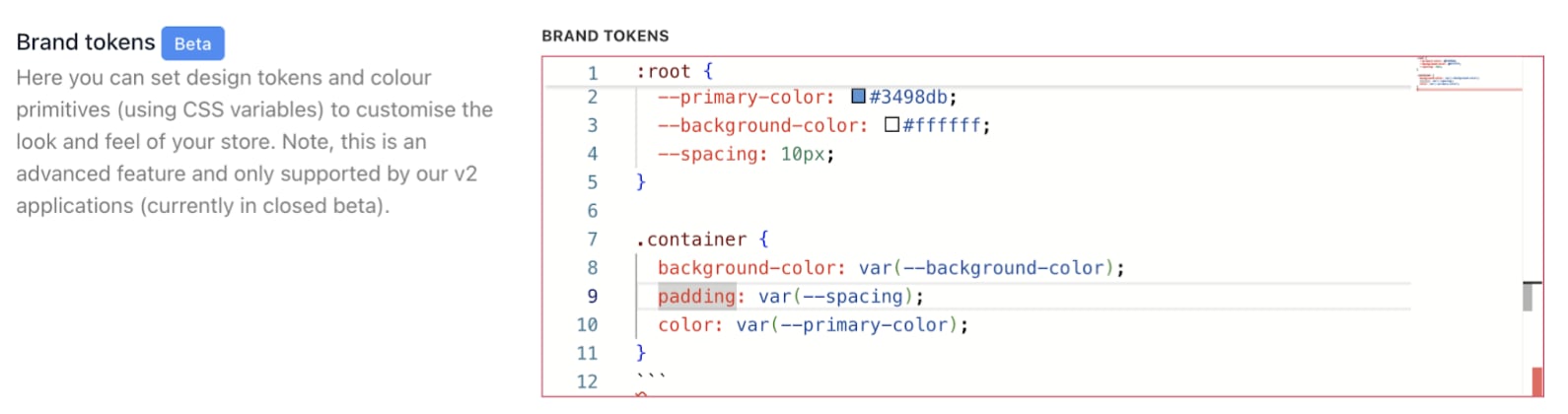
Design-system building blocks that store brand values (colour, typography, spacing) and drive consistent styling across products (using CSS variables). This is currently in closed beta.
### Brand tokens
Design-system building blocks that store brand values (colour, typography, spacing) and drive consistent styling across products (using CSS variables). This is currently in closed beta.
 ### Reset brand data
**Allow deletion of all brand data**: Enable/disable option to permanently remove all brand-related data.
### Reset brand data
**Allow deletion of all brand data**: Enable/disable option to permanently remove all brand-related data.
 ### Go fullscreen
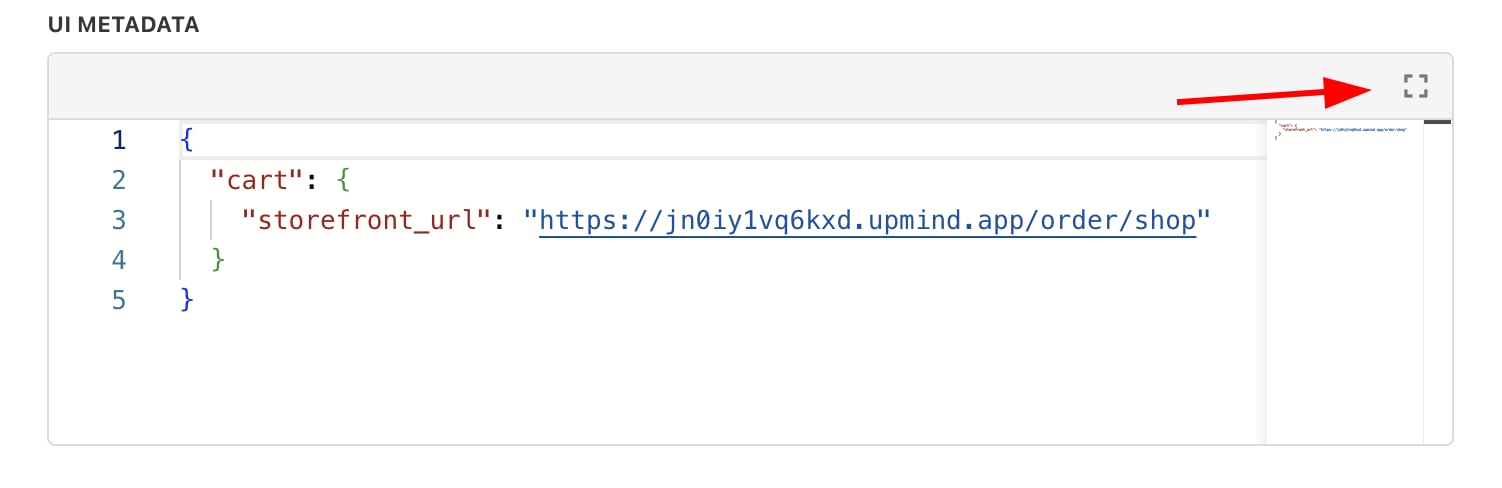
You can expand the Monaco editor to go full screen to see your code better.
### Go fullscreen
You can expand the Monaco editor to go full screen to see your code better.