> ## Documentation Index
> Fetch the complete documentation index at: https://docs.upmind.com/llms.txt
> Use this file to discover all available pages before exploring further.
# How to Input Domain Settings
> Upmind extracts the necessary information from Host Control so you don't have to worry about it.
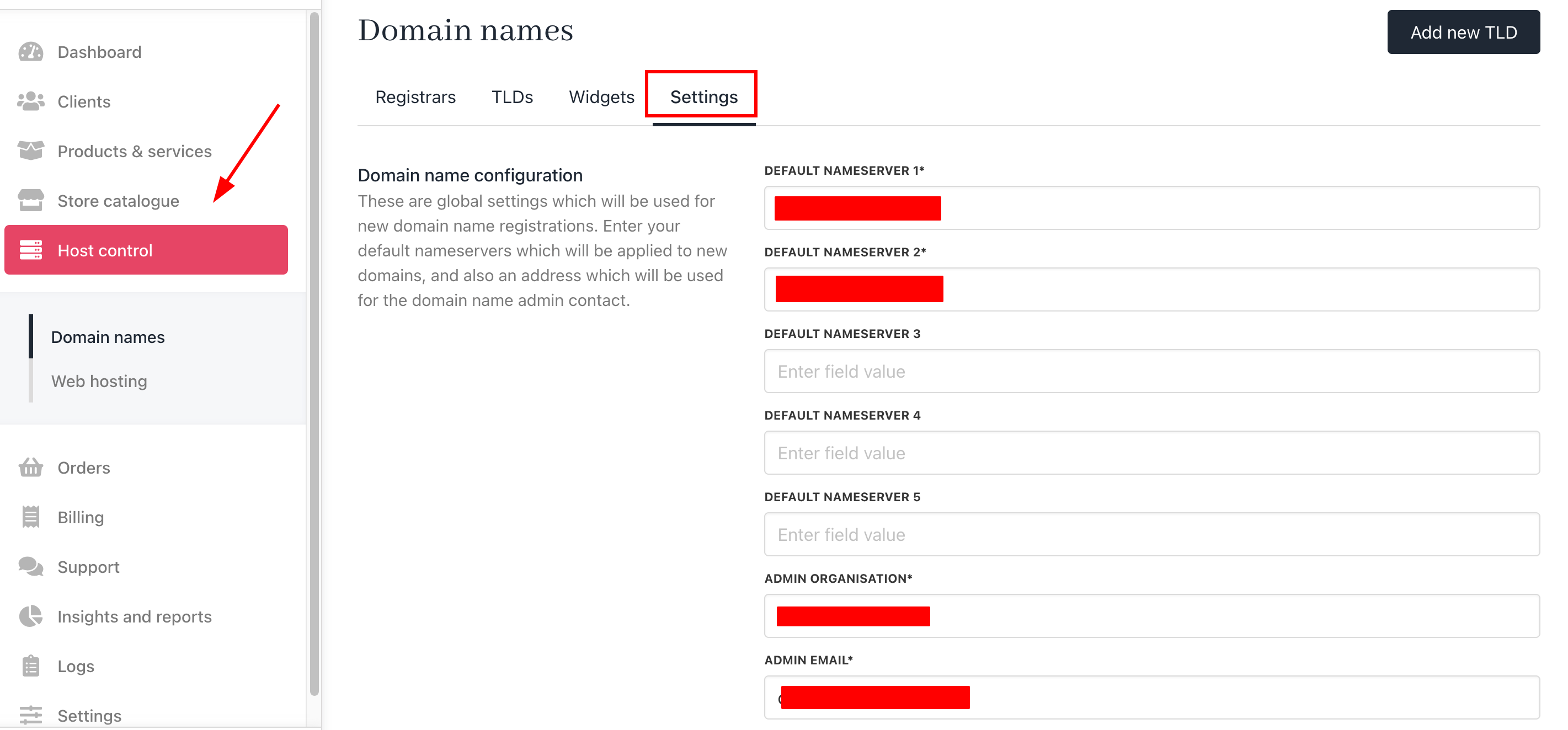
To register a domain name, a hosting company needs to include information about its company. On Upmind, that information comes from the **Host control** > **Domain names** page.
Click the **Settings** menu tab and verify the information. If incomplete, fill in all required fields and click Save. At a minimum, you need to enter:
* Server names
* Company name and address
* Admin contact information