> ## Documentation Index
> Fetch the complete documentation index at: https://docs.upmind.com/llms.txt
> Use this file to discover all available pages before exploring further.
# How to Find Support PIN in Client Area
> When your client needs it, you can follow a few steps for this and be secure.
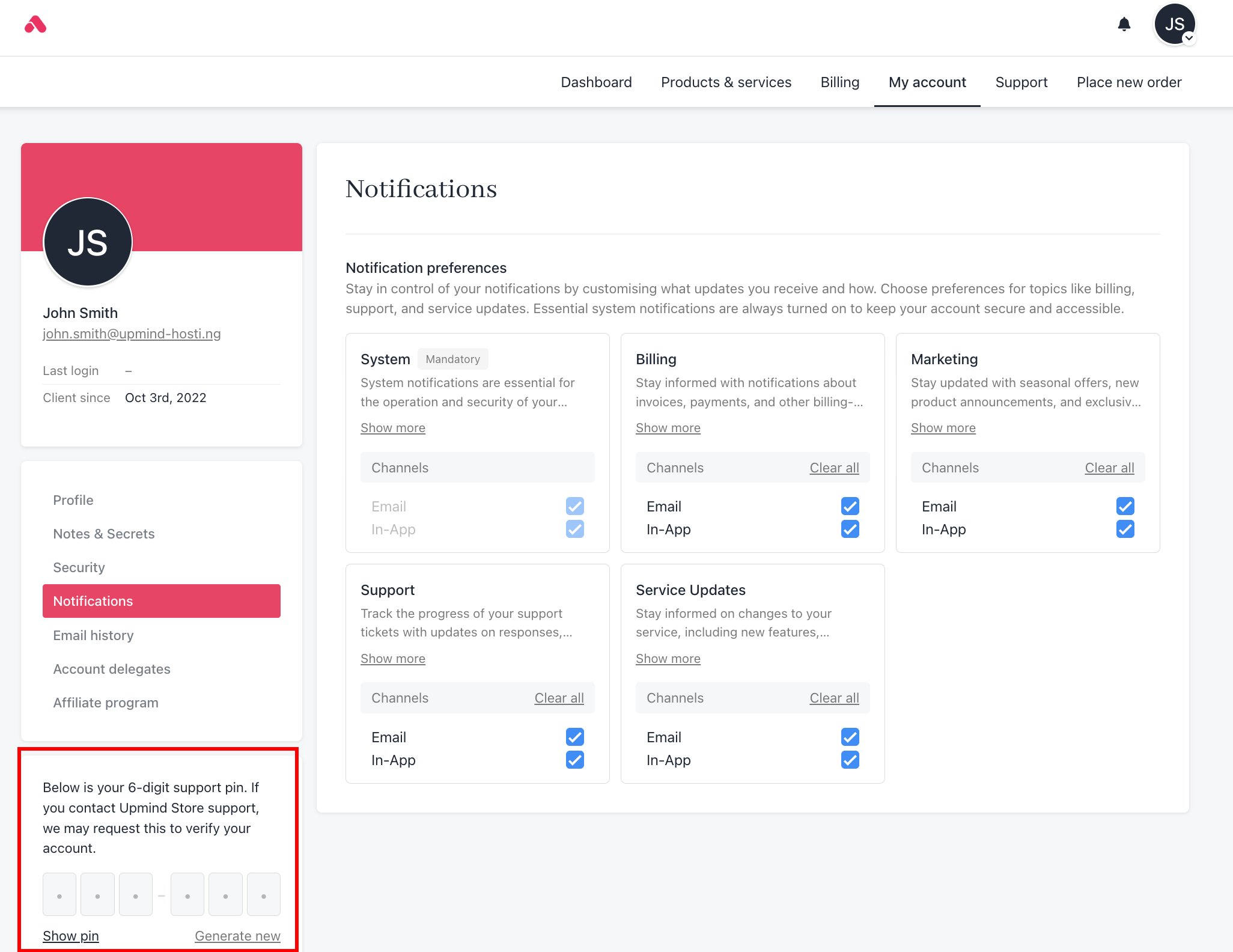
If the administrator has enabled the **Support PIN**, your clients can access it from their client area. Follow these steps to find it:
1. Log in to the Upmind client area.
2. Go to **My Account**.
3. Check the bottom left side of the page. You will see the **Support PIN**.