> ## Documentation Index
> Fetch the complete documentation index at: https://docs.upmind.com/llms.txt
> Use this file to discover all available pages before exploring further.
# How Do My Clients Check Their Account Balance
> Clients can easily check their account credit balance and top up their accounts.
This article shows clients how they can locate their account balance with your store. We also show you how clients can top up their accounts.
## Locating the account balance
1. Log in to the store account.
2. Click the **Billing** menu tab.
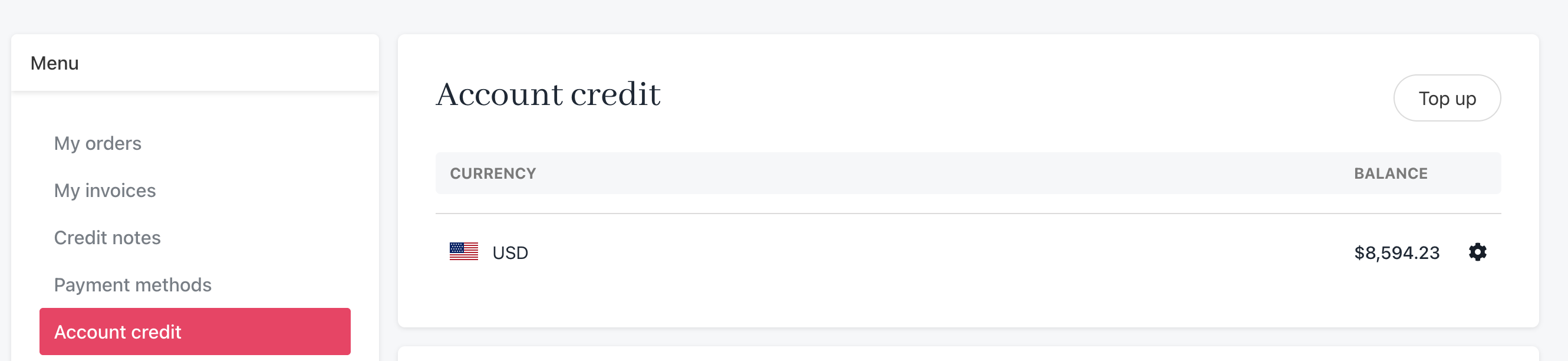
 3. Click **Account credit** on the left side menu.
* Upmind displays the account balance.
3. Click **Account credit** on the left side menu.
* Upmind displays the account balance.
 ## Topping up an account
To add funds to the account balance:
1. Click the **Top up** button.
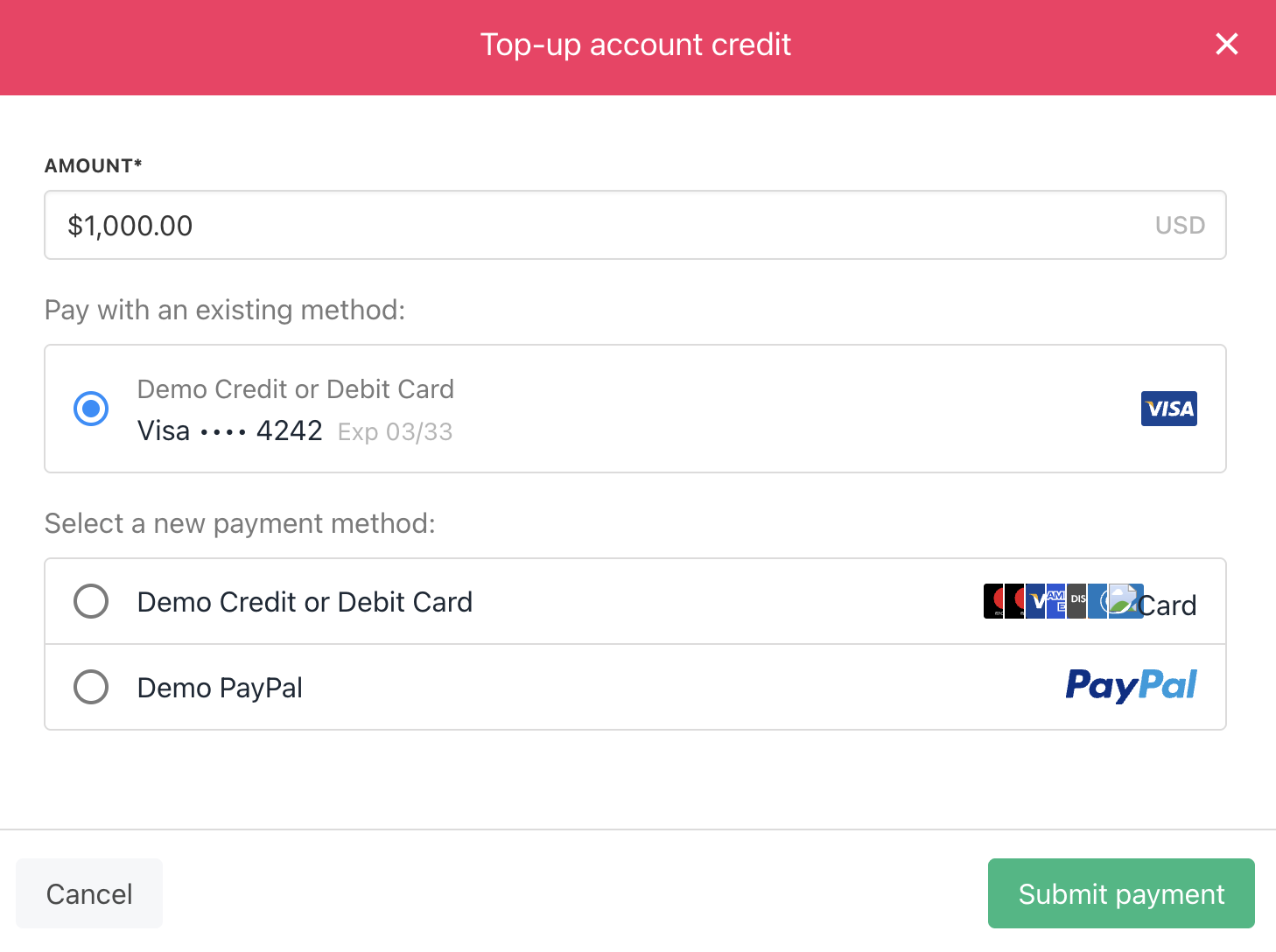
2. Enter an amount and complete the payment form.
3. Click **Submit** payment.
## Topping up an account
To add funds to the account balance:
1. Click the **Top up** button.
2. Enter an amount and complete the payment form.
3. Click **Submit** payment.